
Gathering noteSCIRE2017
だれでも MOVIE CLASS S1

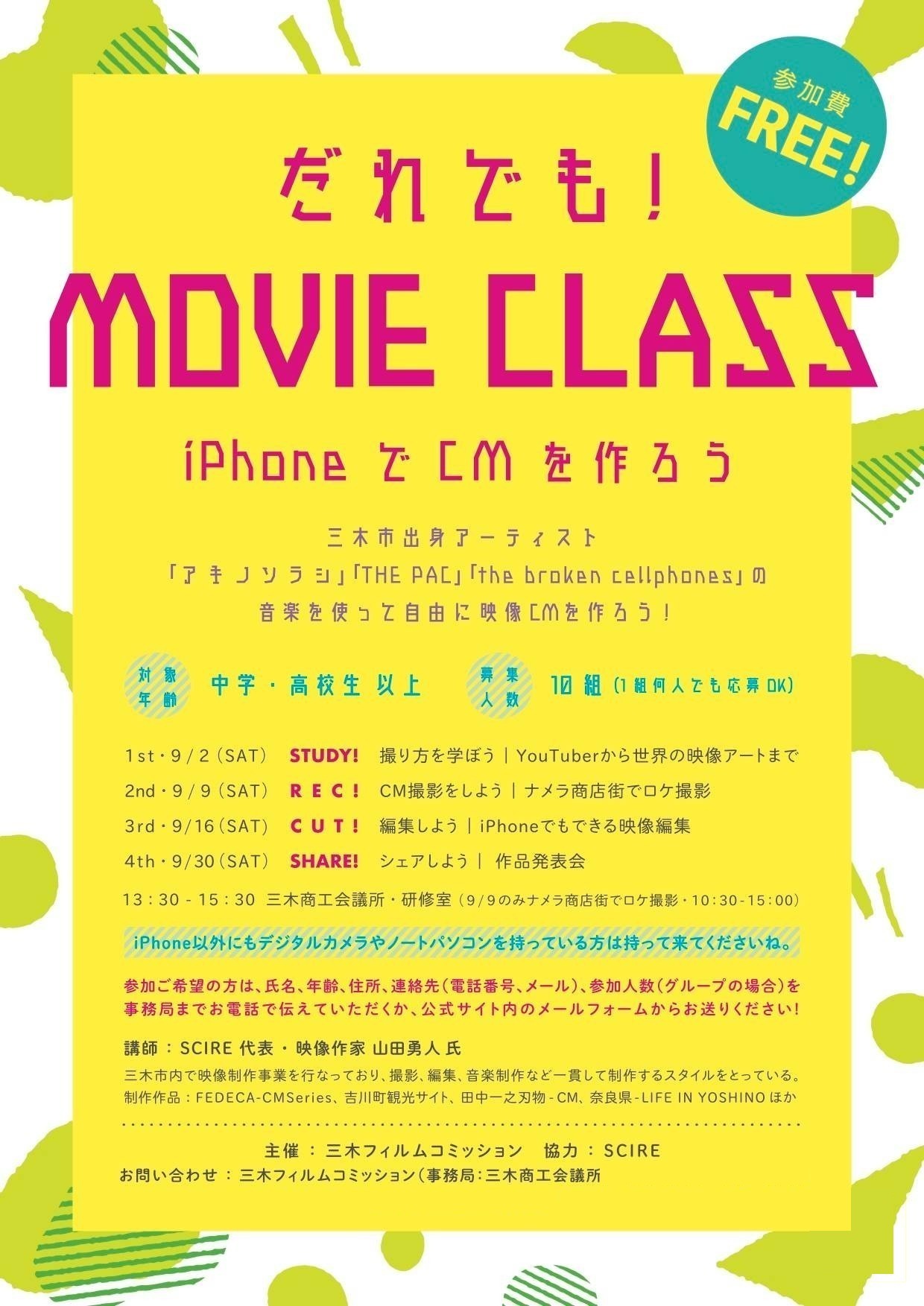
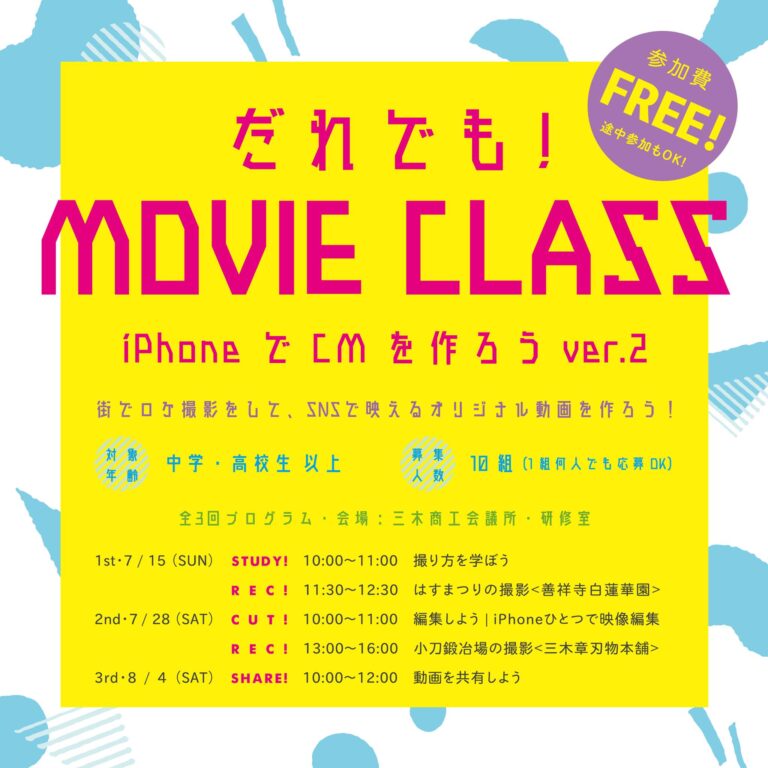
三木フィルムコミッション(三木商工会議所)が主催する映像講座「だれでも!MOVIE CLASS ― iPhone で CM をつくろう ―」の1年目。SCIRE がプロデュースし、講師を務めました。対象は中学・高校生以上、参加費は無料。フライヤーと告知画像も SCIRE がデザインしています。フライヤーは市内のすべての新聞に折込で入りました。
音楽は、三木市出身のアーティスト、アキノソラシ、THE PAC、the broken cellphones の音源を自由に使えるようにしました。アキノソラシの松村貴俊さんには、すでに CD「ファミリーパズル」があり、そのなかの「pairy」と、みき三十路式の公式の歌でもある「スペック」の2曲を使わせてもらいました。
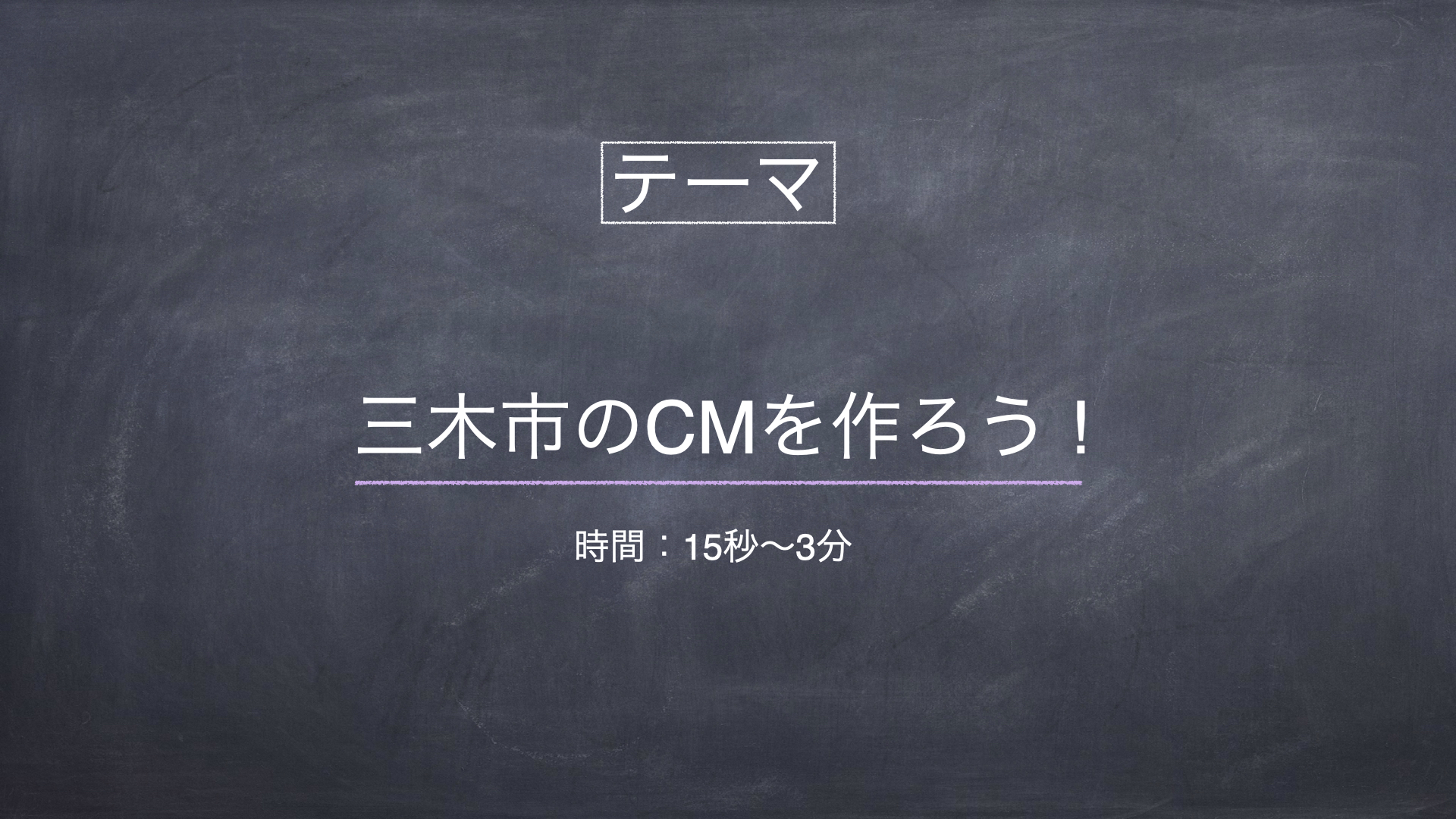
全4回を、三木商工会議所を拠点に開きました。「STUDY!」で観る、「REC!」で撮る、「CUT!」で編集する、「SHARE!」で公開する。映像をつくる一連の工程を、iPhone ひとつで、4週間でひと巡りする構成にしています。テーマは「三木市の CM をつくろう」。長さは15秒から3分、ひとり何作品つくっても構いません。
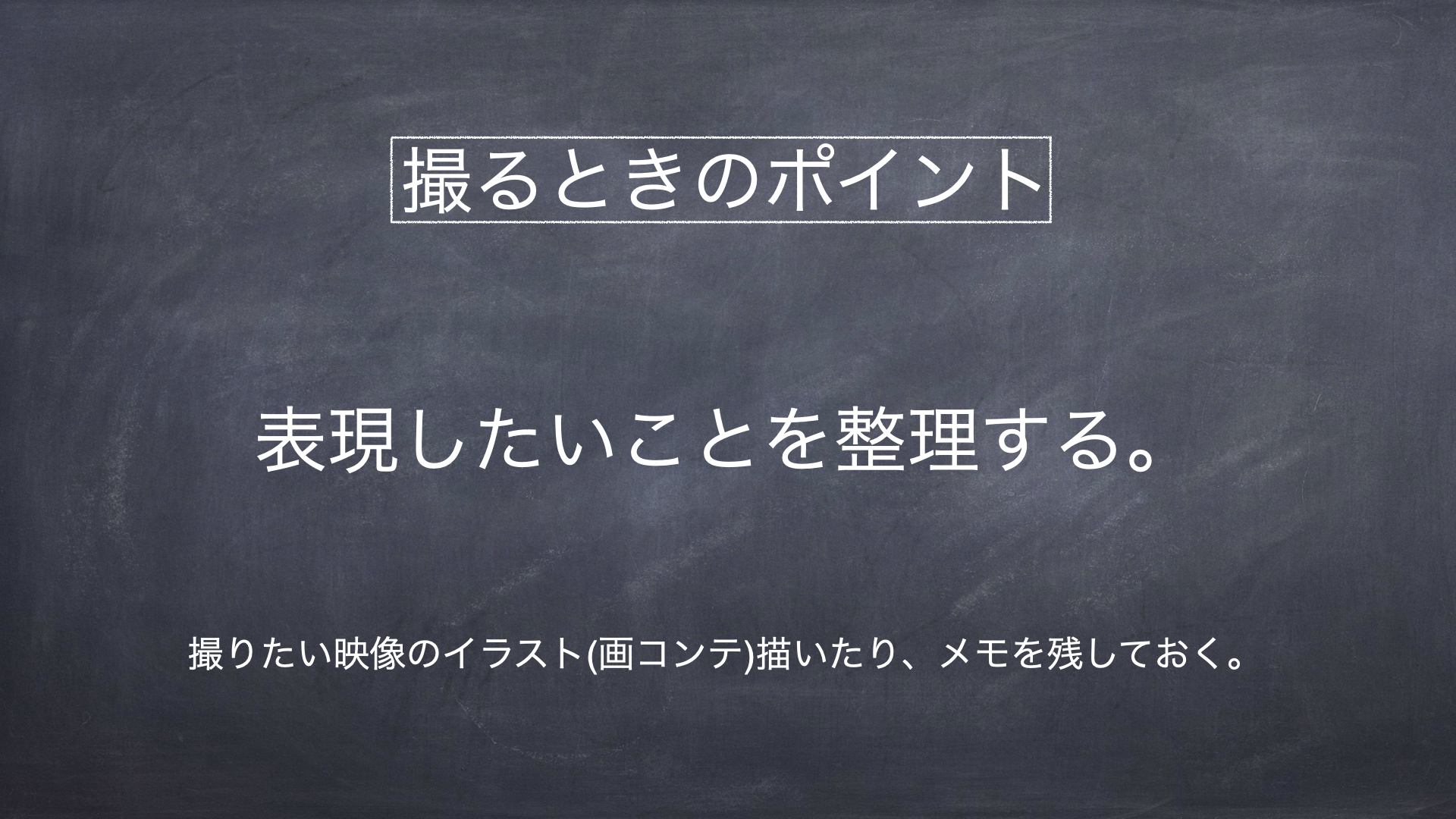
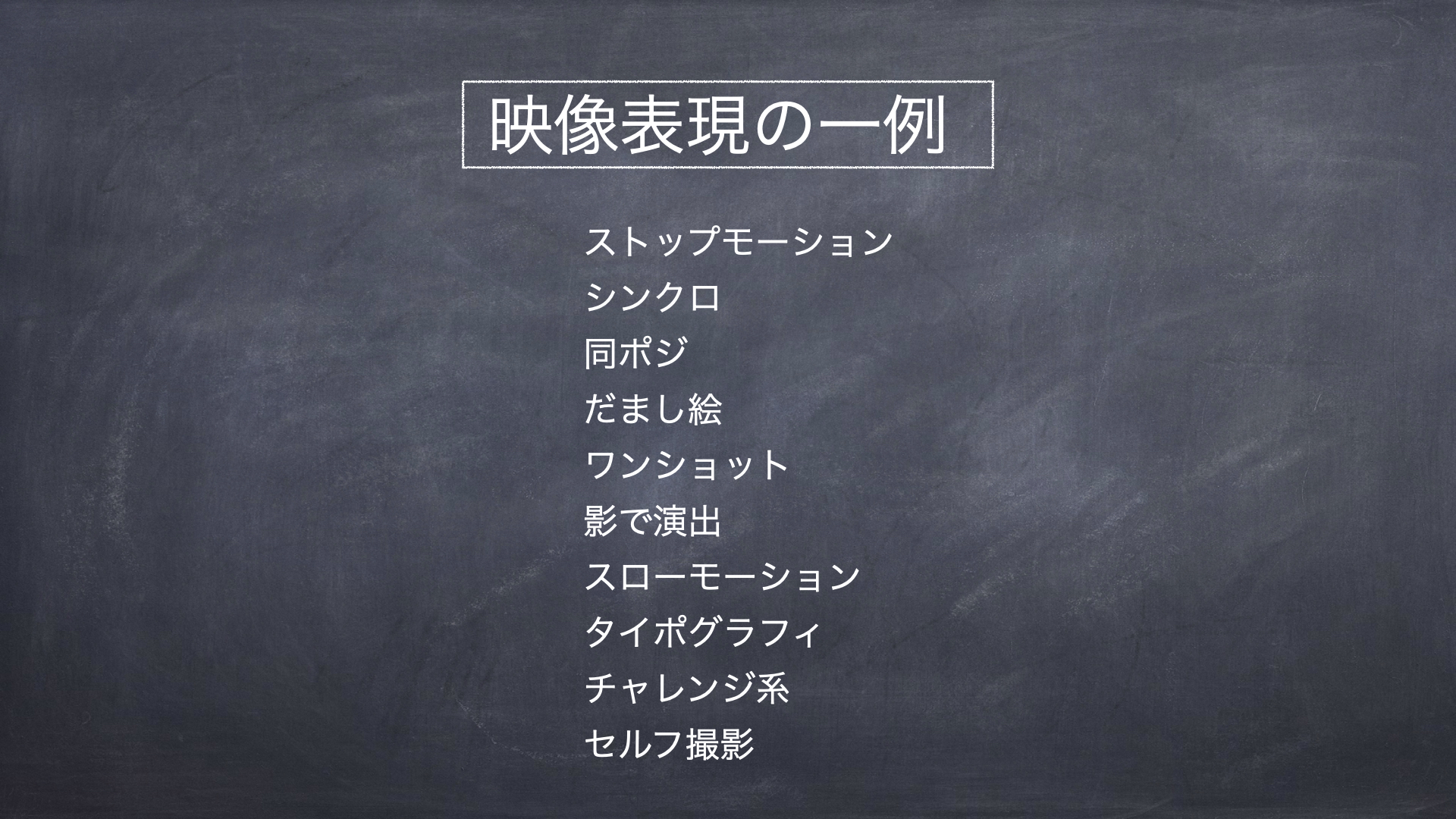
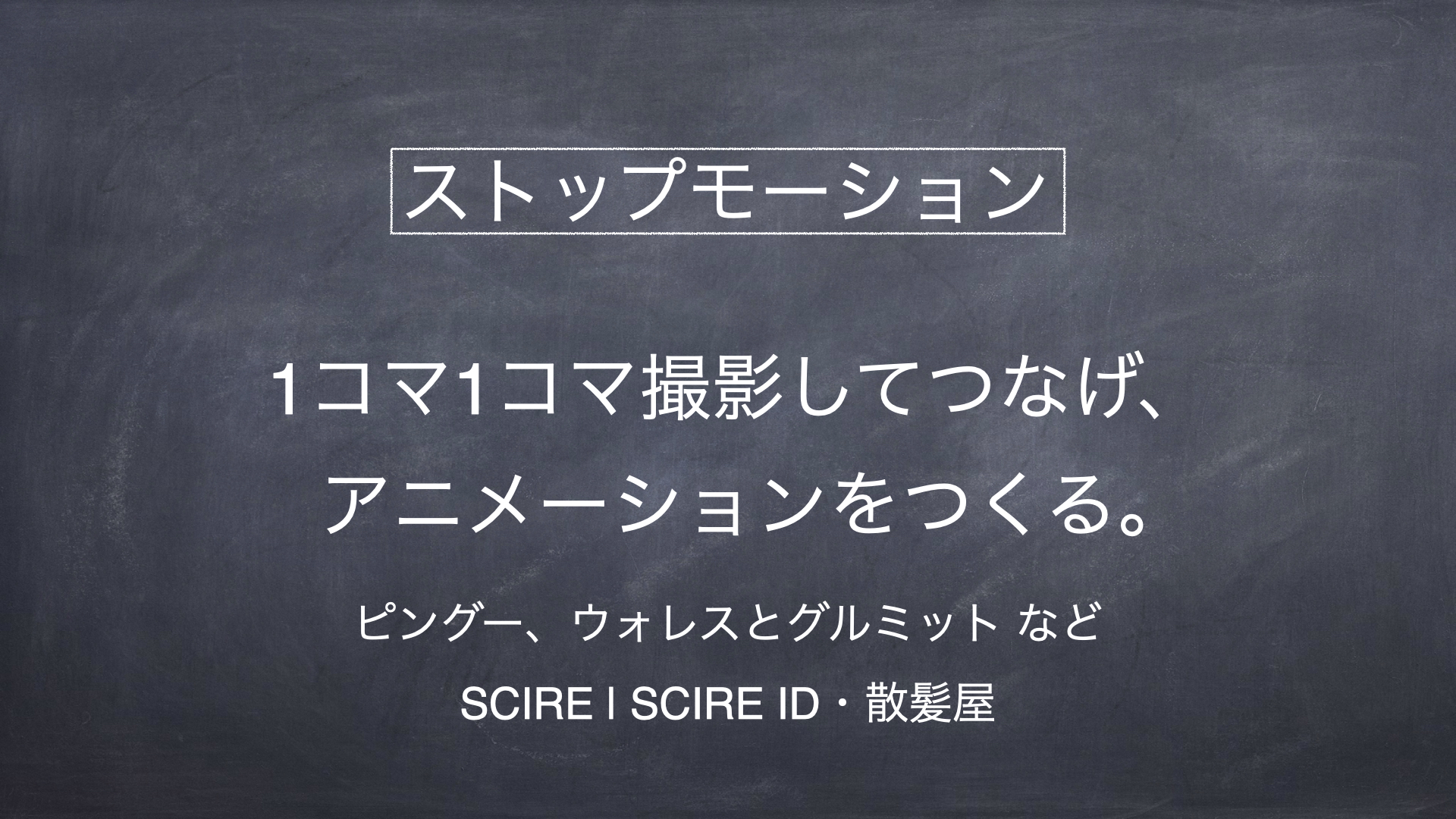
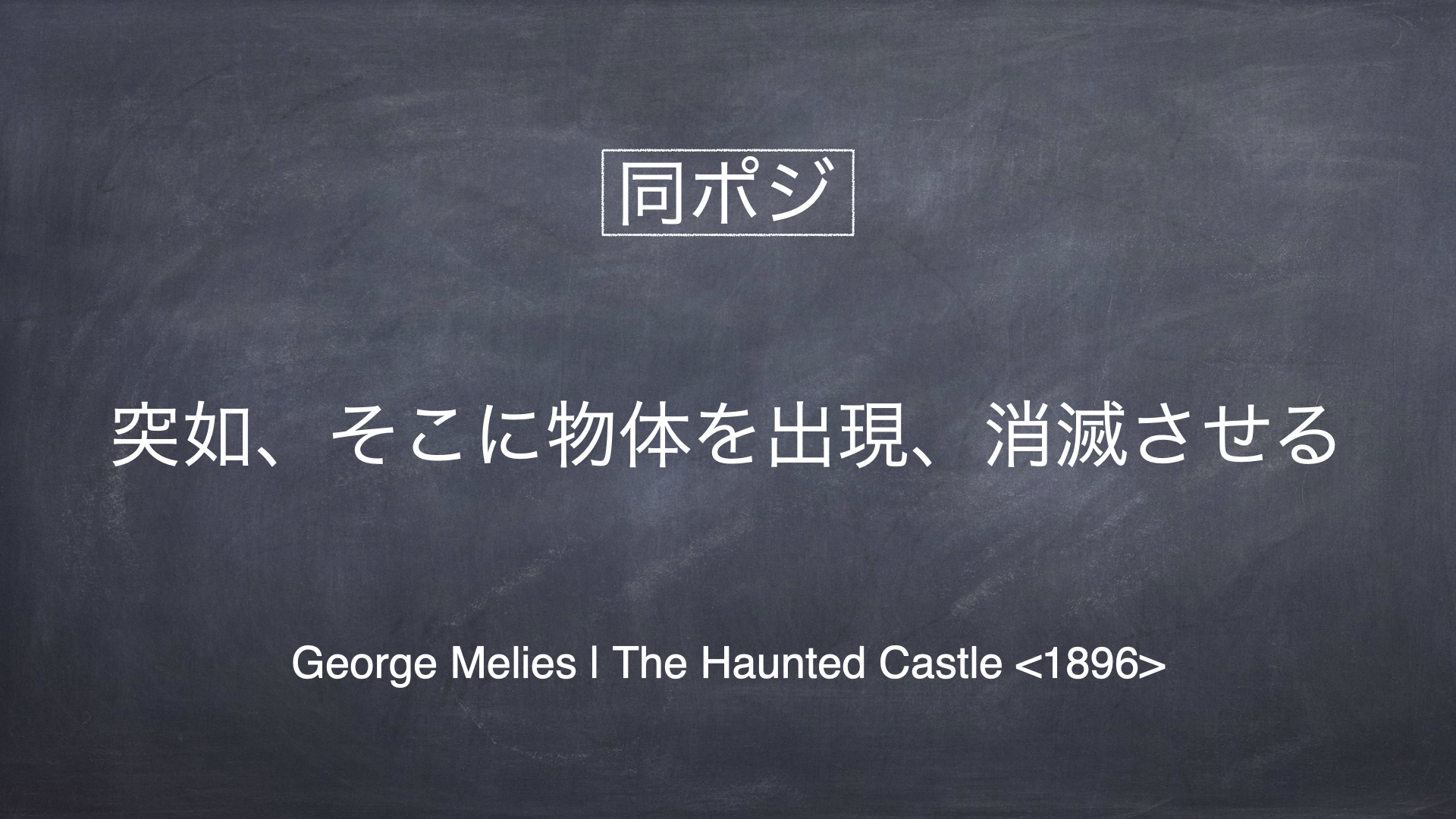
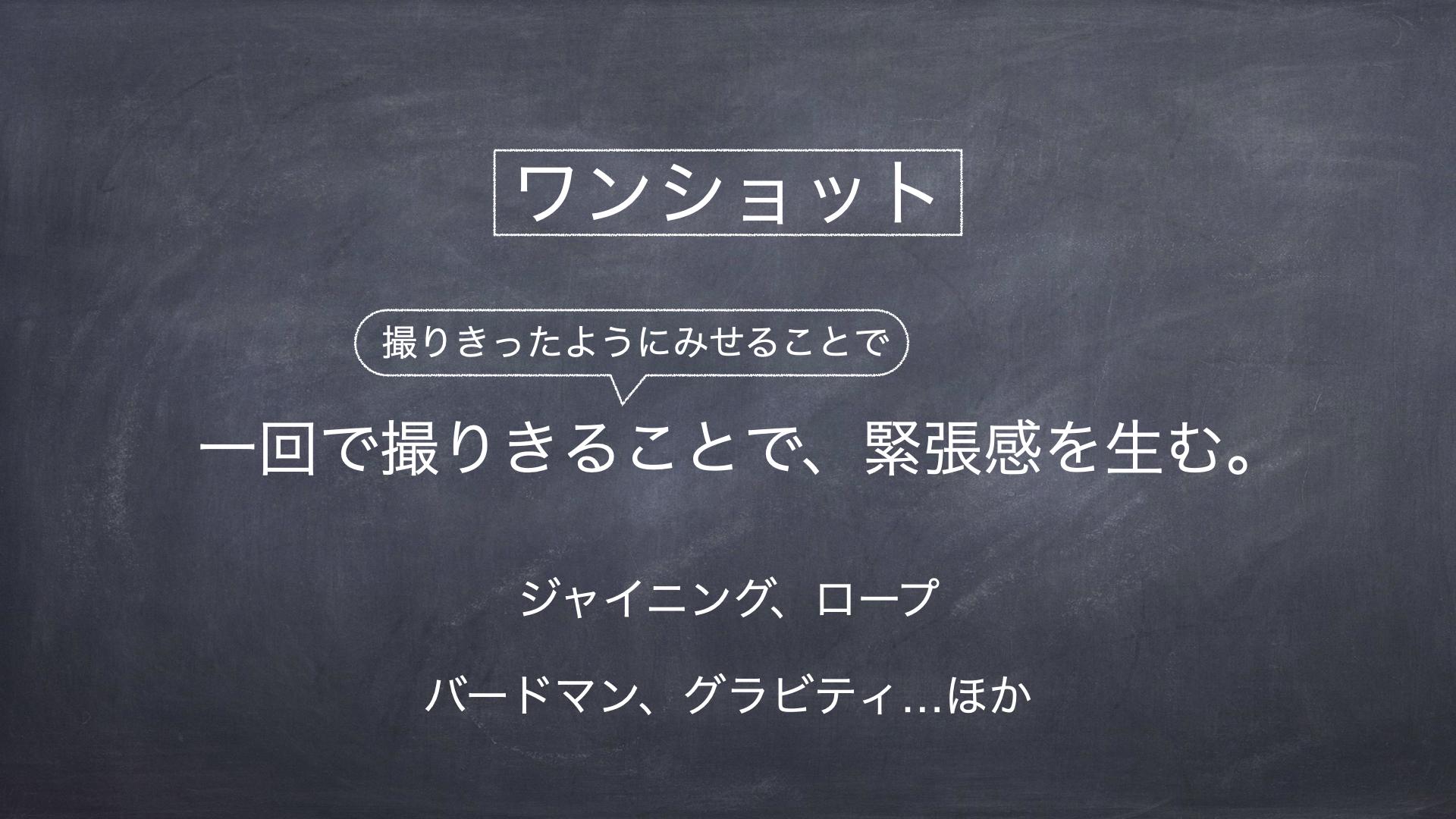
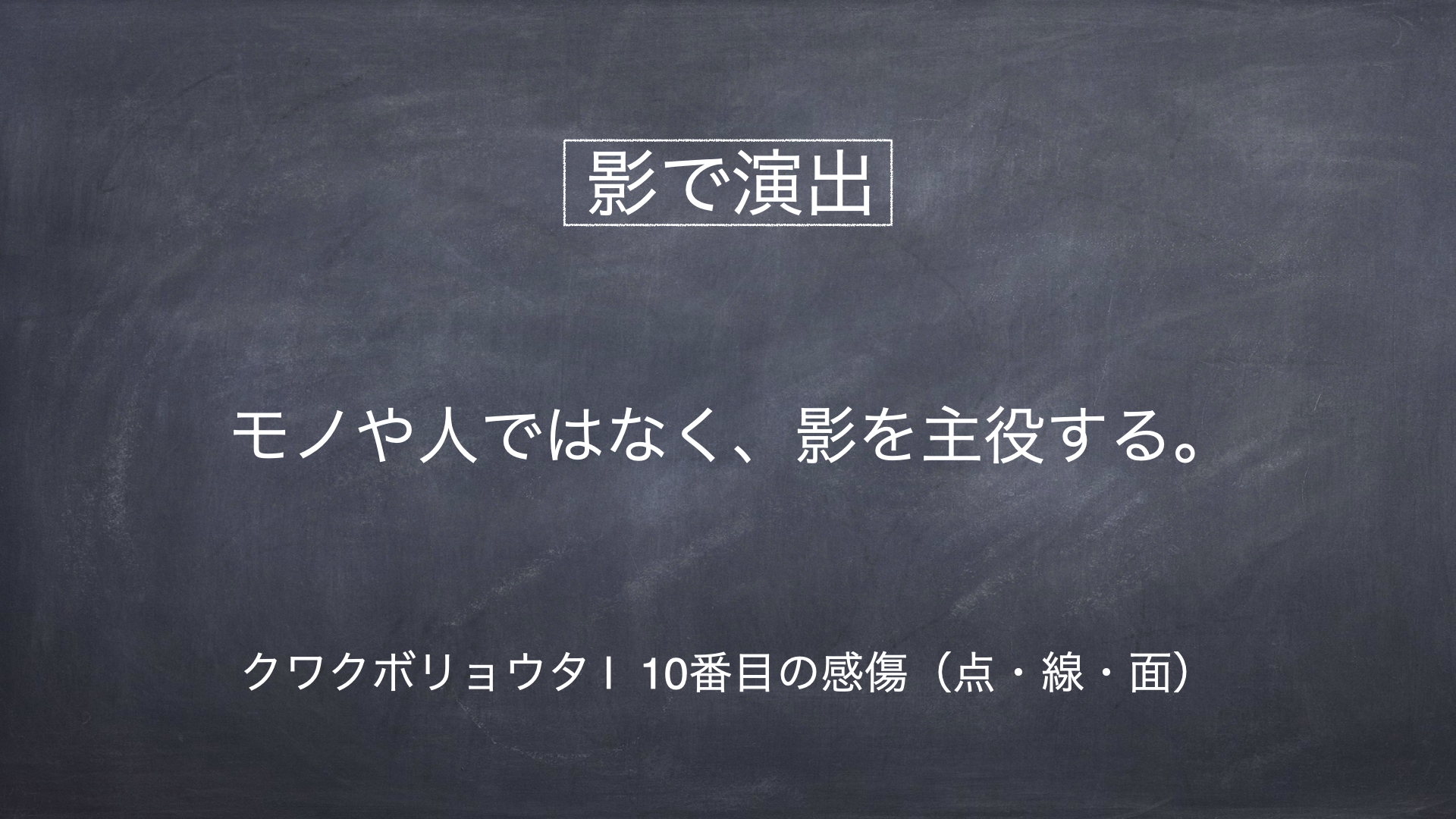
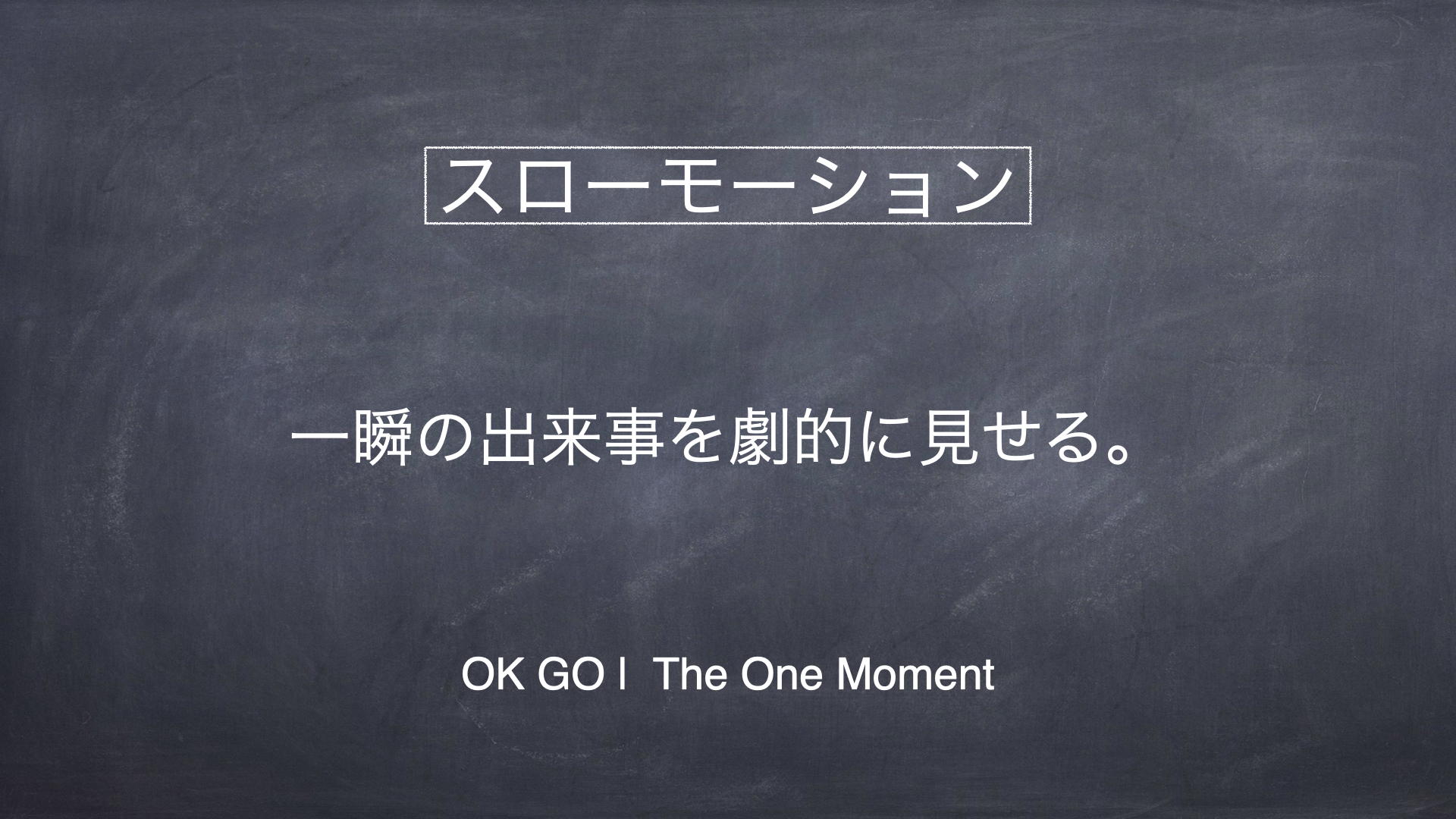
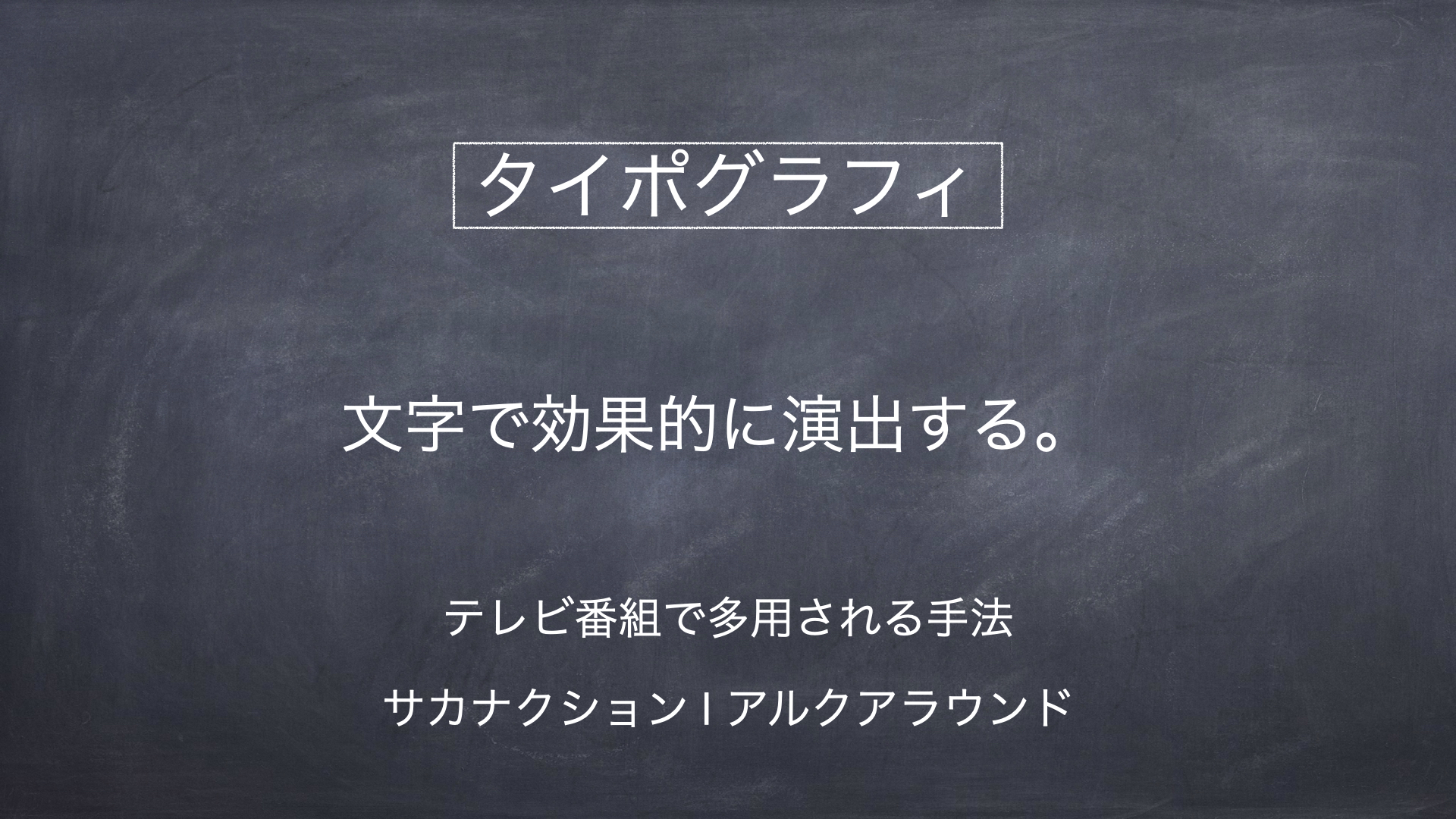
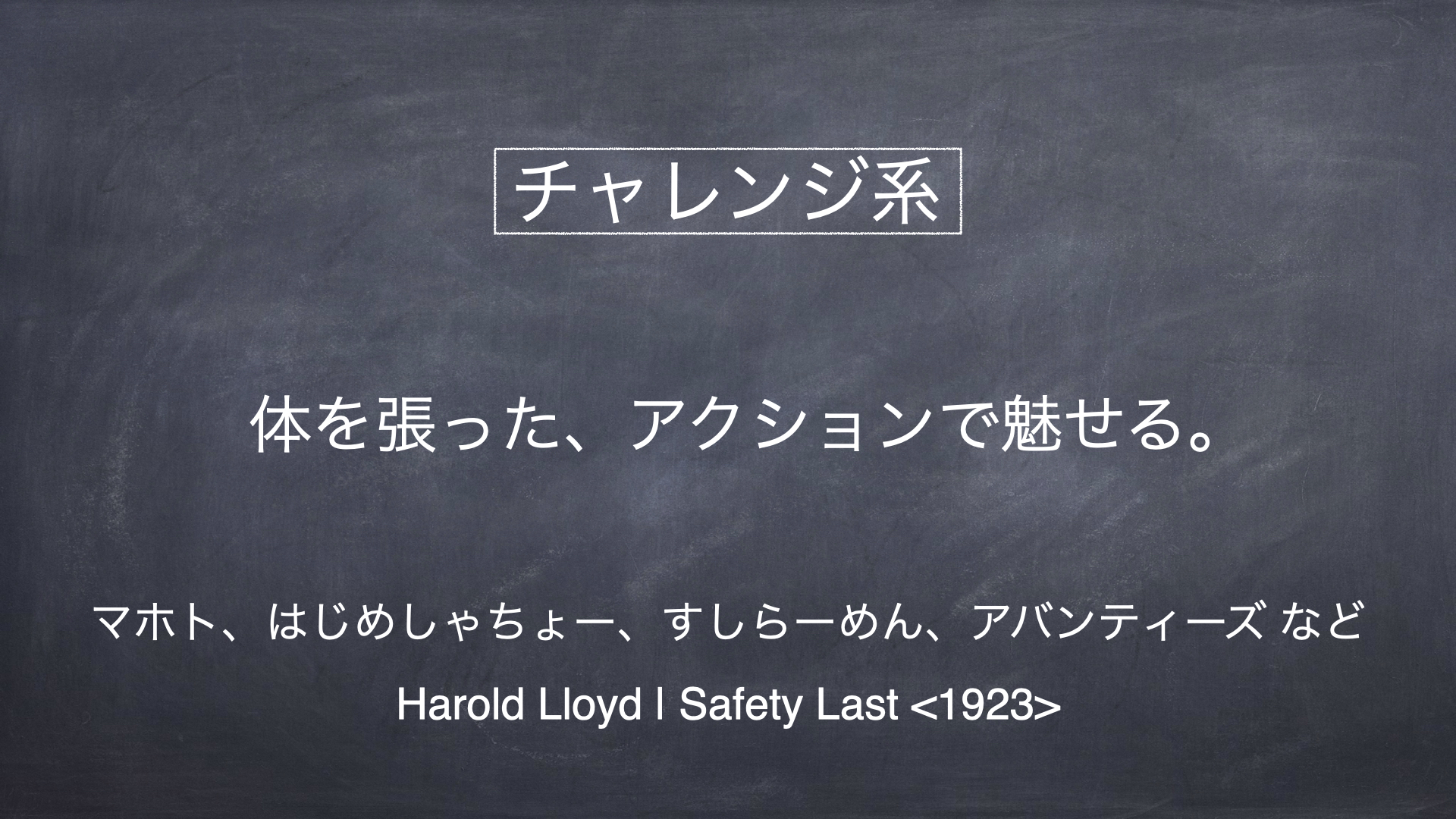
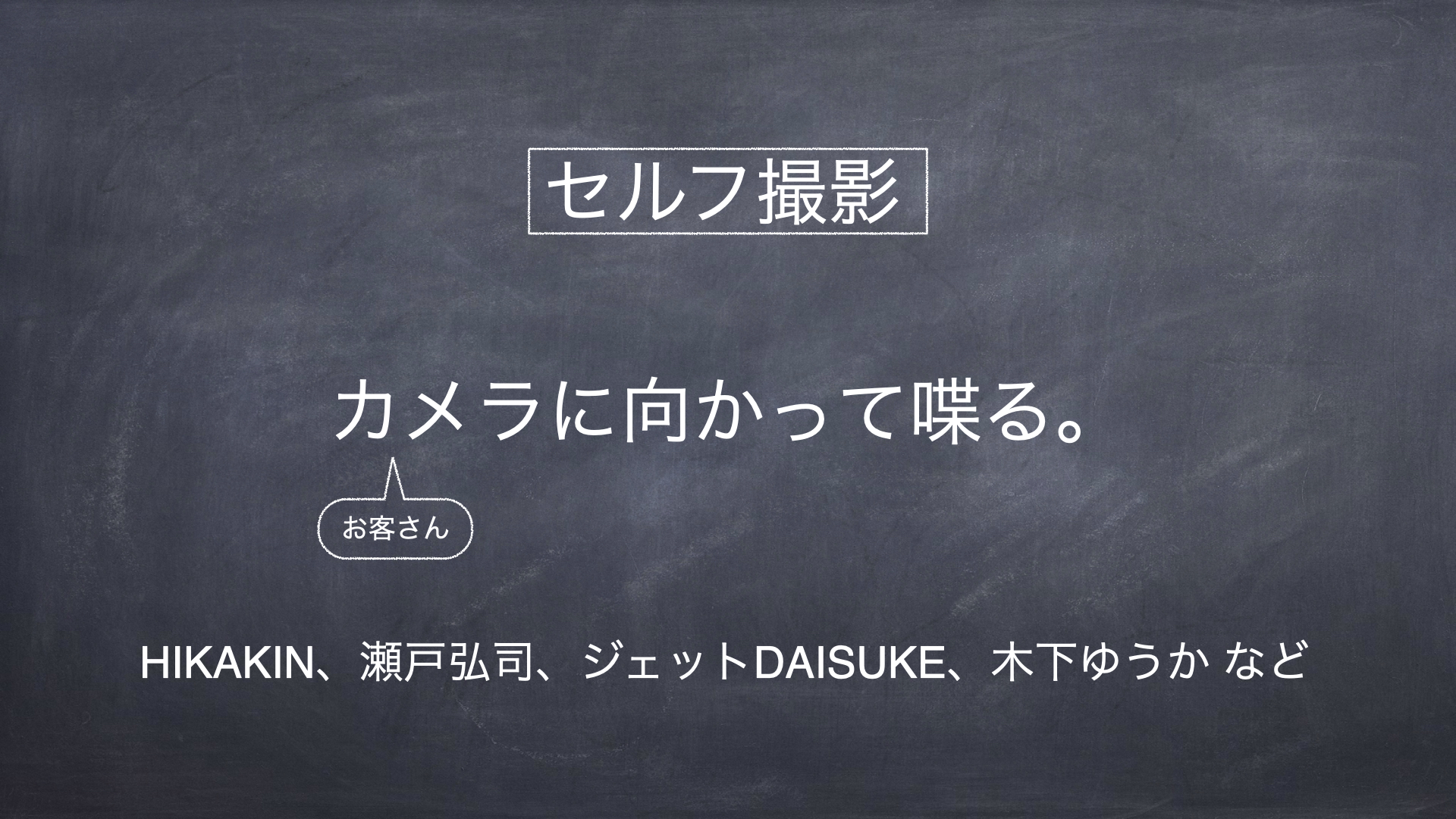
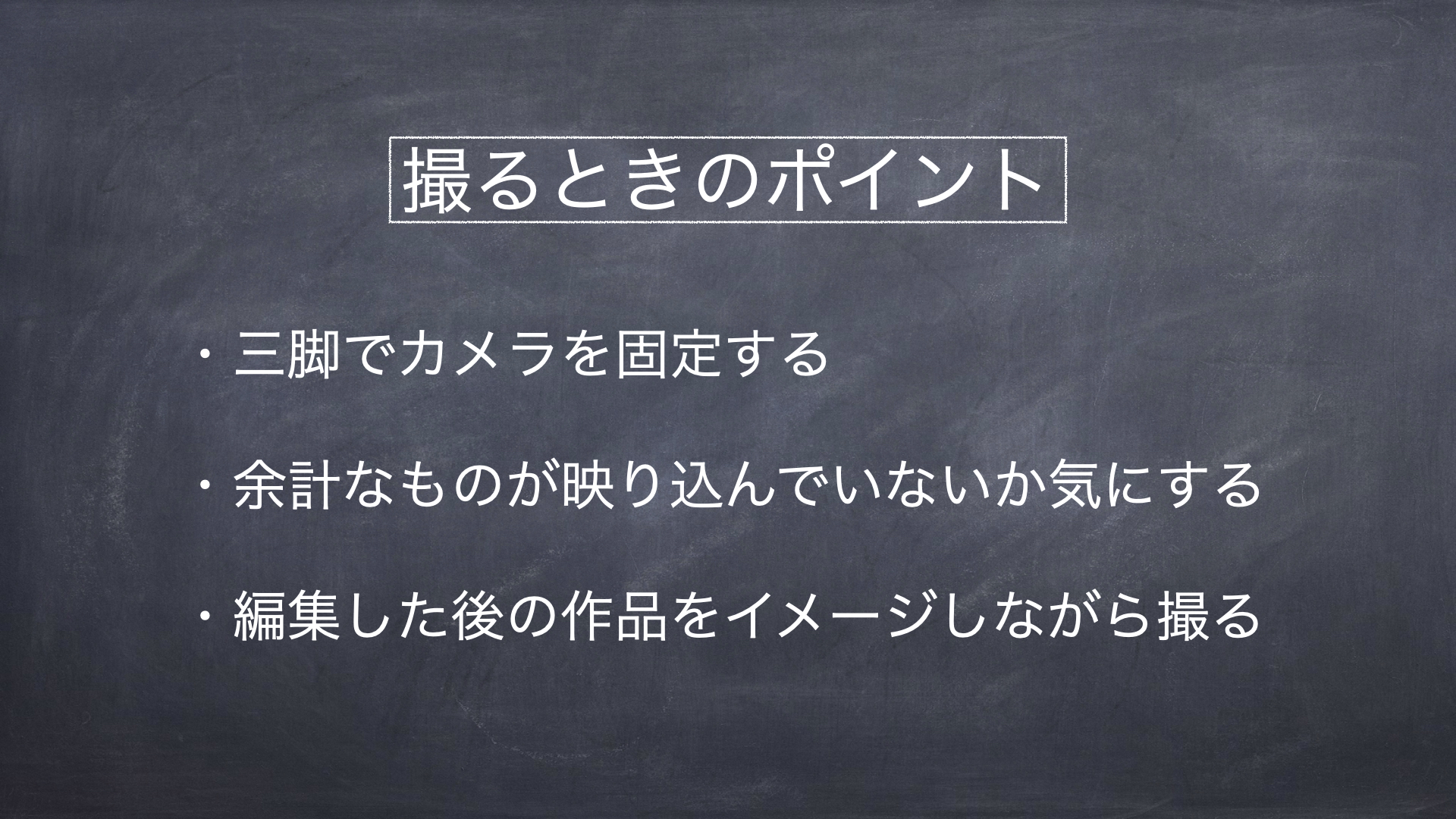
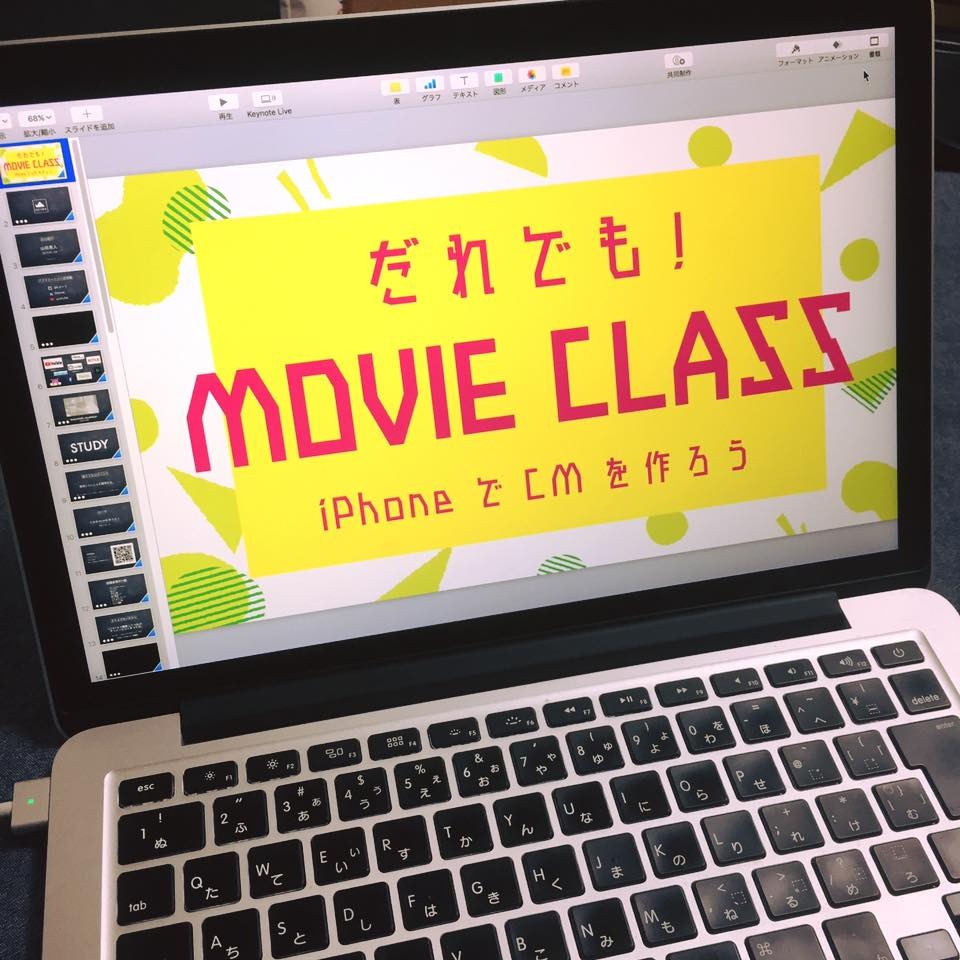
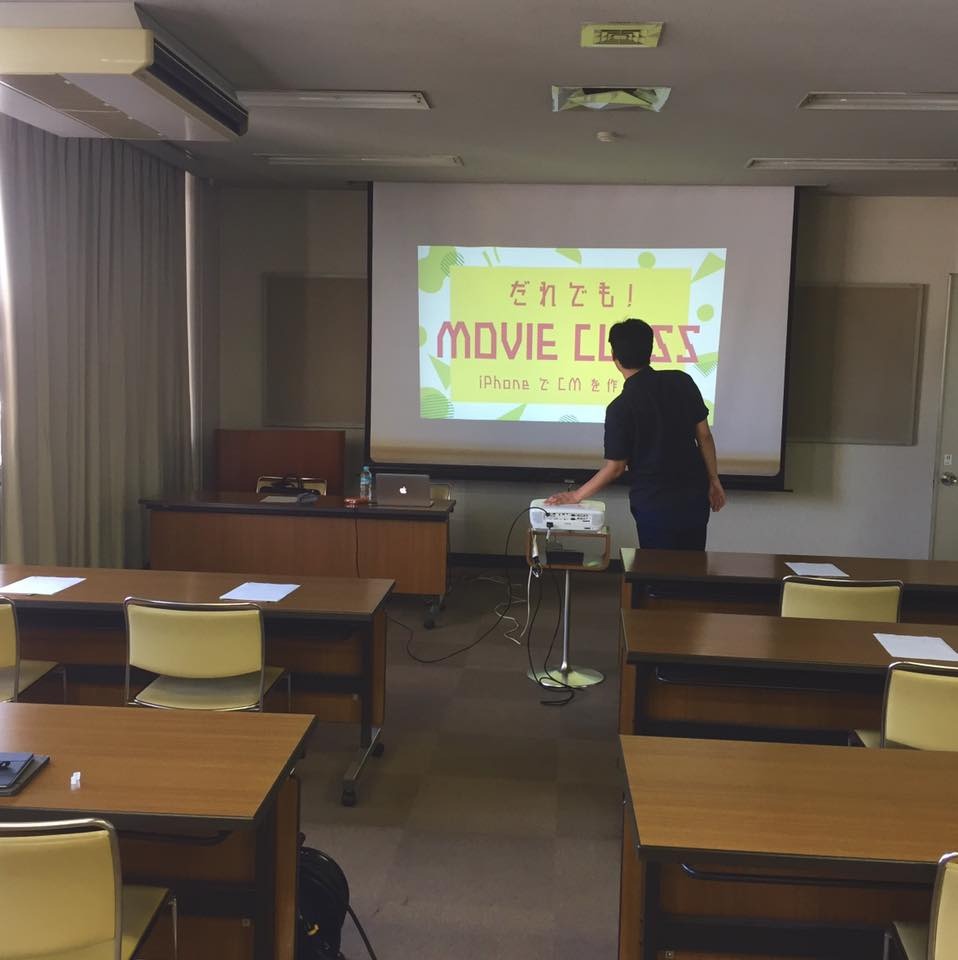
第1回「STUDY!」。2005年に YouTube が生まれたときの話と、2008年に山田が最初に投稿した動画から始めました。画面のアスペクト比、iPhone は横向きに構えること、三脚で固定すること、余計なものが映り込んでいないか気にすること、編集したあとの作品を思い浮かべながら撮ること。撮るときのポイントとして、まず「表現したいことを整理する」、そのために絵コンテを描いたりメモを残したりすることを伝えています。そのうえで「映像表現の一例」として、ストップモーション、シンクロ、同ポジ、だまし絵、ワンショット、影で演出、スローモーション、タイポグラフィ、チャレンジ系、セルフ撮影の10の手法を、メリエスの『The Haunted Castle』(1896)、ハロルド・ロイドの『Safety Last』(1923)、ヒッチコックの『ロープ』、OK GO やサカナクションのミュージックビデオ、クワクボリョウタの作品、立川談志の落語、YouTuber の動画まで、古今の映像を並べて観ました。それぞれの作品への QR コードを載せた資料も配っています。
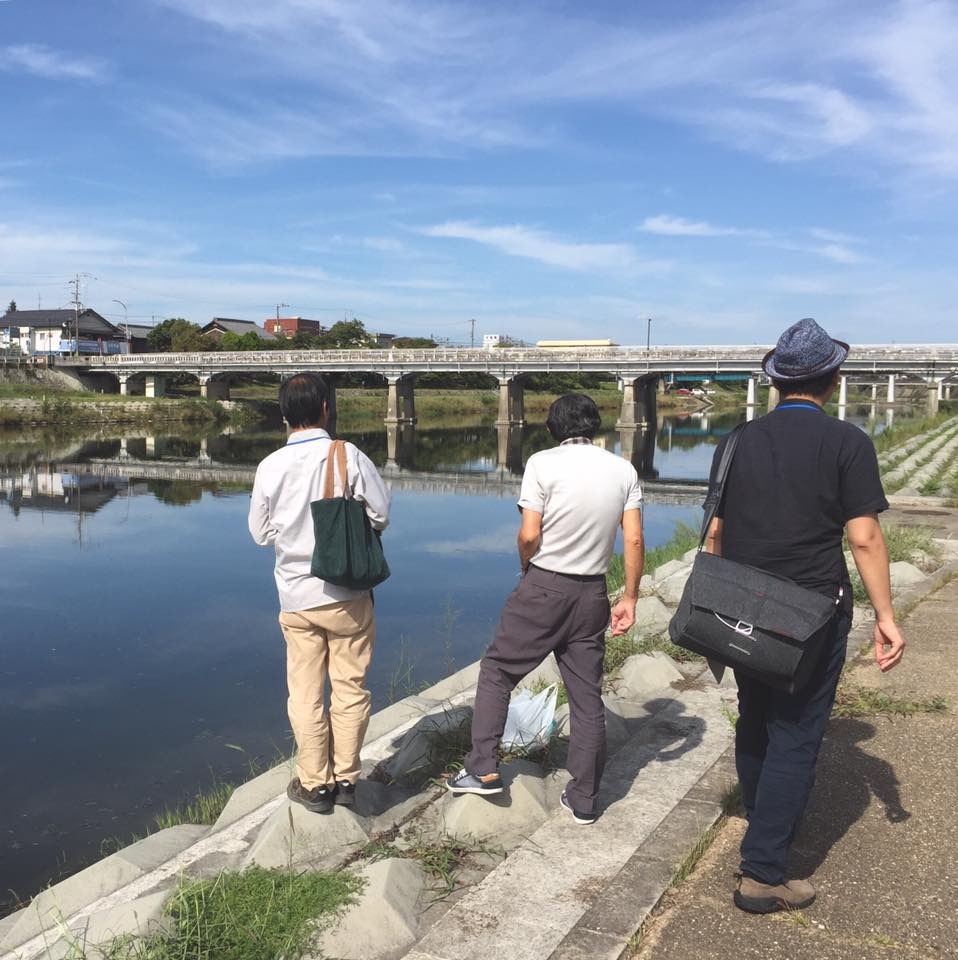
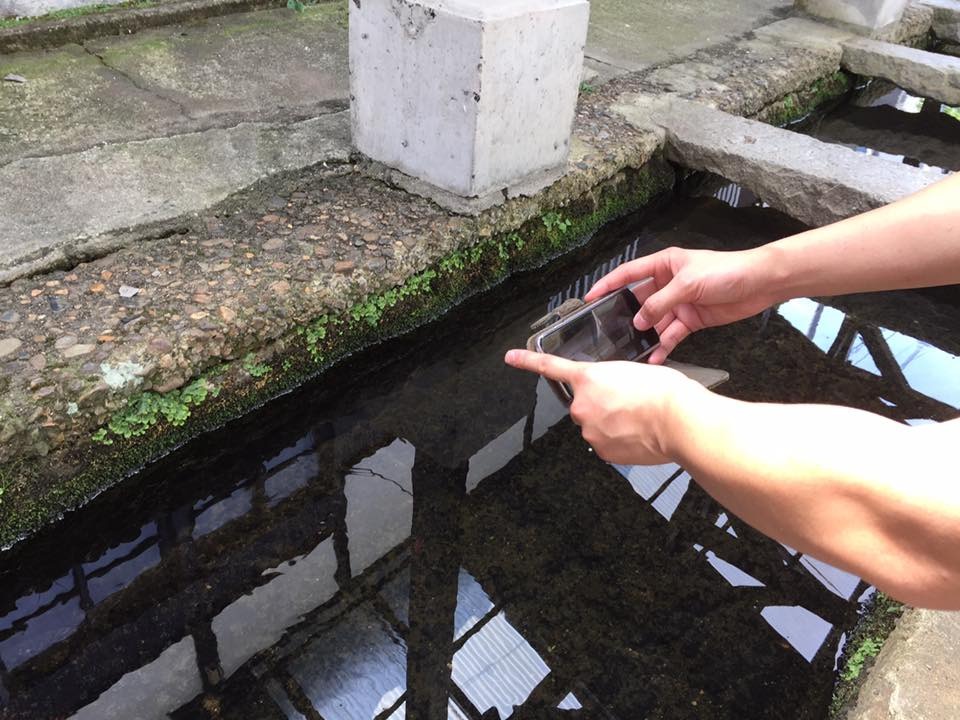
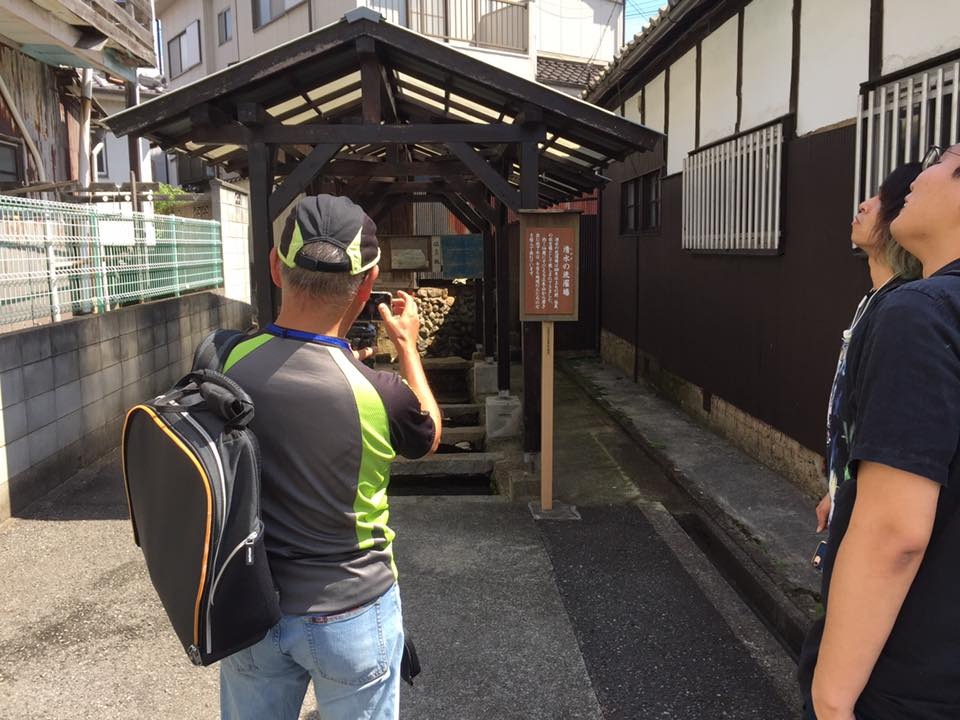
第2回「REC!」。iPhone 用の撮影機材を配り、ナメラ商店街や美嚢川沿い、三木城跡など、商工会館を中心に三木の街へ出て、10時半から15時まで撮影しました。低い視点、水の動きのスロー、タイムラプスなど、前回観た映像にならったアイデアにあふれる撮影になりました。
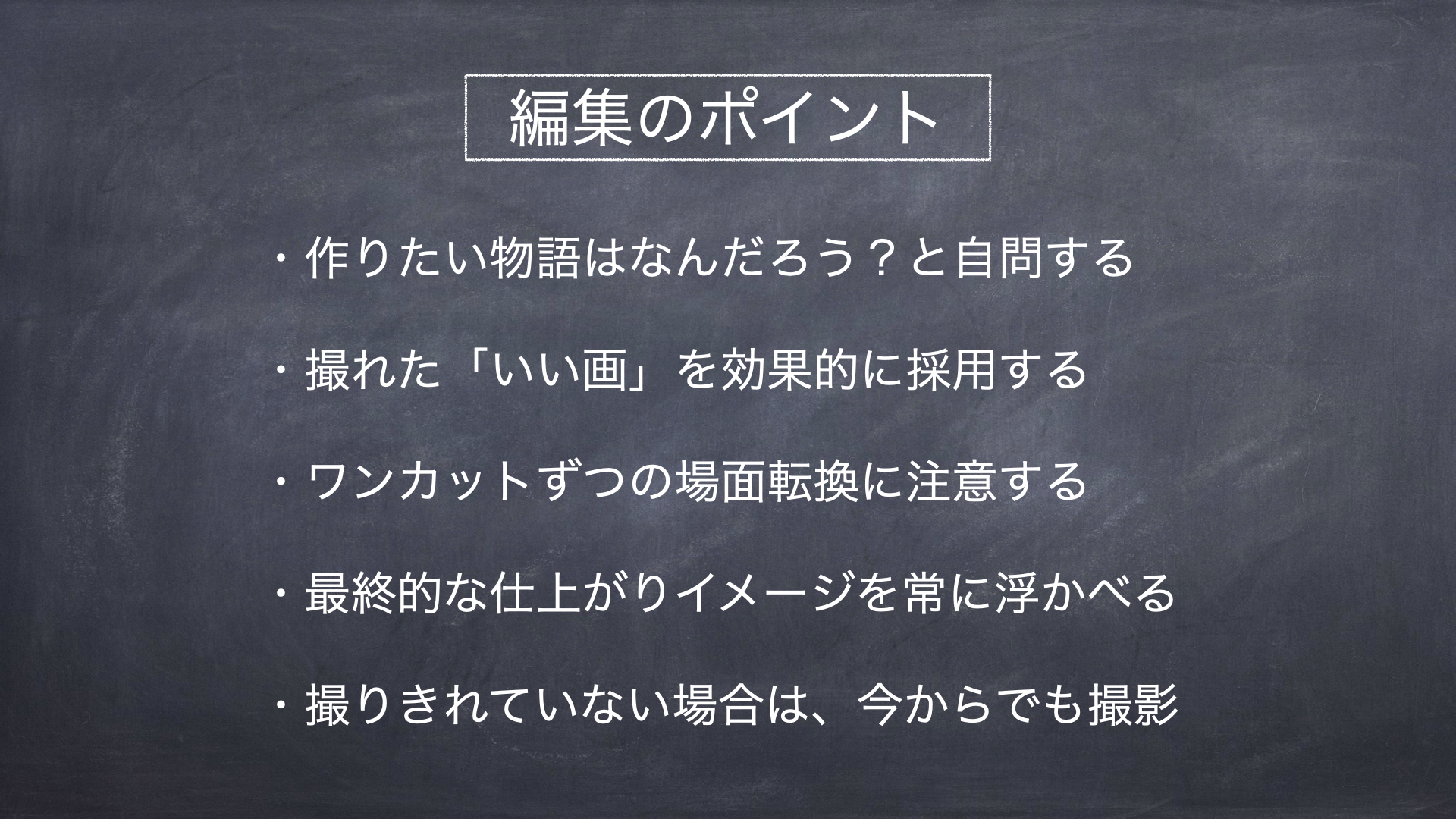
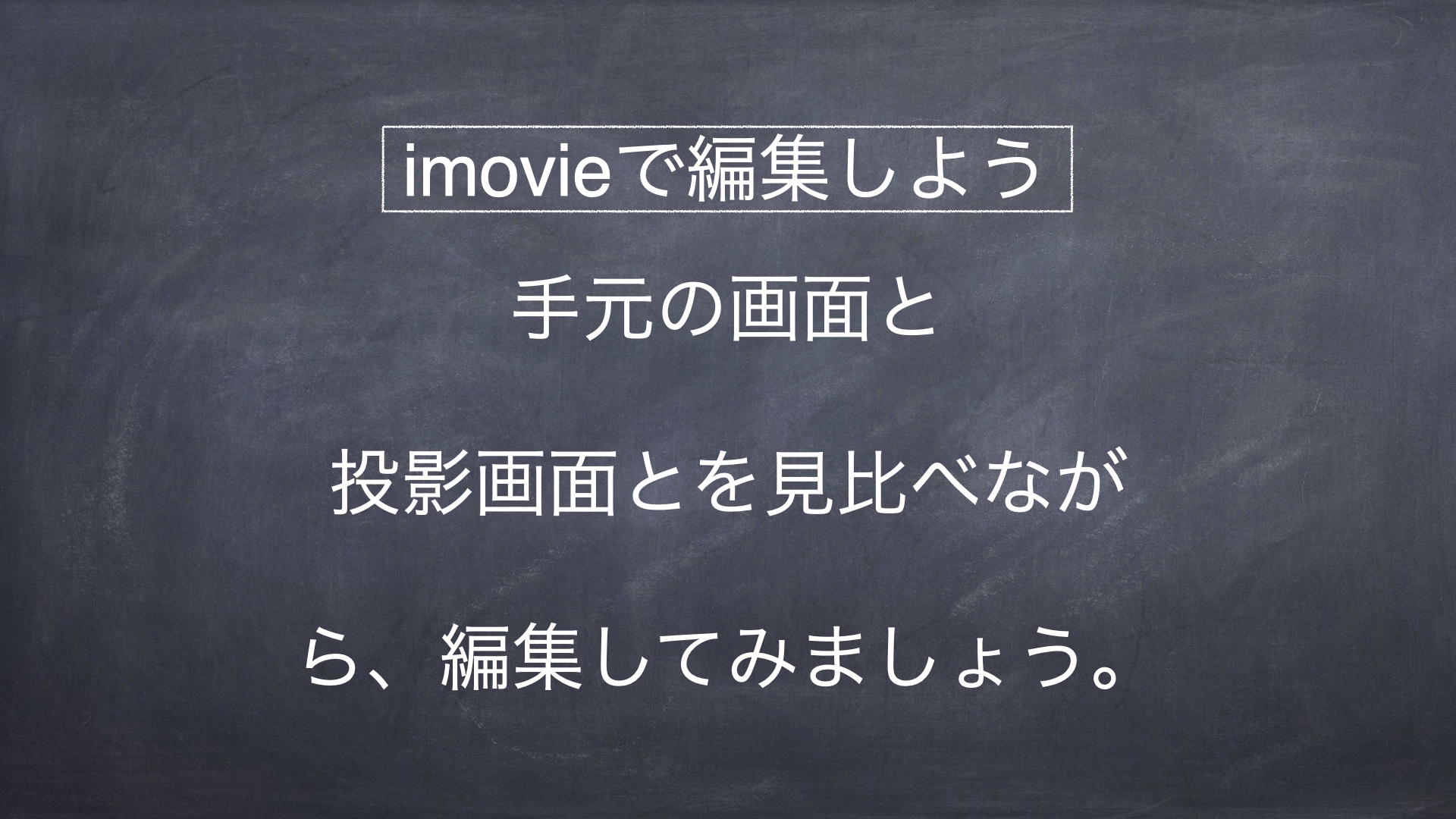
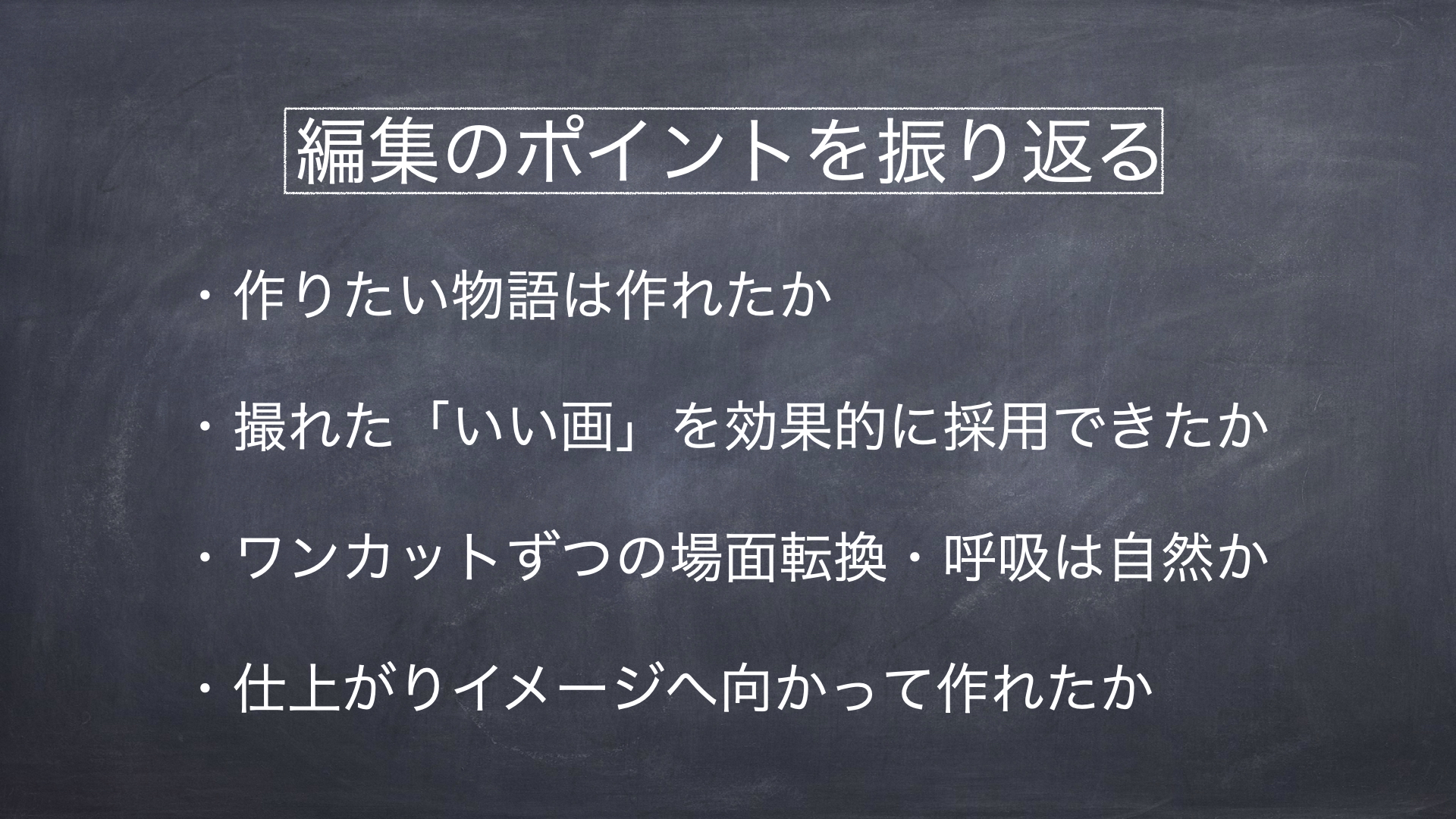
第3回「CUT!」。みんなの渾身のワンカットをスクリーンに映し、撮影のシチュエーションや思いを聞いてから、iMovie での編集に入りました。編集のポイントは、つくりたい物語はなんだろうと自問すること、撮れた「いい画」を効果的に採用すること、ワンカットずつの場面転換に注意すること、最終的な仕上がりのイメージを常に浮かべること、撮りきれていなければ今からでも撮ること。
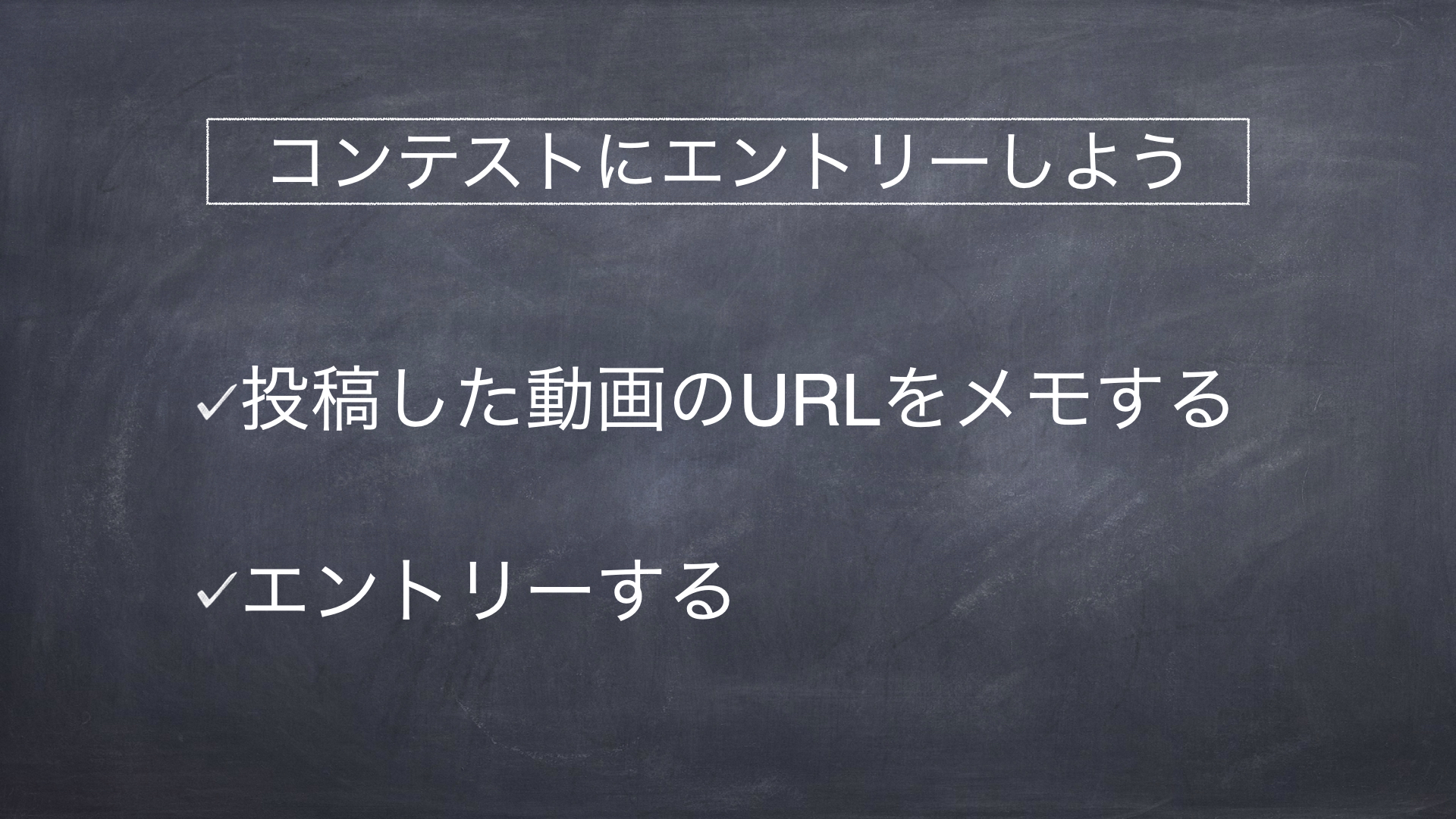
第4回「SHARE!」。iPhone を持って前に出てきてもらい、作品を上映して全員で鑑賞しました。みんなでいいところを見つけ、自分で改善点を見つけて、メモに残します。そのあと最後の編集をして動画に書き出し、YouTube に投稿し、三木フィルムコミッション主催のムービーコンテストにエントリーしました。最後のスライドは「みなさんの次の作品づくりへ」。年齢に関係なく、参加者全員が作品を完成させています。
この講座の中心にあったのは、「こうすれば正解」はない、という考えでした。編集の回で参加者に話したのは、自分の中の表現したいことの源泉を大切にし、固定観念を取り払ってほしい、ということです。だから手法は「一例」として示し、1896年の映画と YouTuber の動画を同じ列に並べて観ました。景色やモノをただ撮るところから、そこに視点を与え、切り口を変えることで、ほかにない作品を誰でもつくれます。撮る前に「表現したいことを整理する」ことを何度も繰り返したのも、技術より先に、自分が何を見せたいのかを持ってほしかったからです。
もうひとつは、つくって終わりにしないこと。作品はみんなで観て、いいところを見つけ合い、改善点は自分で見つける。そして公開し、コンテストに出し、次の作品へ向かいます。見て、つくって、学ぶ。そのサイクルを自分で回せるようになることが、この4回のねらいでした。
The first year of “Anyone Can! MOVIE CLASS – Let’s Make a Commercial on iPhone,” a video course organized by the Miki Film Commission (Miki Chamber of Commerce and Industry). SCIRE produced the course and taught it. It was open to junior high and high school students and older, free of charge. SCIRE also designed the flyer and the announcement images. The flyer was inserted into every newspaper delivered in the city.
For music, we made tracks by Miki-born artists Akinosorashi, THE PAC, and the broken cellphones free to use. Takatoshi Matsumura of Akinosorashi already had a CD, “Family Puzzle,” and let us use two songs: “pairy” from that album, and “Spec,” which is also the official song of Miki Misoji-shiki.
The course ran in four sessions, based at the Miki Chamber of Commerce and Industry. Watch in “STUDY!”, shoot in “REC!”, edit in “CUT!”, and publish in “SHARE!”. The structure takes participants through the whole process of making a video, with a single iPhone, once around in four weeks. The theme was “Let’s make a commercial for Miki.” Length could be anywhere from 15 seconds to 3 minutes, and each person could make as many pieces as they liked.
Session 1, “STUDY!”. We began with the story of YouTube’s birth in 2005 and the first video Yamada posted in 2008. Aspect ratio; holding the iPhone horizontally; fixing it on a tripod; checking that nothing unwanted is in the frame; shooting while picturing the finished, edited piece. As the starting point for shooting, we stressed first “sorting out what you want to express,” and drawing storyboards or keeping notes to do so. Then, as “examples of video expression,” we watched ten techniques: stop motion, sync, same-position shots, trick images, one-shot, staging with shadows, slow motion, typography, challenge videos, and self-shooting. The examples ranged across old and new, from Méliès’s “The Haunted Castle” (1896), Harold Lloyd’s “Safety Last” (1923), and Hitchcock’s “Rope,” to music videos by OK Go and Sakanaction, works by Ryota Kuwakubo, rakugo by Danshi Tatekawa, and YouTuber videos. We also handed out materials with a QR code for each work.
Session 2, “REC!”. We handed out shooting gear for the iPhone and went out into Miki around the Chamber of Commerce building, to the Namera shopping street, along the Mino River, and to the Miki Castle ruins, shooting from 10:30 to 15:00. The shooting was full of ideas drawn from the videos we had watched the week before: low viewpoints, slow motion of moving water, time-lapses, and more.
Session 3, “CUT!”. We projected each person’s best single shot on the screen, heard about the situation and what they had in mind when shooting, and then moved on to editing in iMovie. The points for editing: ask yourself what story you want to tell; use the good shots you got effectively; pay attention to the transition at each cut; always keep the finished image in mind; and if you didn’t get enough footage, go and shoot it now.
Session 4, “SHARE!”. Participants came up to the front with their iPhones, and we screened and watched everyone’s work together. We found the good points together, and each person found their own points to improve and wrote them down. Then they did a final edit, exported the video, posted it on YouTube, and entered it in the movie contest organized by the Miki Film Commission. The last slide read “On to your next work.” Regardless of age, every participant finished a piece.
At the center of the course was the idea that there is no “right way to do it.” In the editing session, what I told participants was to value the source of what they themselves want to express, and to let go of fixed ideas. That is why we presented techniques as “examples,” and watched an 1896 film and a YouTuber’s video side by side. By moving from simply filming scenery or objects to giving them a point of view and changing the angle of approach, anyone can make a piece that is their own. We repeated “sort out what you want to express” before shooting again and again because we wanted participants to have, before any technique, a sense of what they wanted to show.
The other idea was not to stop once something is made. Everyone watches the work together and points out what is good, and each person finds what to improve on their own. Then the work is published, entered in a contest, and you move on to the next one. Watch, make, learn. The aim of these four sessions was for participants to be able to turn that cycle on their own.
- 種類
- ワークショップ
- 区分
- 依頼
- 開催日
- 2017.09.02
2017.09.09
2017.09.16
2017.09.30 - 主催者
- 三木フィルムコミッション(三木商工会議所)
- 依頼
- 三木商工会議所
- クレジット
- 告知デザイン 山田勇人
- シリーズ
- だれでも MOVIE CLASS
- 撮影地
- ナメラ商店街(三木市)
美嚢川沿い(三木市)
三木城跡(三木市) - 期間
- 2017.09 – 2017.09
- 会場
- 三木商工会議所 研修室

- 種類
- フライヤー、告知画像、講座の資料(Keynote スライド)
- 開催の告知
- 第1回 STUDY! 撮り方を学ぼう
- 第2回 REC! 街で撮影(ナメラ商店街ほか)
- 第3回 CUT! iPhone で編集
- 第4回 SHARE! 上映と投稿、ムービーコンテストへのエントリー
- Course announced
- Session 1, STUDY! Learning how to shoot
- Session 2, REC! Shooting in town (Namera shopping street and elsewhere)
- Session 3, CUT! Editing on iPhone
- Session 4, SHARE! Screening, posting, and entering the movie contest
- 毎日新聞明石・三木版・22面MOVIE CLASS|講座の告知「三木の商店街で映像撮ろう/来月・制作講座」
- 毎日新聞播磨・姫路版MOVIE CLASS|講座の告知(播磨・姫路版)
- 産経新聞神戸版・22面MOVIE CLASS|講座の告知「iPhoneでCM作ろう/来月2日から無料講座」
- 神戸新聞三木版・23面MOVIE CLASS|講座の告知「iPhoneでCM制作挑戦を/2日から商議所で無料講座」
- 神戸新聞三木版・27面MOVIE CLASS|講座の最終回「スマホで編集 三木CM動画/フィルムコミッションの講座最終回/市内の見どころ作品に」
 だれでも MOVIE CLASS S2
 パソノワ | だれでも MOVIE CLASS
 三木商工会議所 | 創業塾で講演
 三木商工会議所 | 講演
 だれでも MOVIE CLASS 事業所向け(2019)
 だれでも MOVIE CLASS S3
 Movie Class 2020 | インスタグラムで手作り動画広告を出してみよう
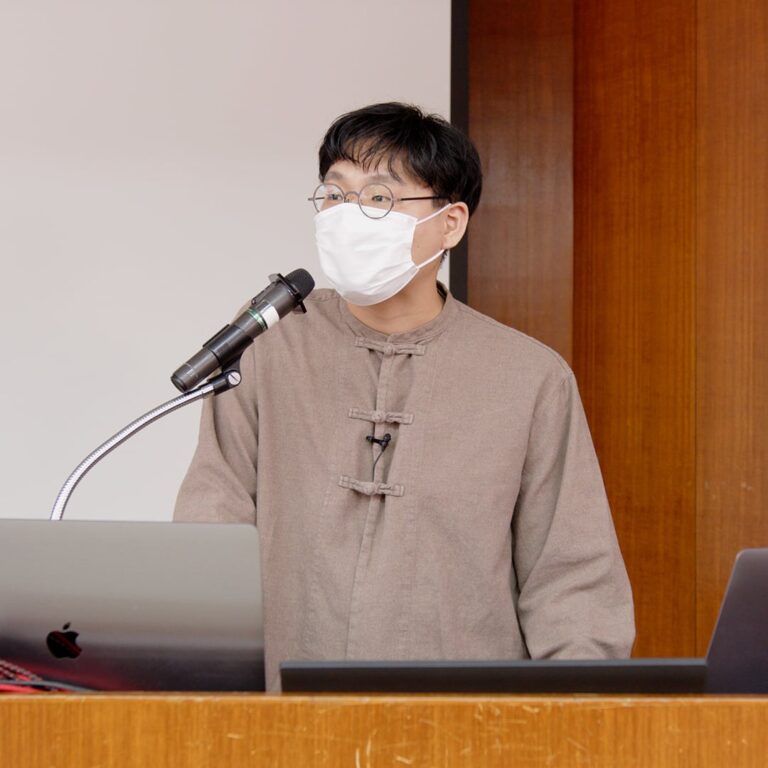 三木商工会議所 | 講演「ウィズコロナ時代のウェブ広告活用」
 三木商工会議所 | 講座「DXの扉」
 三木商工会議所 | 講座「動画と広告」
 三木商工会議所 | 創業塾の交流会「創業者の集い」で講演
- 三木商工会議所 | 創業講座で「街クロッシング」を紹介
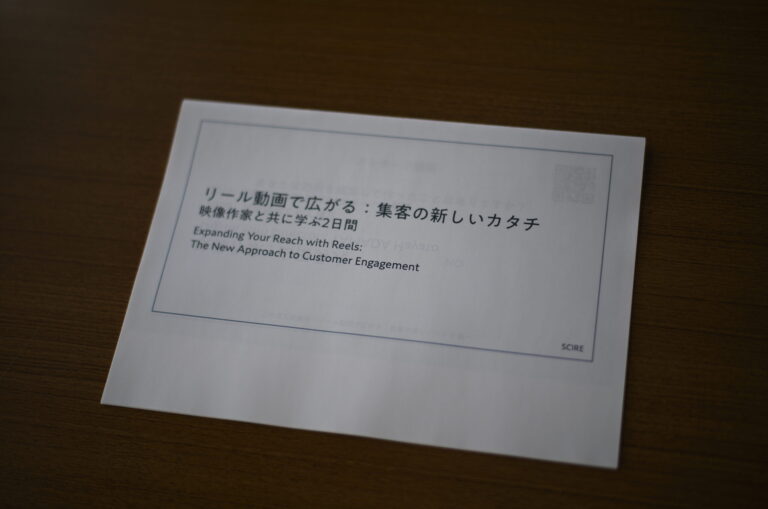 三木商工会議所 | 講座「リール動画で広がる:集客の新しいカタチ」
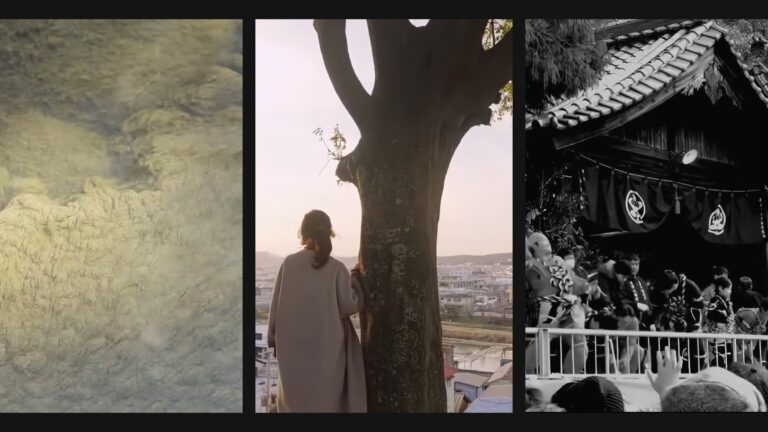 三木フィルムコミッション | リール動画
 三木商工会議所 | 創業塾で登壇
 三木商工会議所 | 三木フィルムコミッション サイト
 三木商工会議所 | ジョブトーク 公式サイト
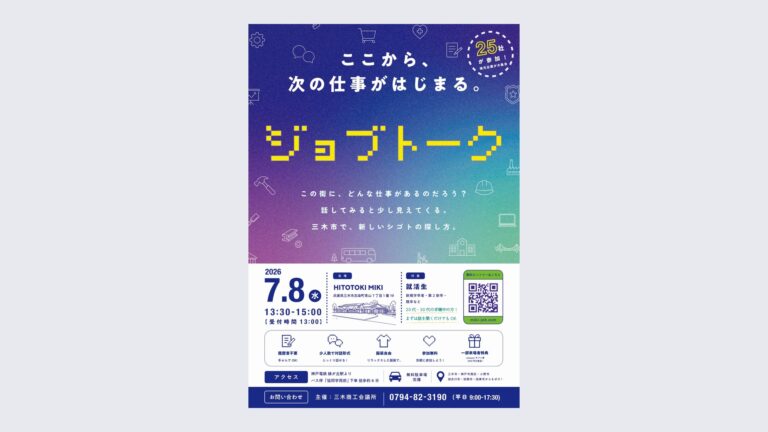 三木商工会議所 | ジョブトーク フライヤー・ポスター
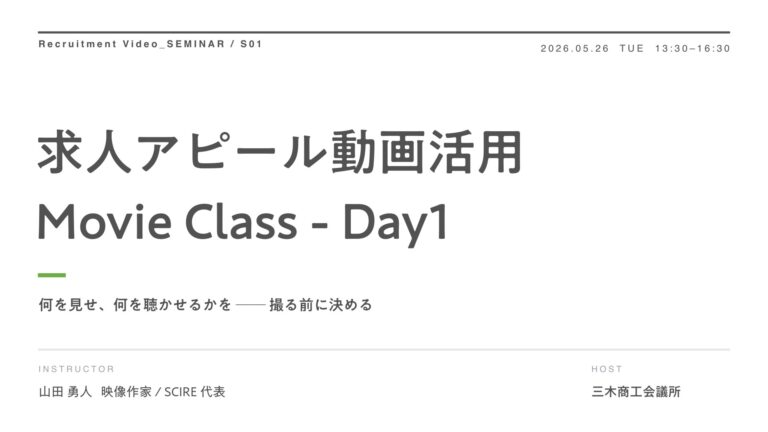 三木商工会議所 | 求人アピール動画活用 Movie Class
 三木商工会議所 | ジョブトーク 告知動画
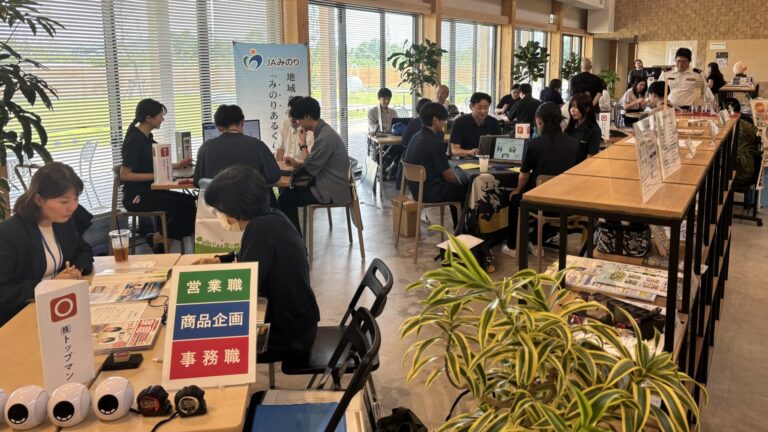 三木商工会議所 | ジョブトーク 第1回
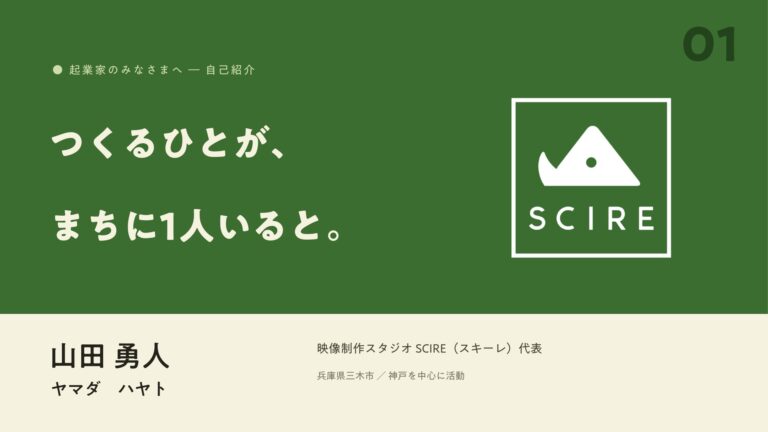 三木商工会議所 創業塾 | つくるひとが、まちに1人いると
 三木商工会議所 | AI作曲講座「三木商工会議所のうたを作ろう」
 三木商工会議所 | 公式サイト