
Gathering noteSCIRE2026
三木商工会議所 | 求人アピール動画活用 Movie Class
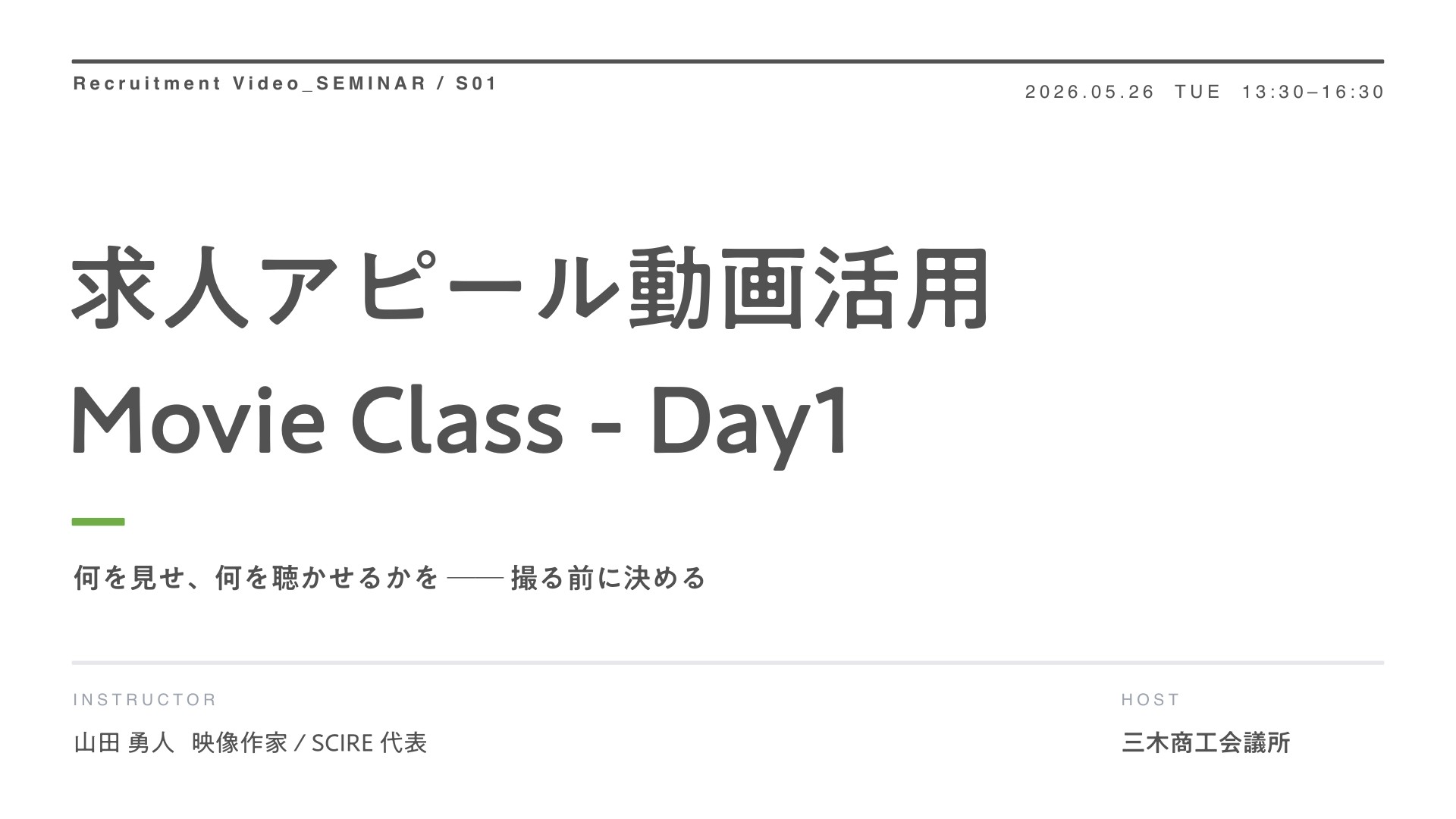
2026年5月26日と6月9日の2回、三木商工会議所の主催で、セミナー「スマートフォンを活用した 求人アピール動画活用セミナー」(Movie Class)の講師を務めました。若い人の就職活動では、インターネットや SNS で職場の様子を見て選ぶことが当たり前になっています。給与や休日といった条件だけでは伝わらない、職場の雰囲気や働く人の表情を、スマートフォン1台で動画にして届けるための2日間です。会員でなくても無料で受けられる講座でした。
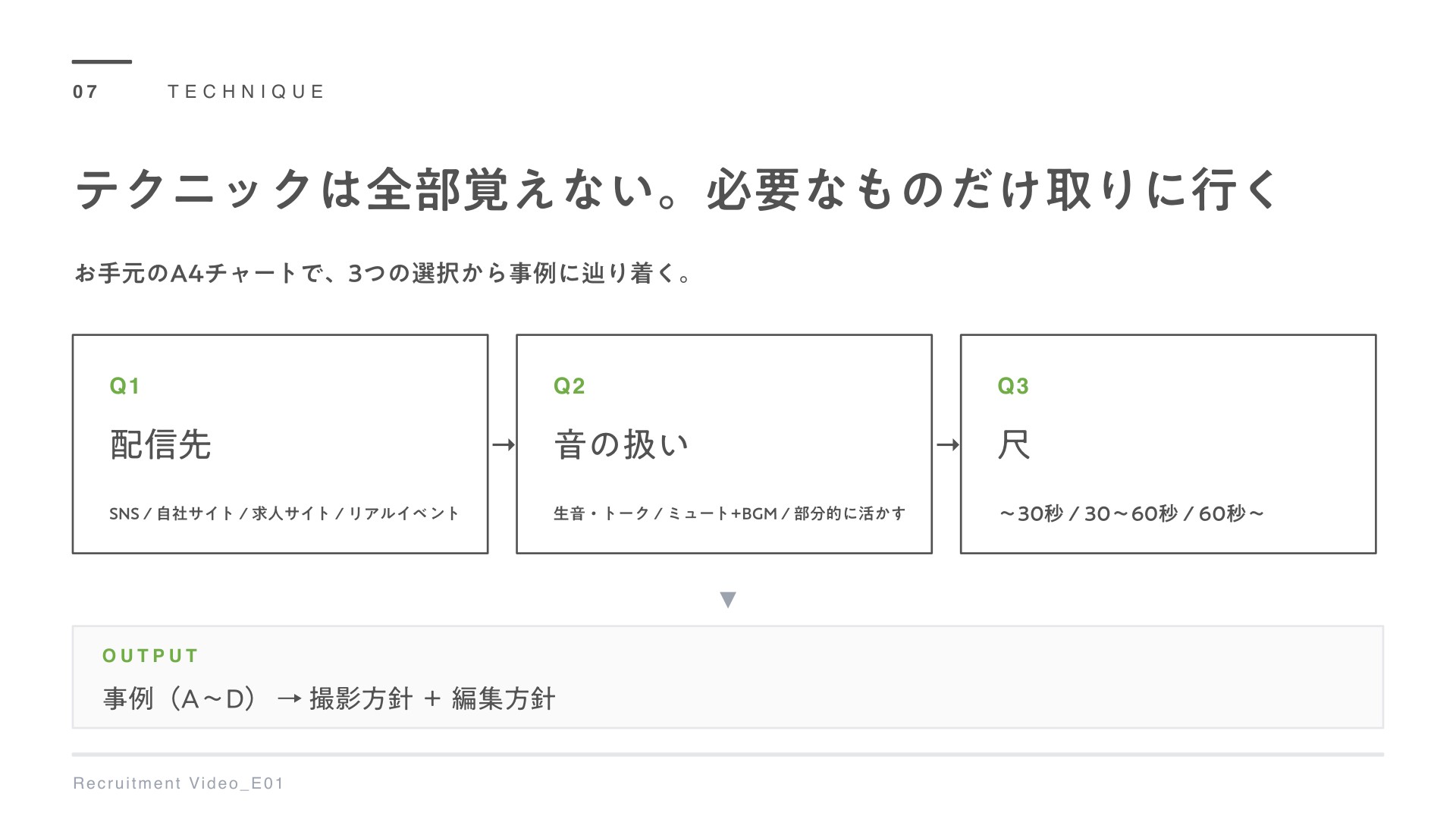
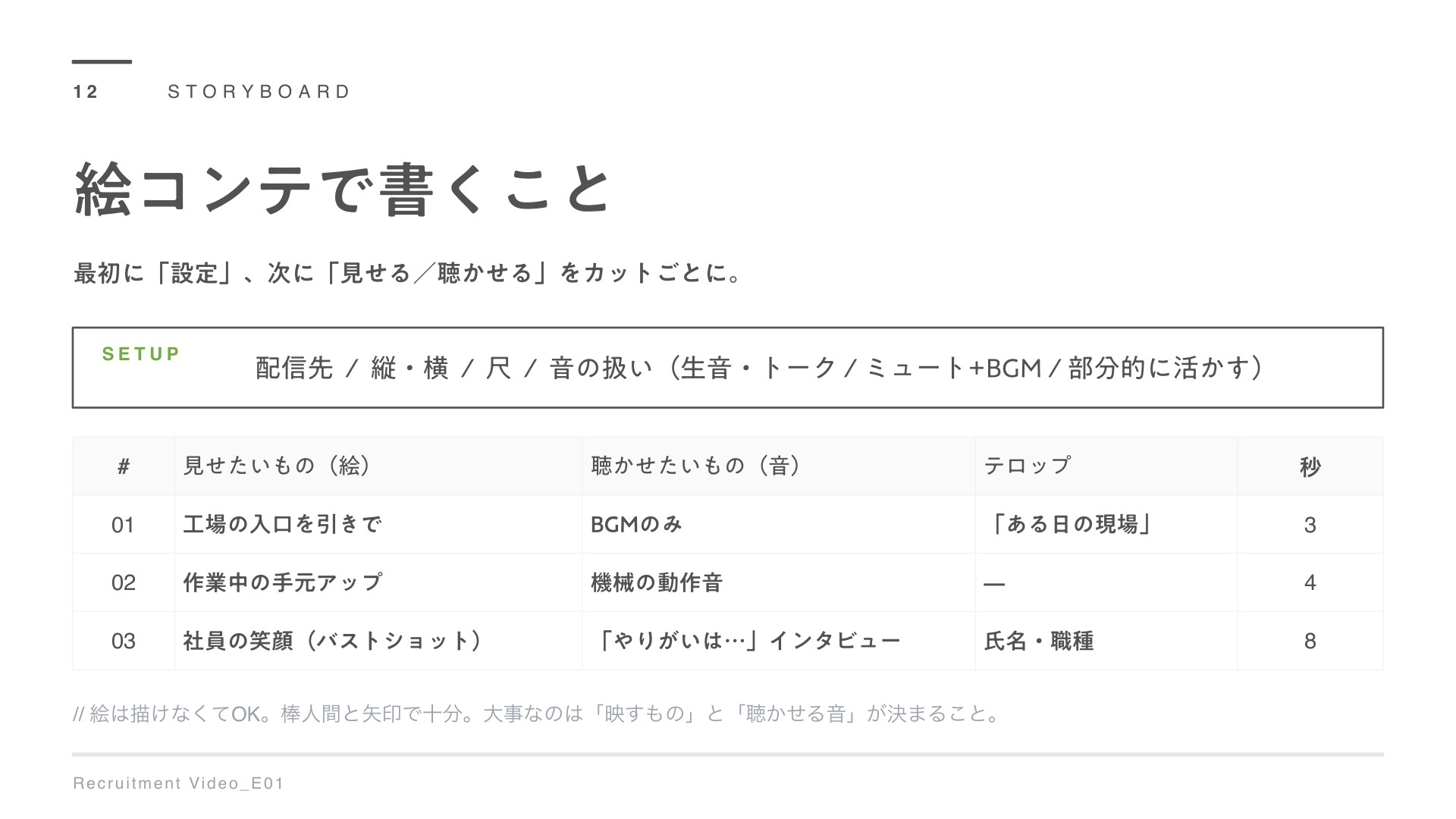
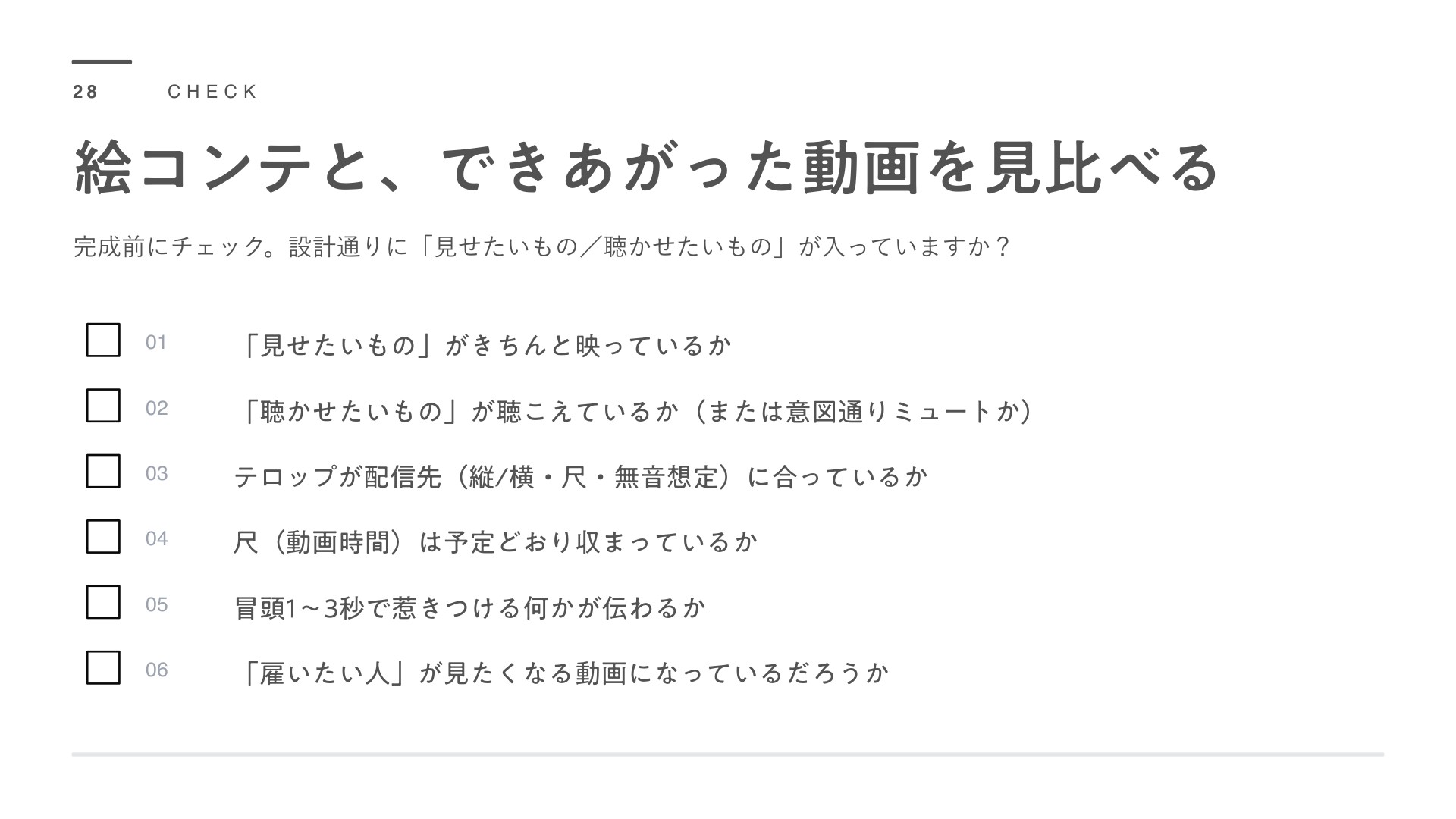
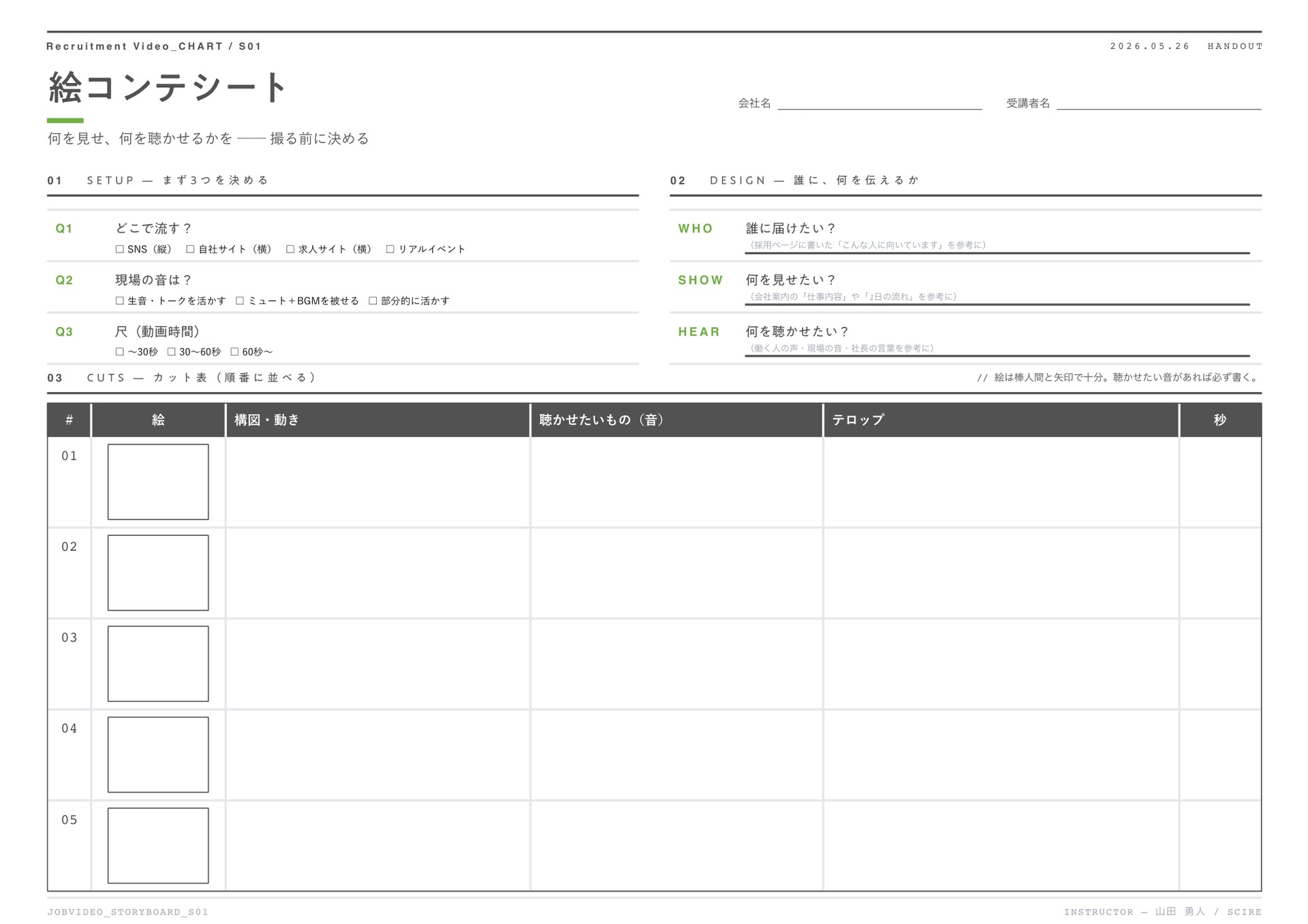
テーマは「何を見せ、何を聴かせるかを、撮る前に決める」です。とりあえず撮って編集で考えるのをやめて、配信先、現場の音の扱い、尺の3つを先に決め、それを絵コンテに落としてから撮影に入る流れを組みました。
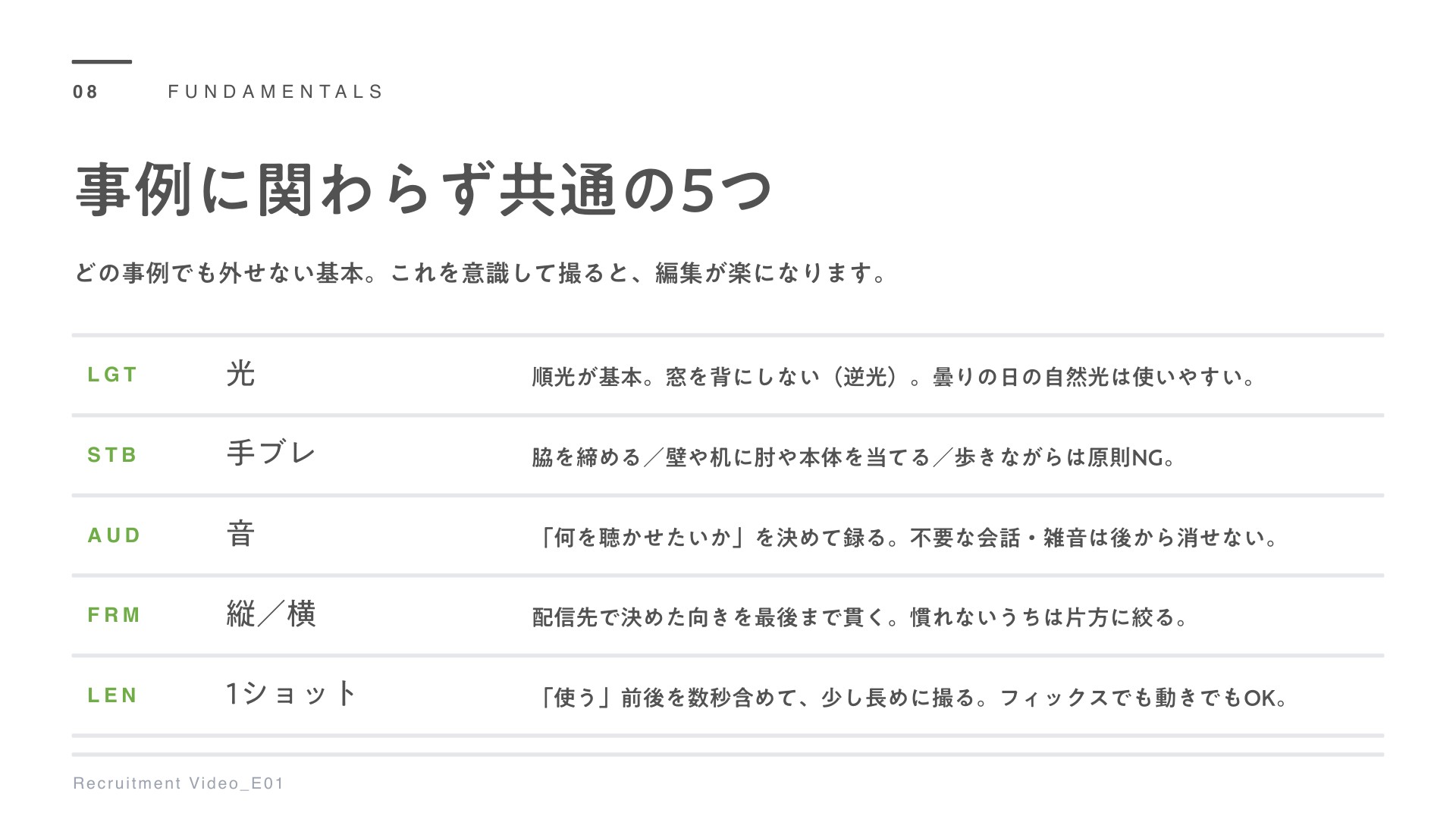
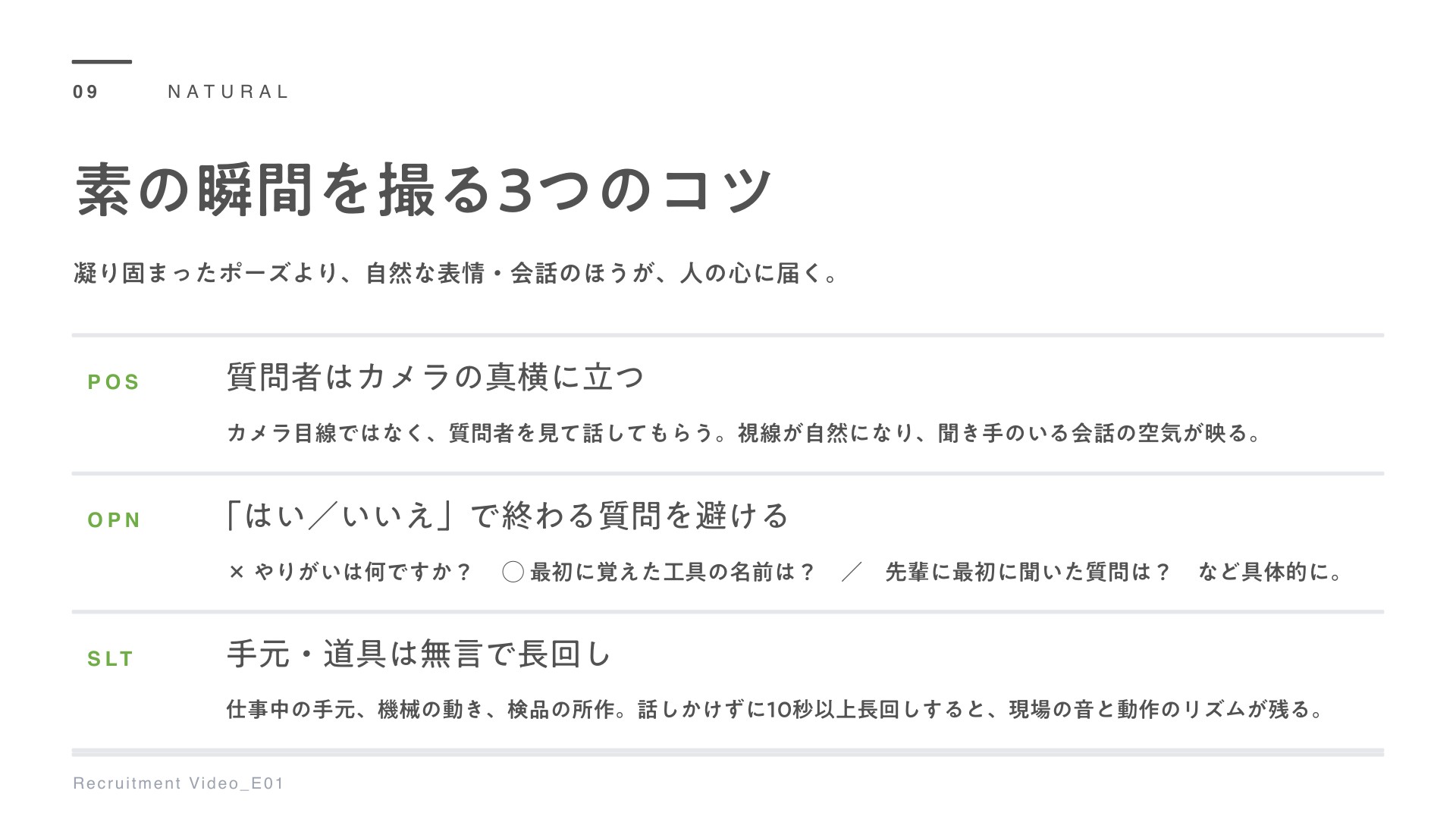
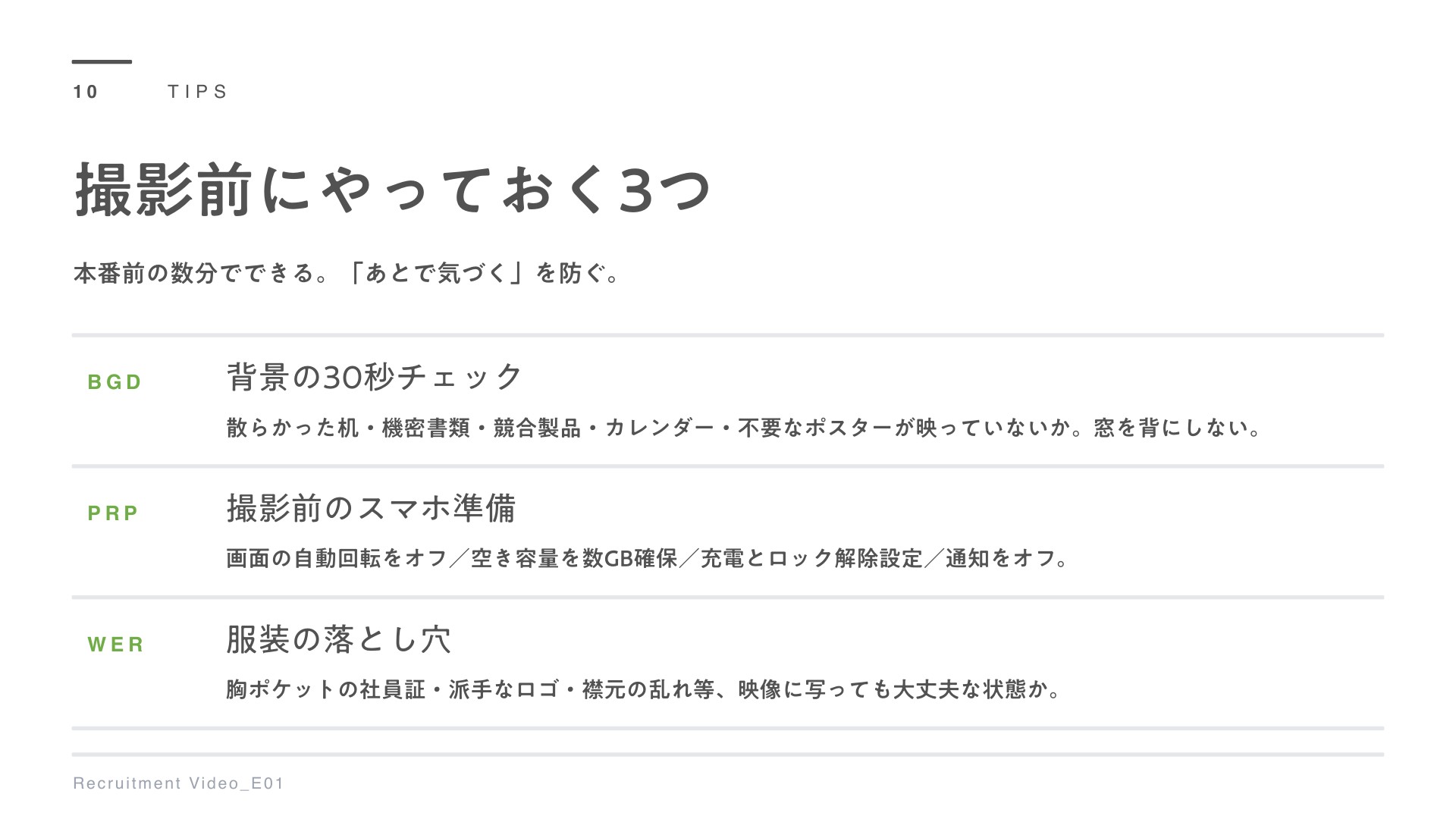
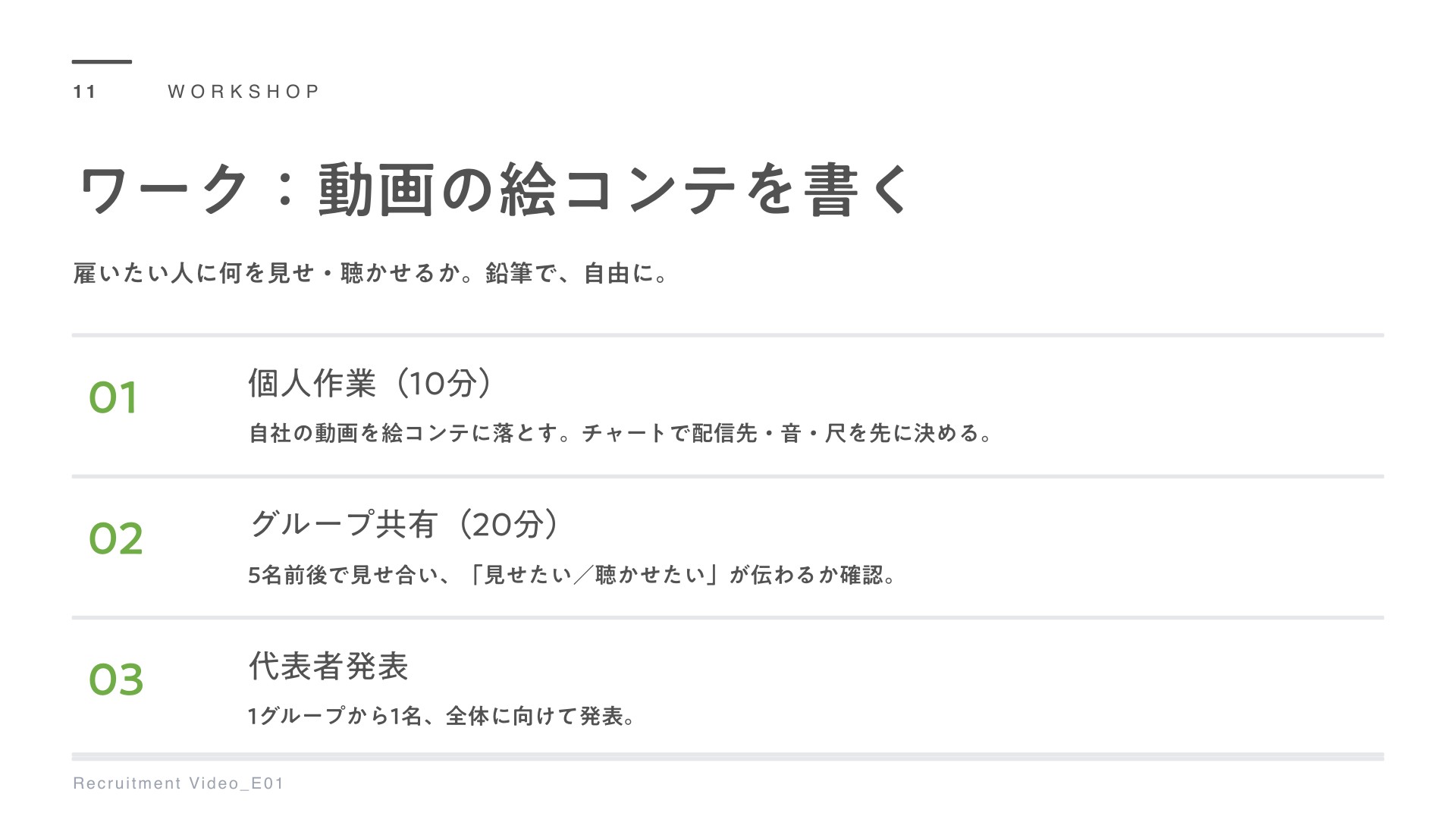
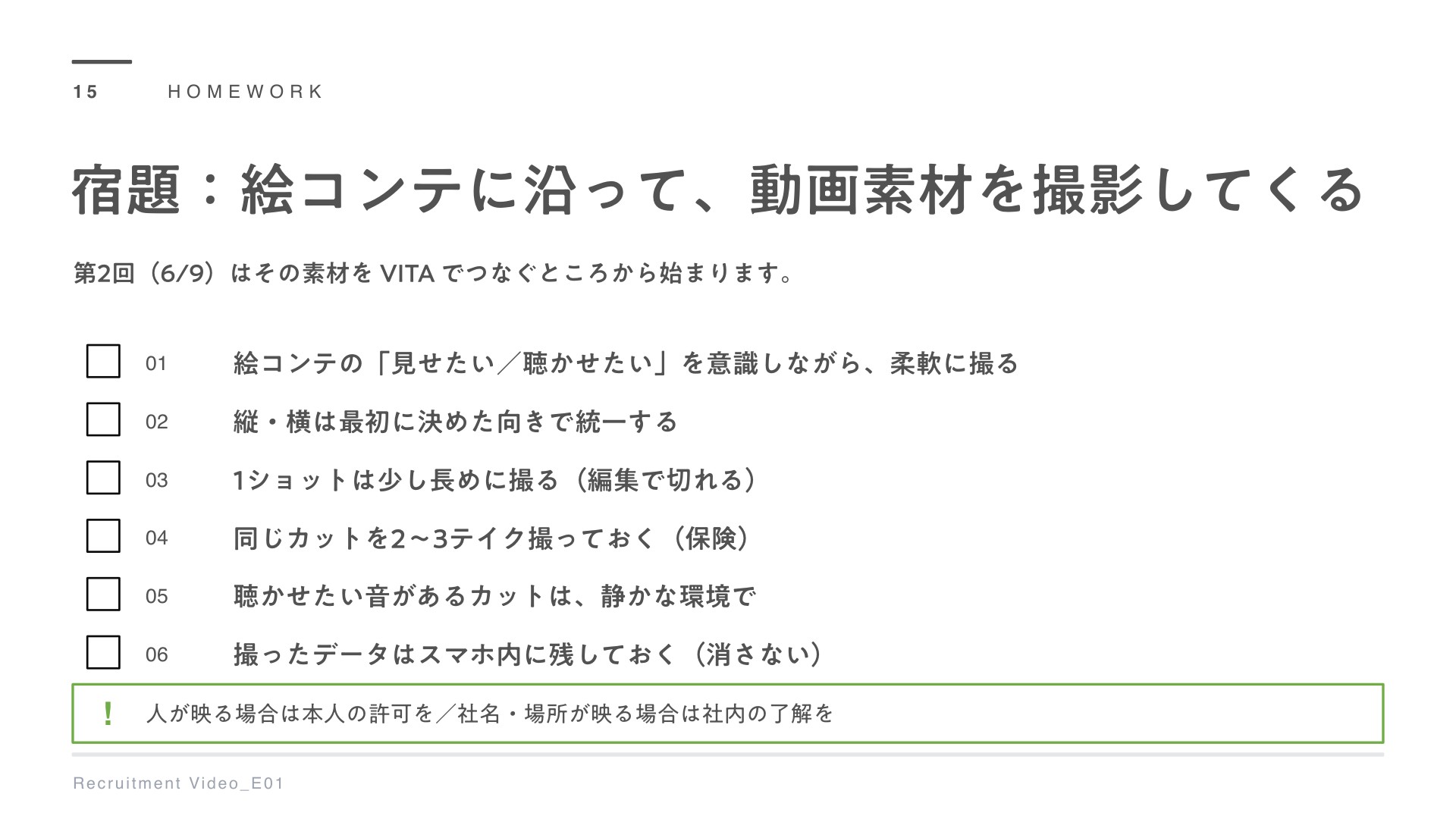
1日目は、雇いたい人へのプレゼンを動画で、という考え方から始めて、光・手ブレ・音・縦横・1ショットという、どんな事例でも共通する5つの基本や、自然な表情を撮るコツを紹介しました。後半は各自が自社の動画の絵コンテを書き、グループで見せ合いました。宿題は、その絵コンテに沿って職場で素材を撮ってくることでした。
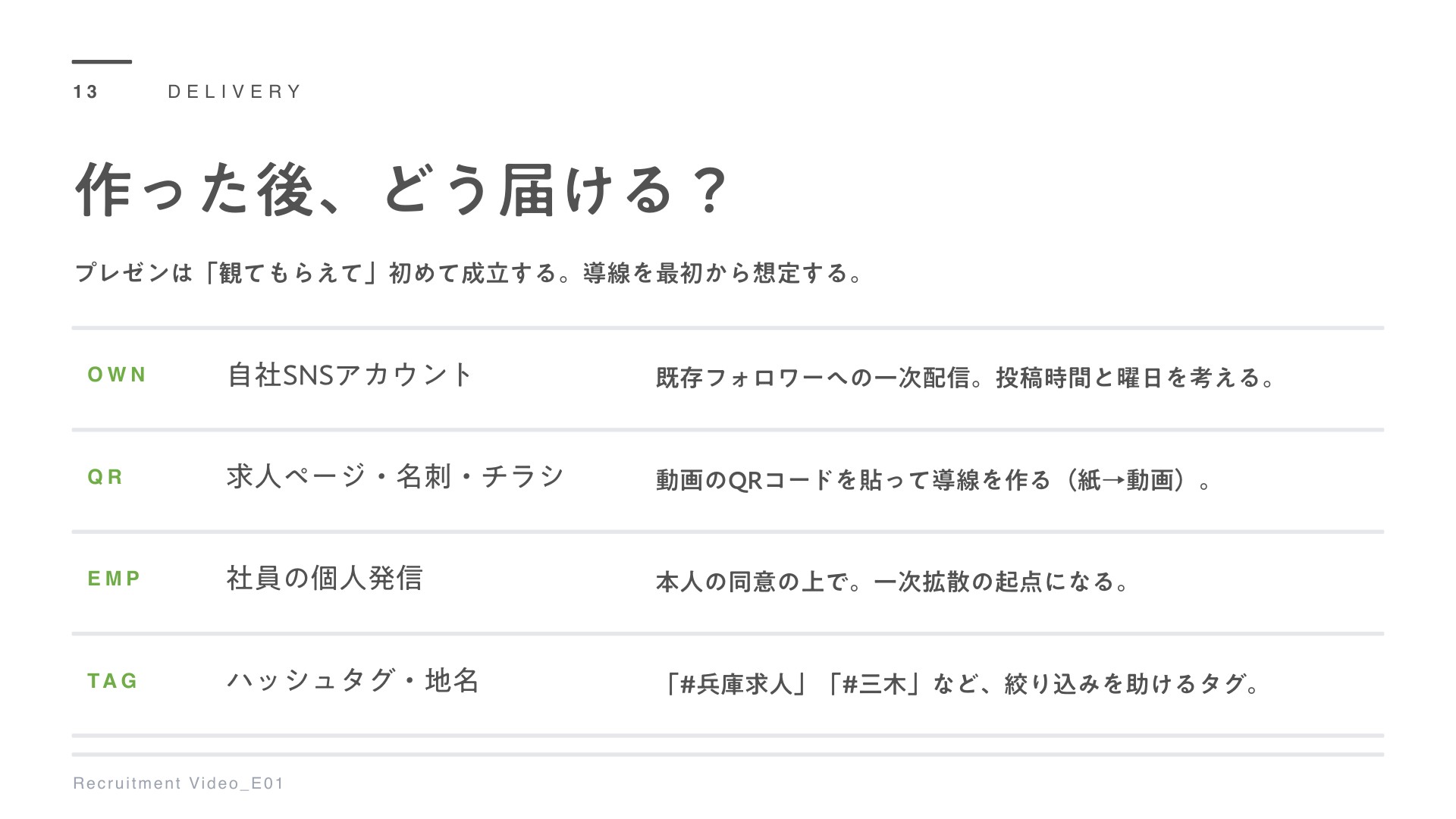
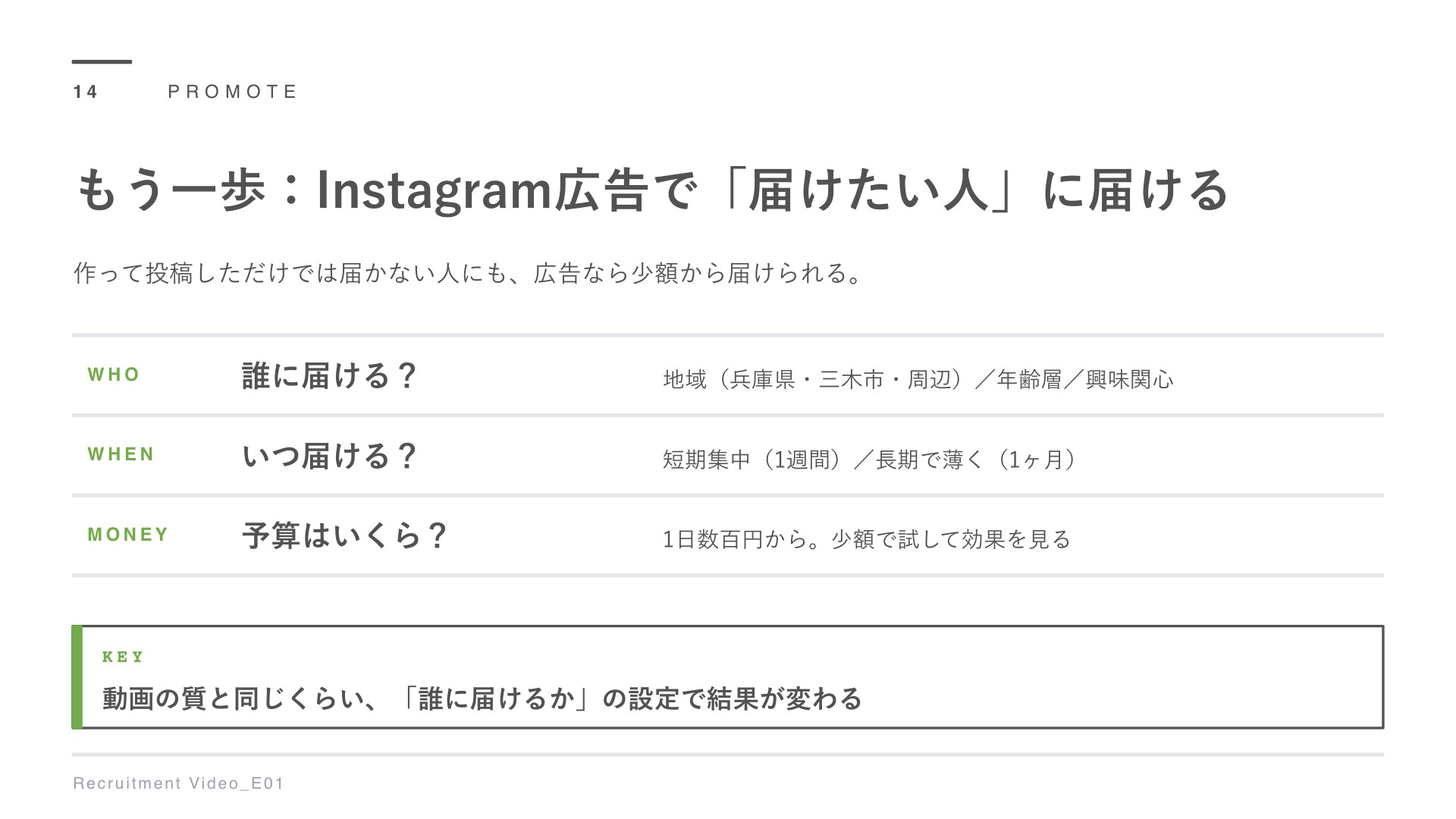
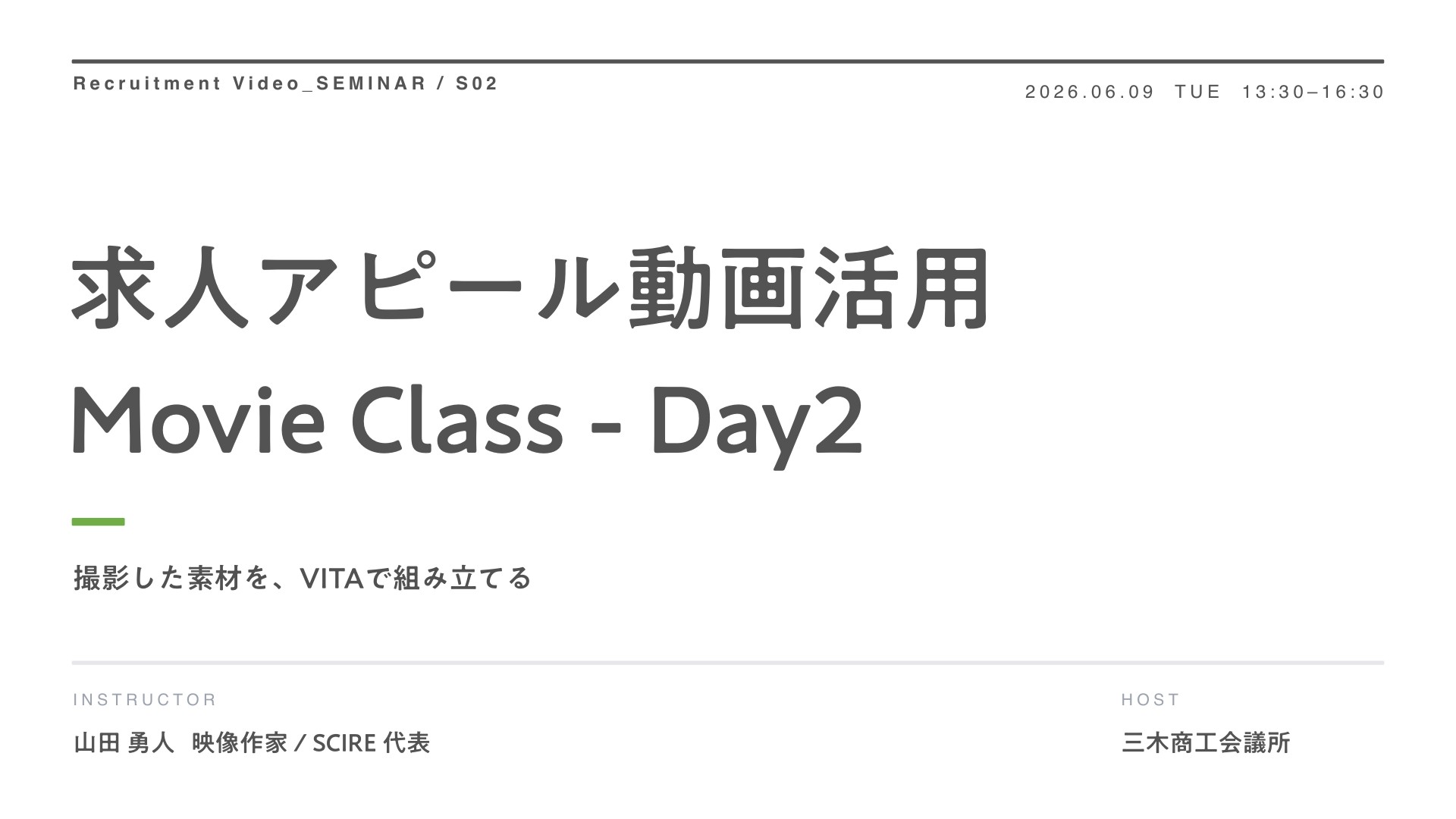
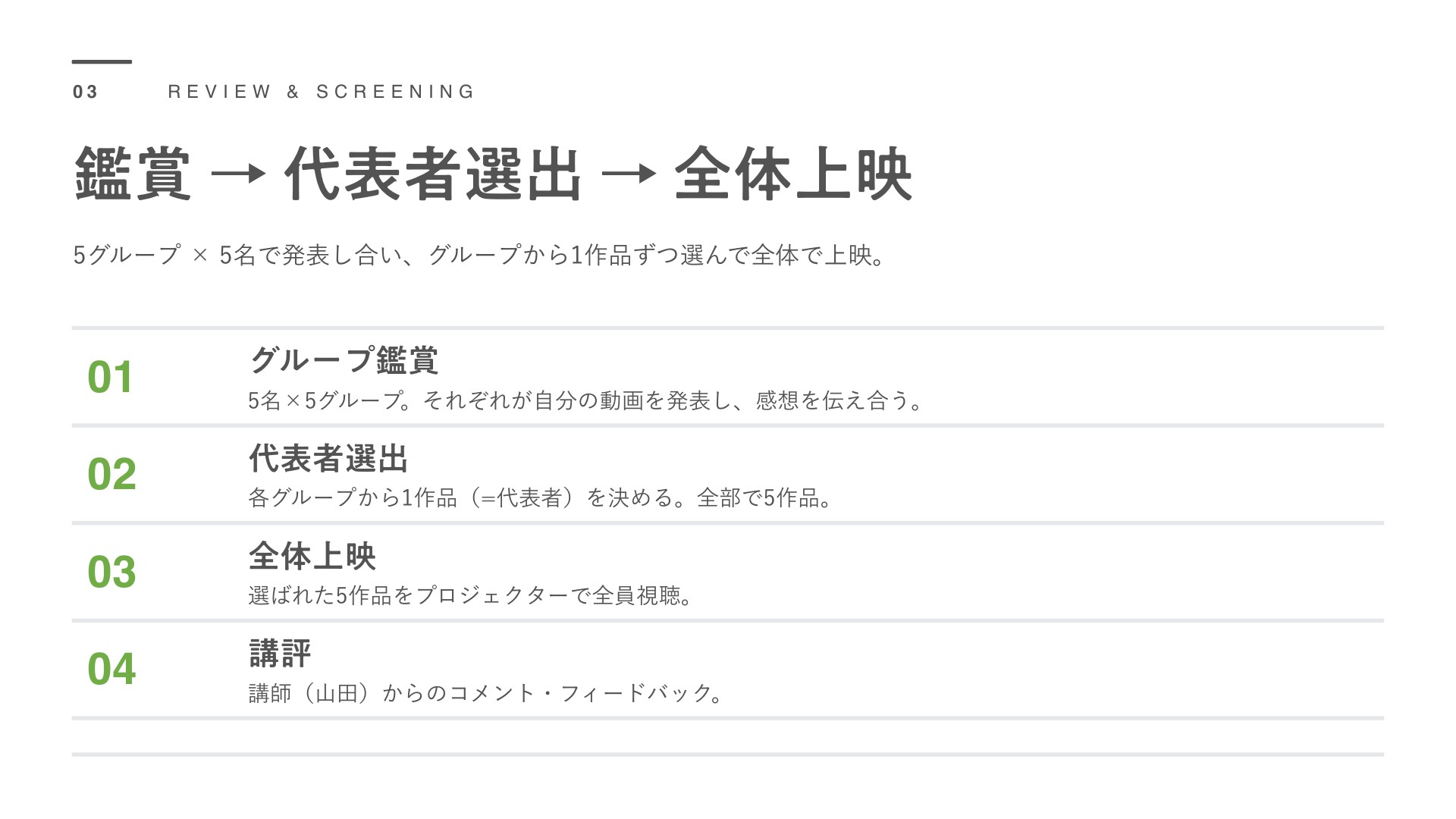
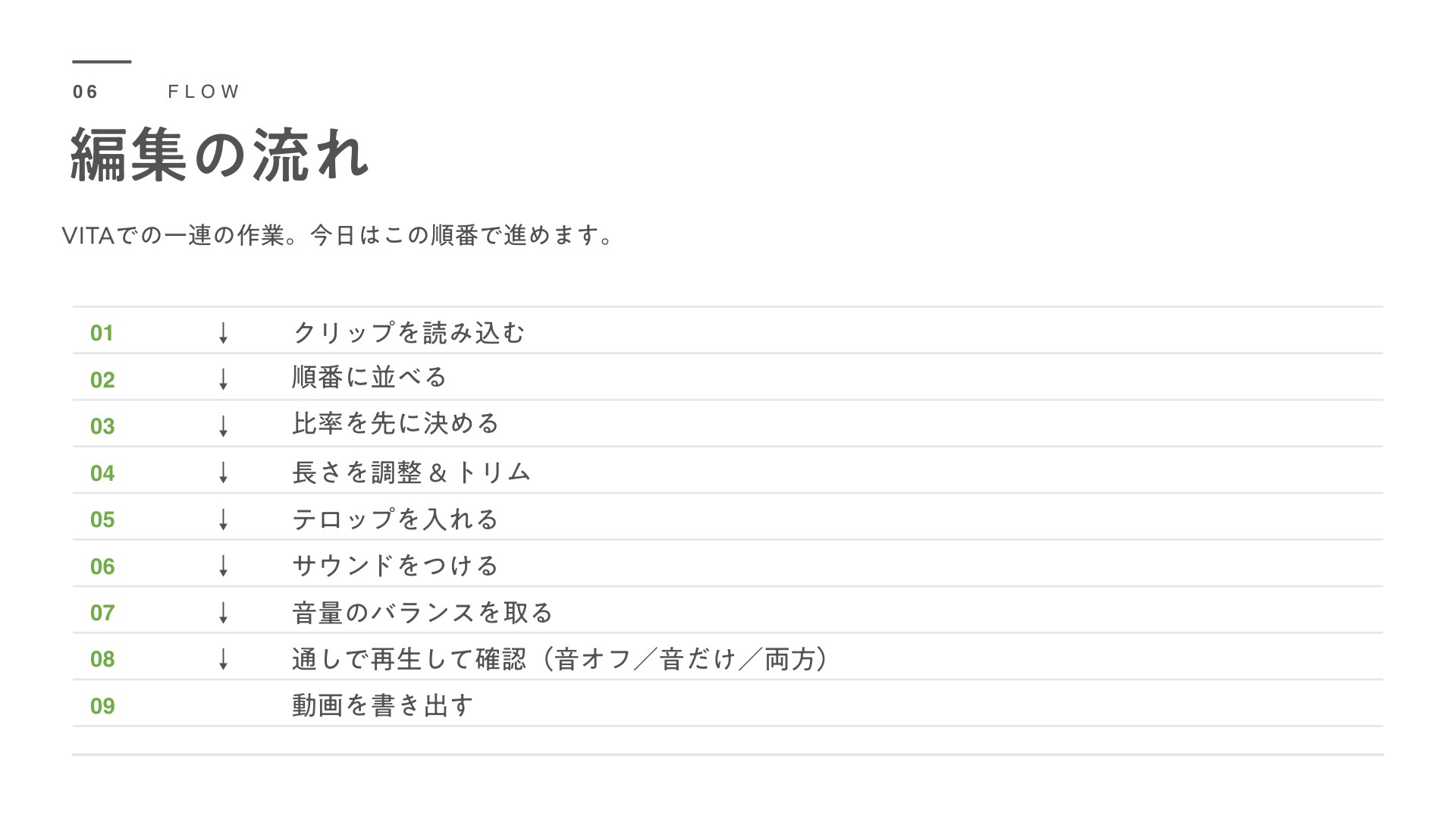
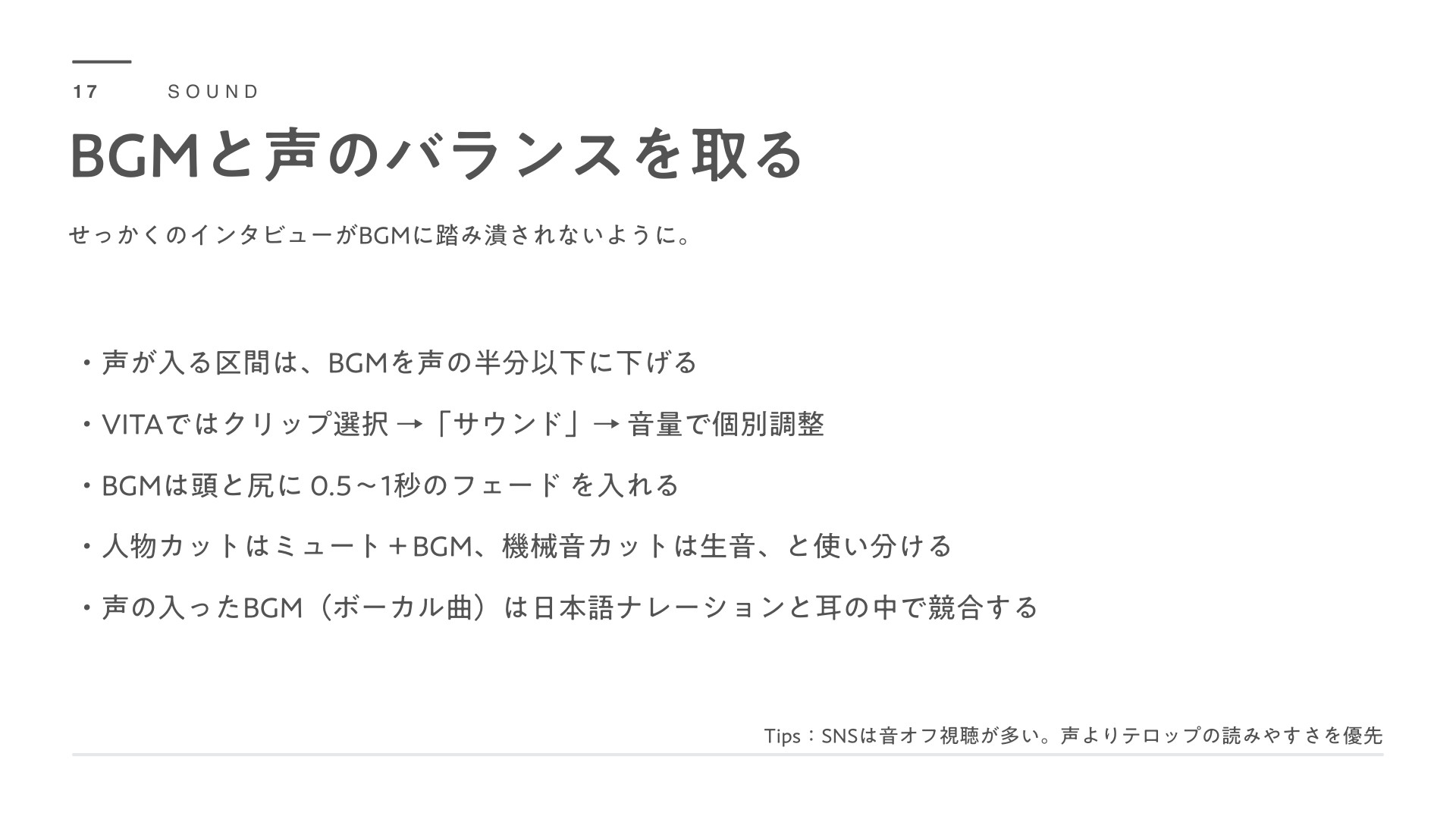
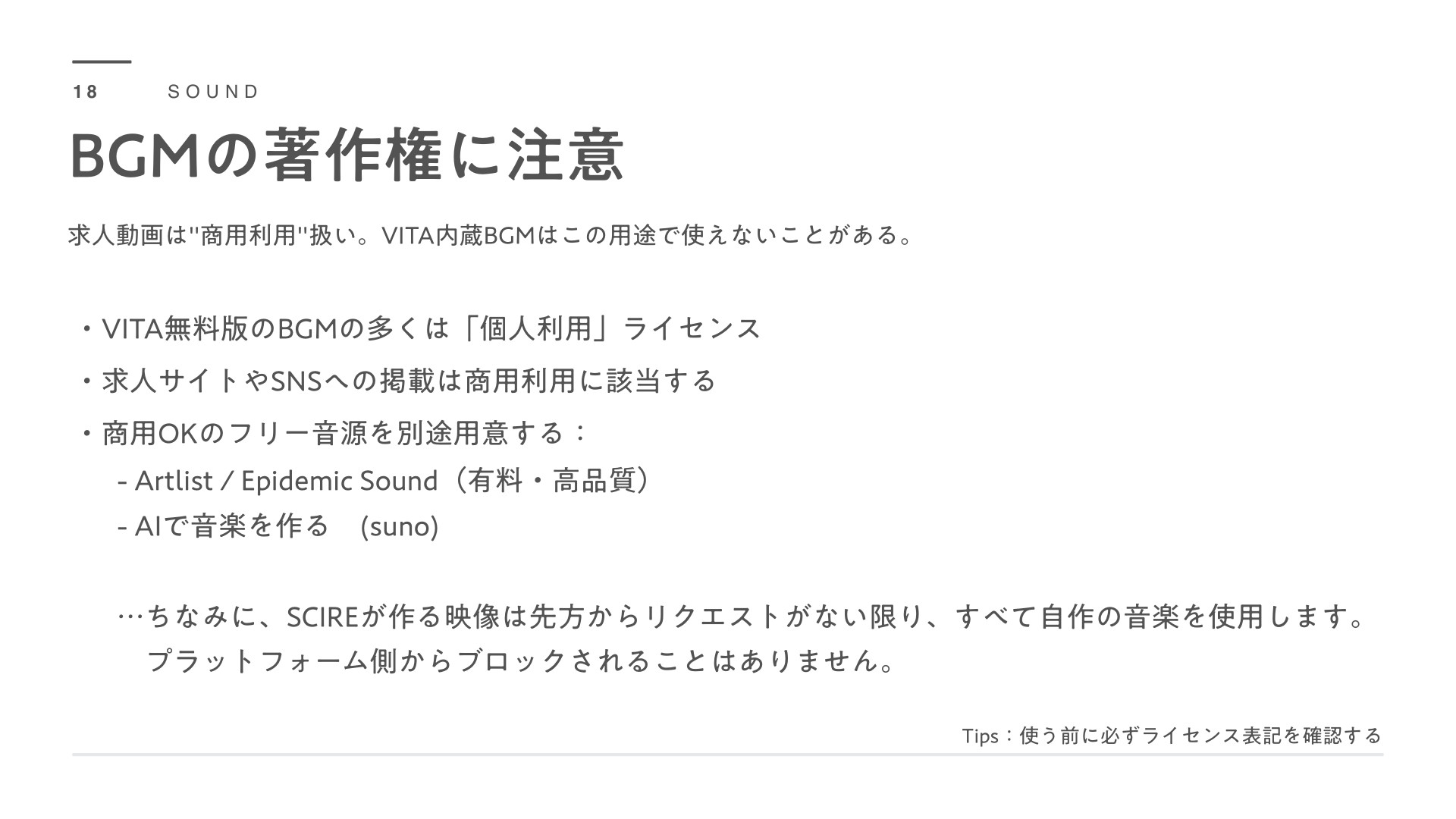
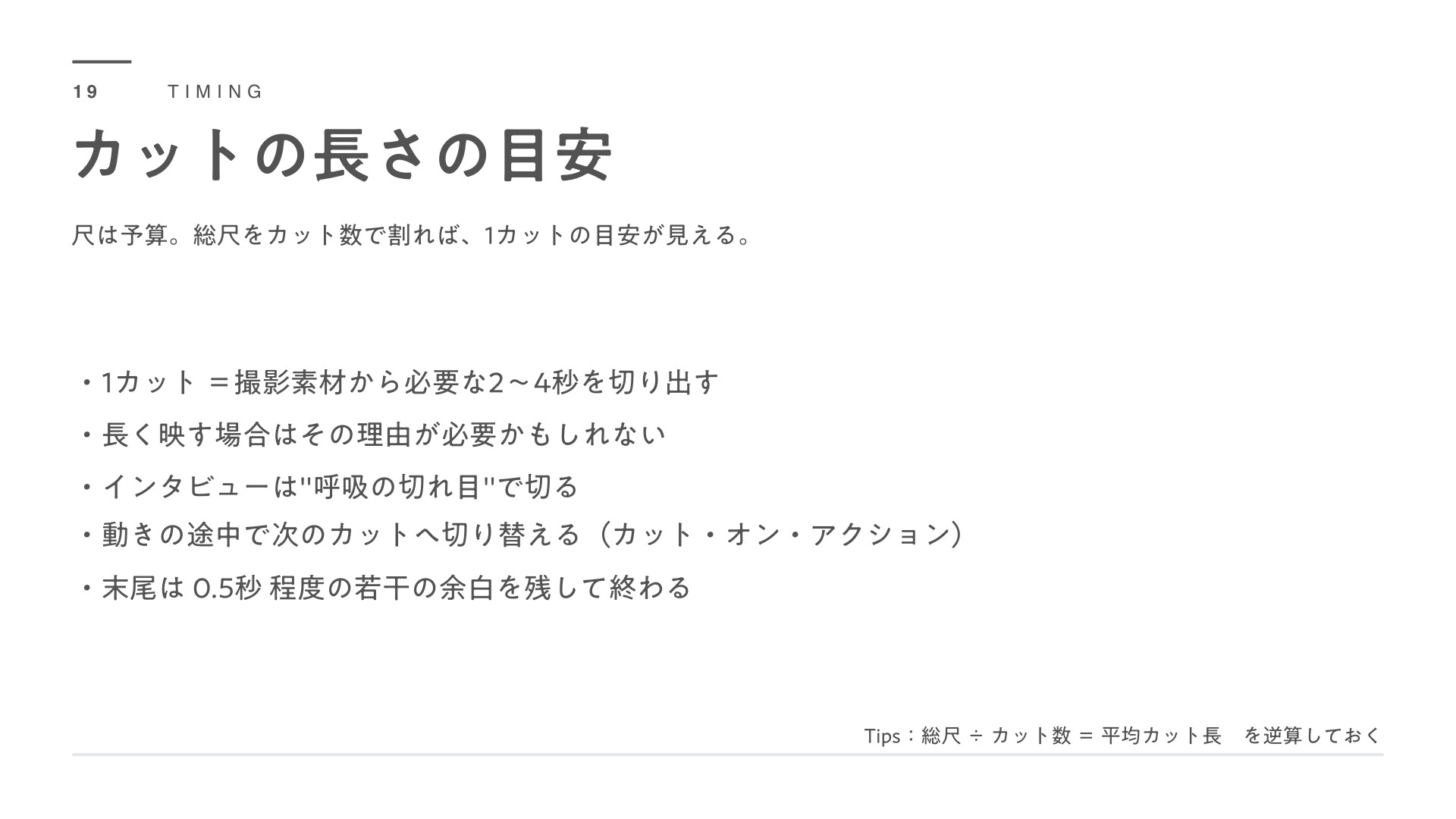
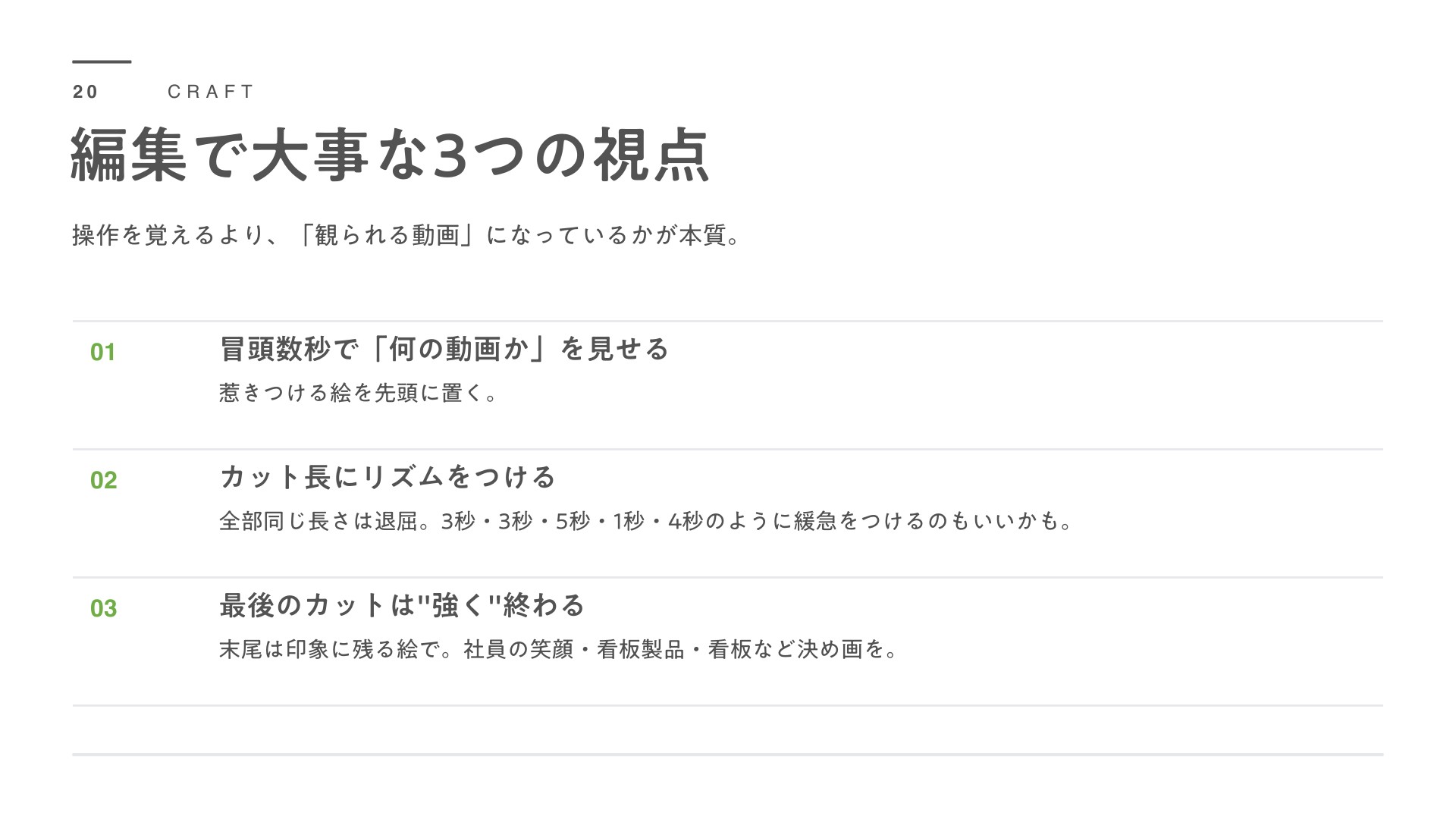
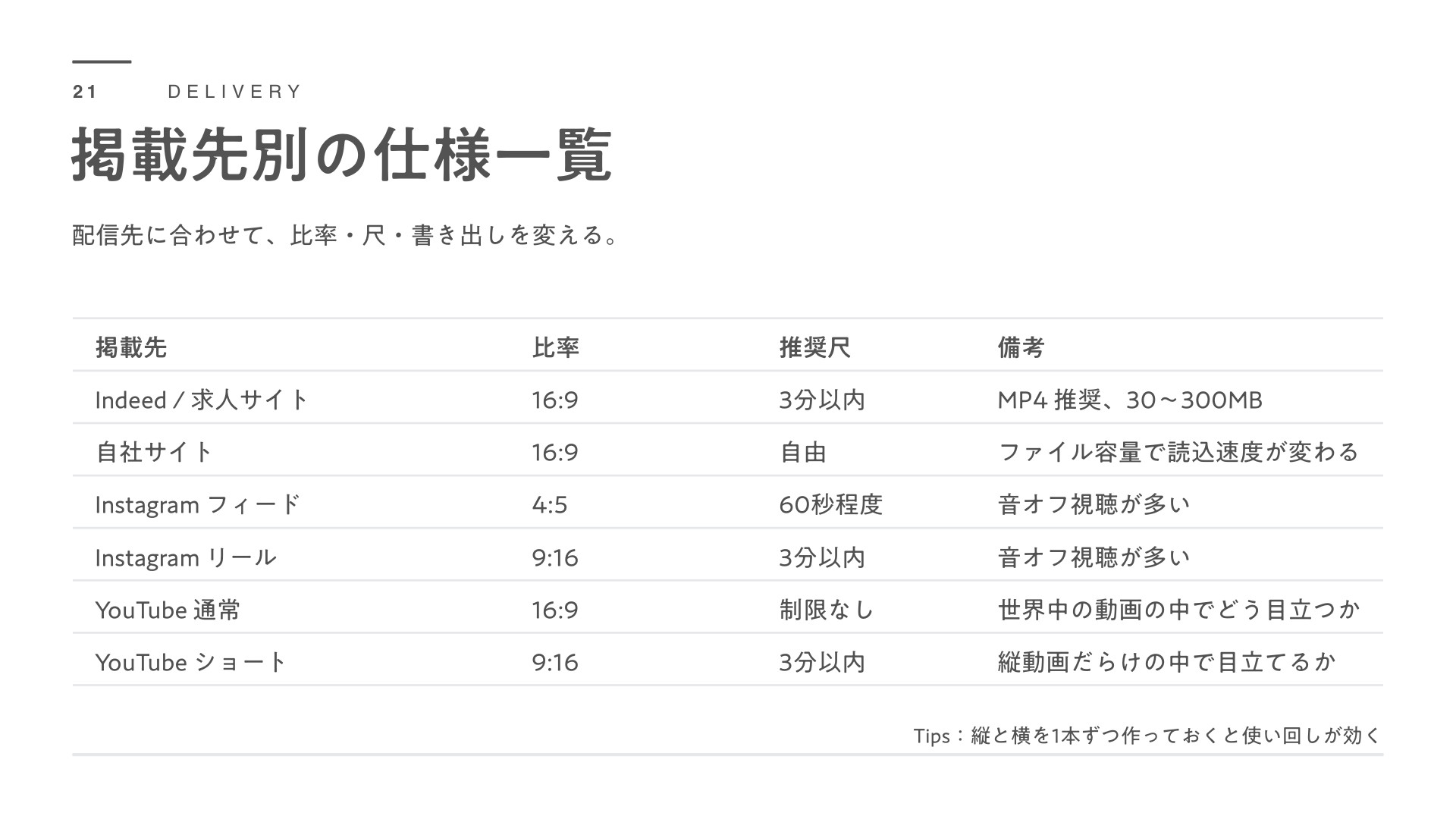
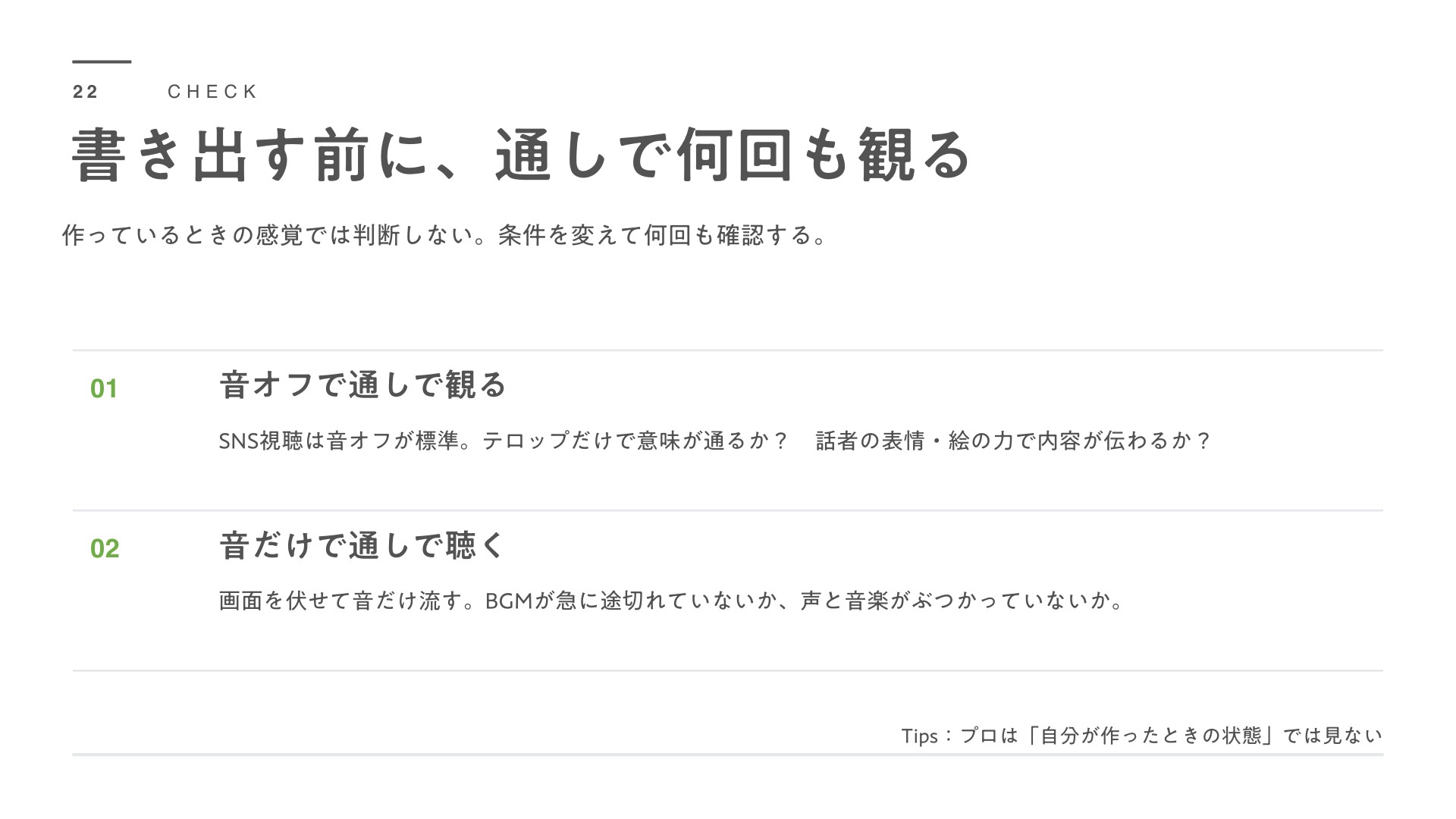
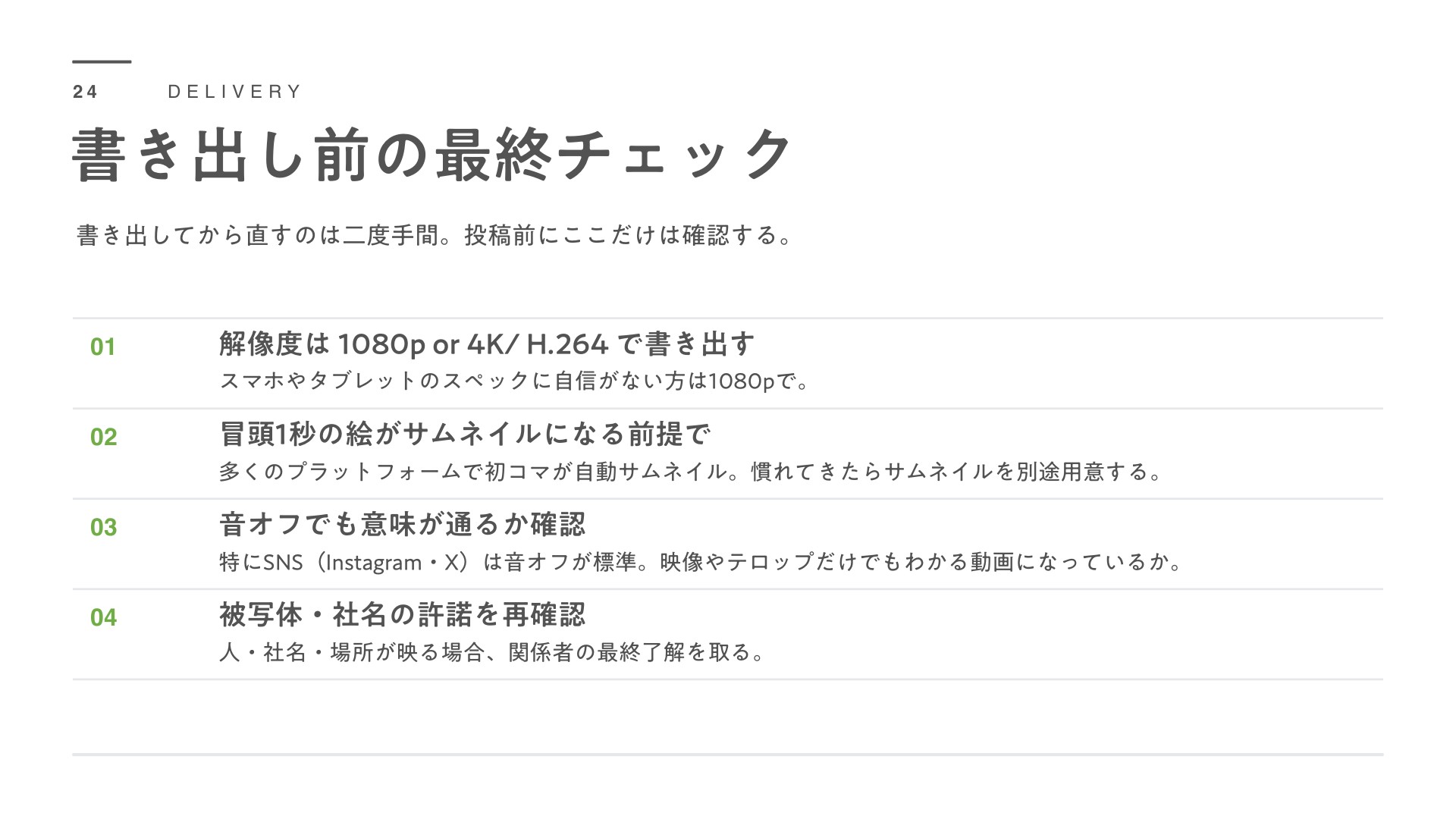
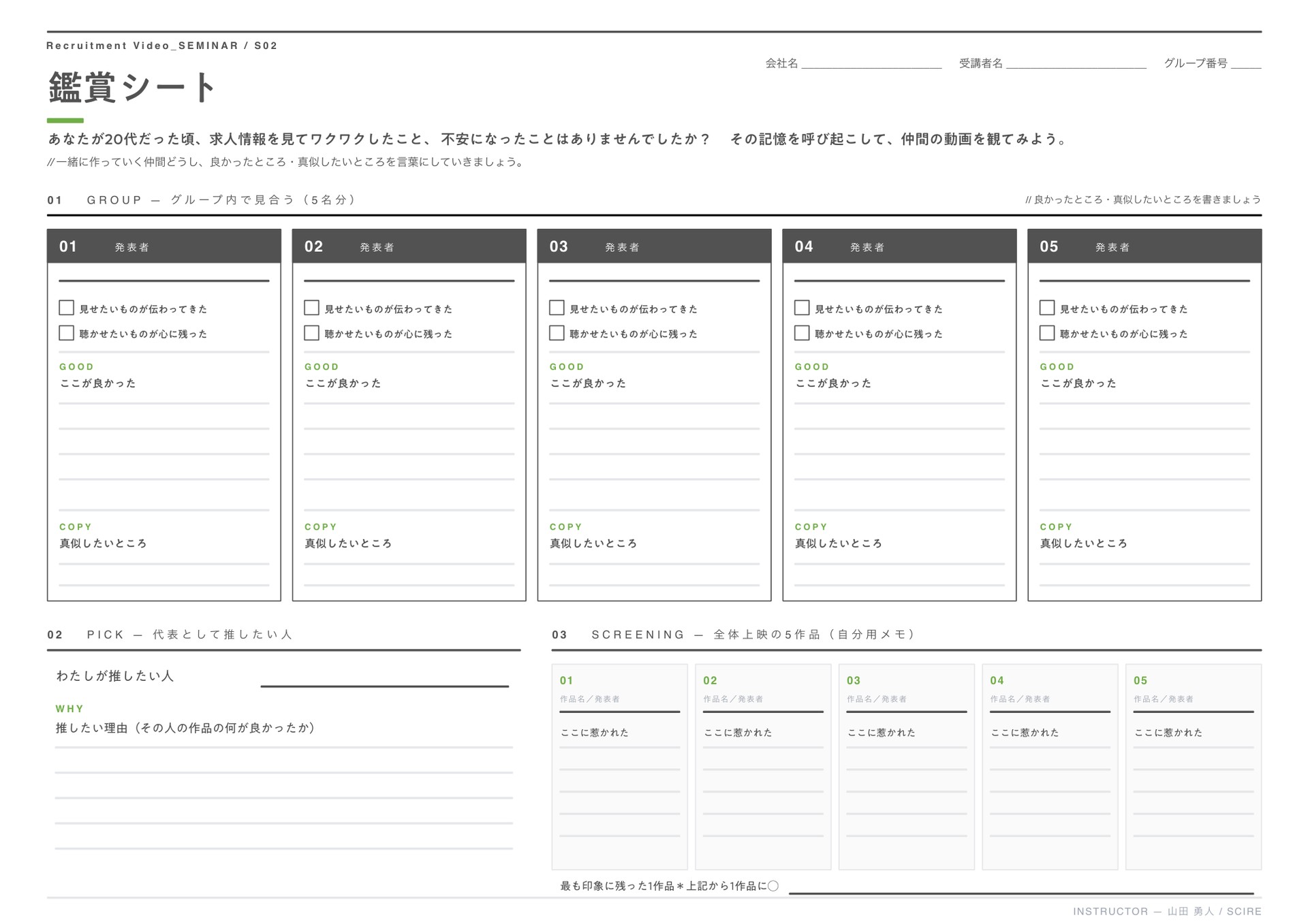
2日目は、撮ってきた素材を無料の編集アプリ「VITA」で組み立てました。読み込みから並べ替え、カット、テロップ、BGM と声のバランス、書き出しまでを順に進め、BGM の著作権や、Instagram・YouTube・求人サイトなど掲載先ごとの比率と尺の違いも確かめています。最後は5人ずつのグループで作品を見せ合い、代表作を選んで全体で上映しました。
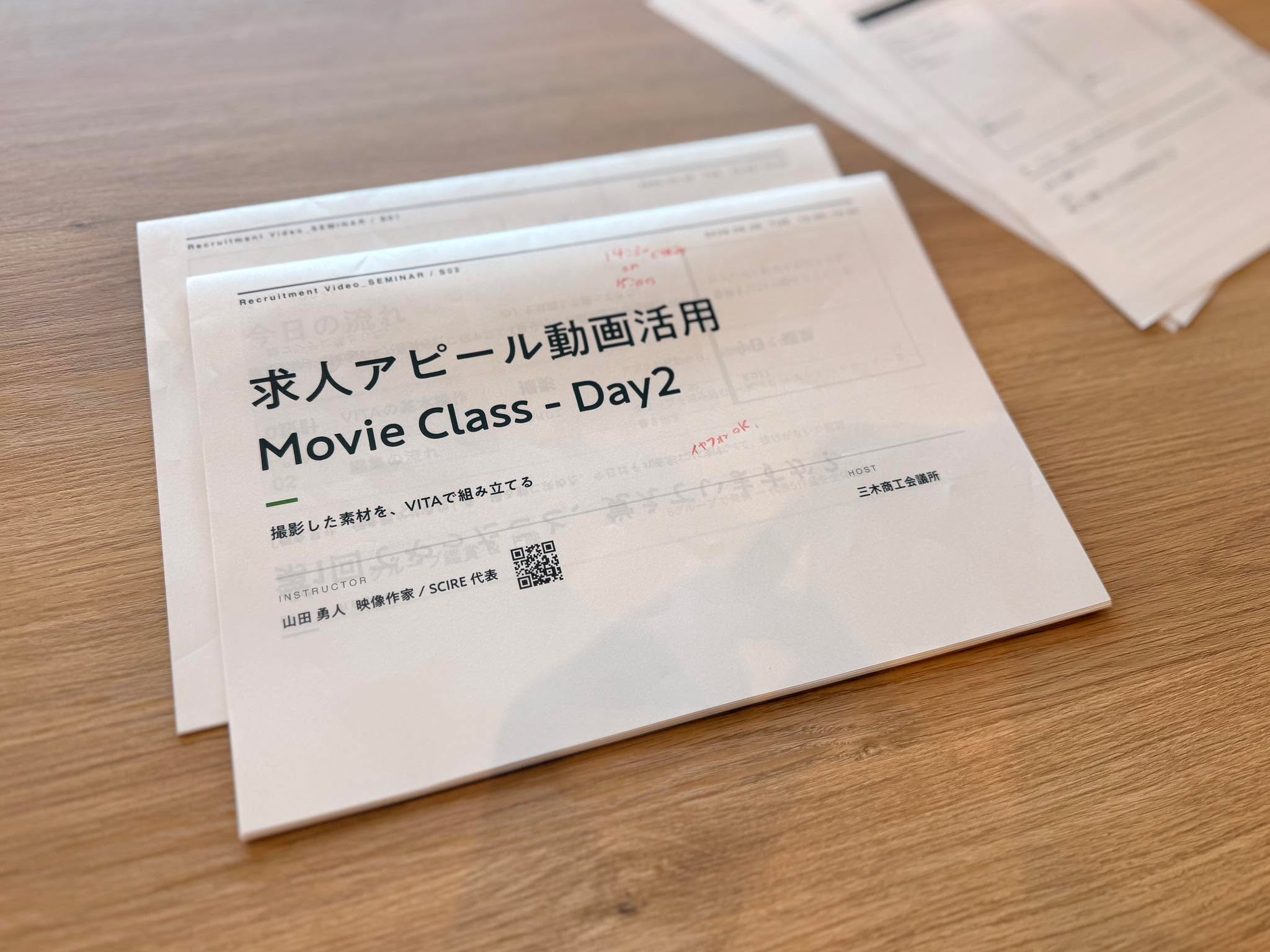
スライドは2日分で約50枚。ほかに、絵コンテシート(A3)、撮影と編集の設計チャート(A4)、鑑賞シート(A3)を配布資料としてつくりました。
On two days, May 26 and June 9, 2026, we taught “Movie Class,” a seminar hosted by the Miki Chamber of Commerce and Industry titled “Using Recruitment Appeal Videos Made with a Smartphone.” For young people looking for work, it has become normal to choose a workplace by seeing what it is like online and on social media. Pay and days off alone do not show the atmosphere of a workplace or the faces of the people who work there. The two days were about turning those things into video with a single smartphone and getting them to the people they are meant for. The course was free, including for non-members.
The theme was “Decide what to show and what to let people hear before you shoot.” Instead of shooting first and figuring it out in the edit, we set up a process of deciding three things in advance: where the video will be posted, how to handle the sound on site, and the length. These go into a storyboard before shooting begins.
Day 1 started from the idea of a video as a presentation to the people you want to hire. We covered five basics that apply to any case (light, camera shake, sound, vertical or horizontal framing, and one shot at a time) along with tips for capturing natural expressions. In the second half, each participant drew a storyboard for their own company’s video and shared it within a group. The homework was to shoot footage at their workplace following that storyboard.
On Day 2, participants assembled the footage they had shot in the free editing app VITA. We went step by step through importing, reordering, cutting, captions, balancing background music against voices, and exporting, and also checked music copyright and the differences in aspect ratio and length for each destination, such as Instagram, YouTube, and job sites. At the end, groups of five showed each other their videos, chose one to represent the group, and screened those for everyone.
The slides came to about 50 across the two days. We also made handouts: a storyboard sheet (A3), a planning chart for shooting and editing (A4), and a viewing sheet (A3).
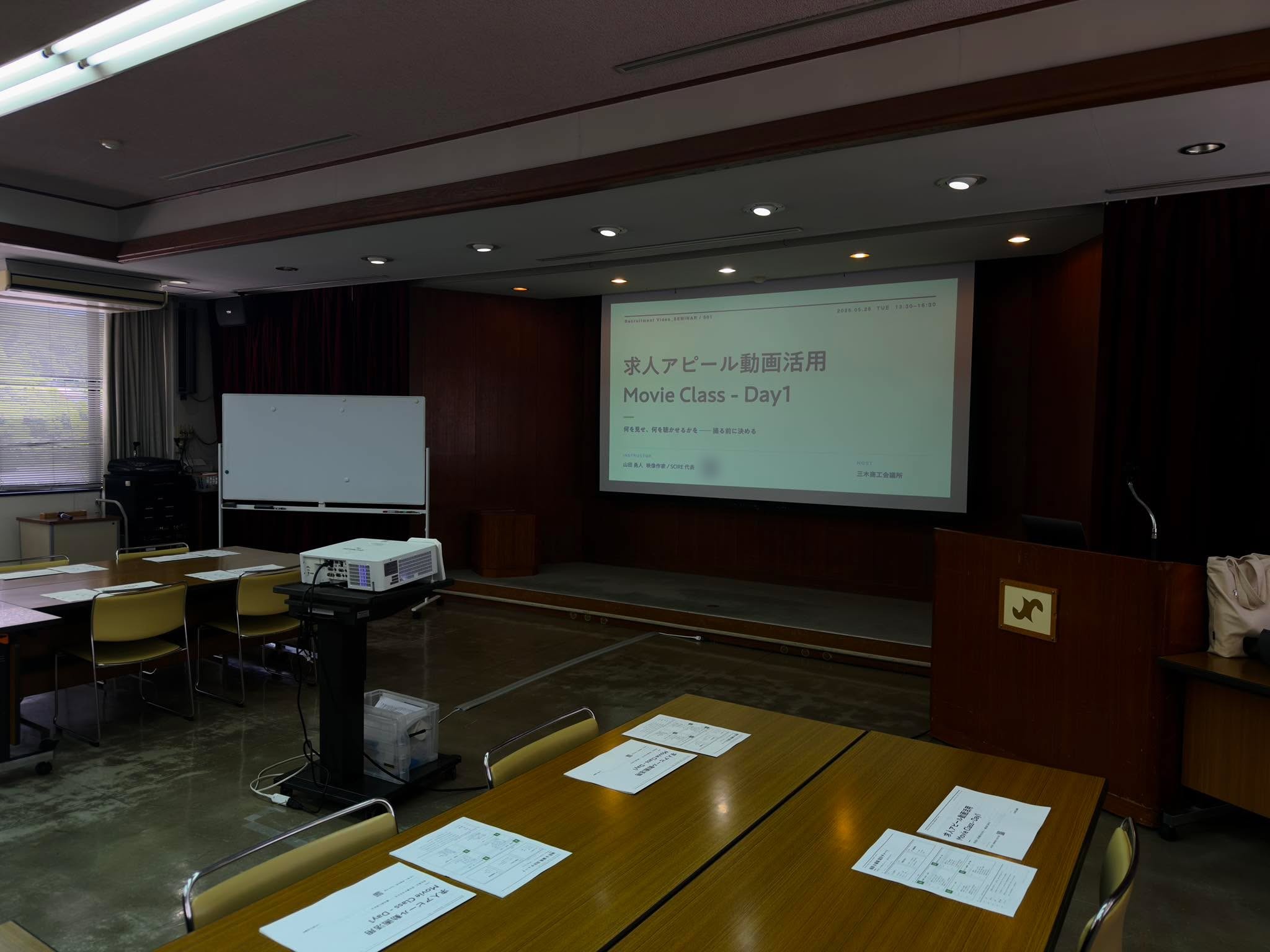
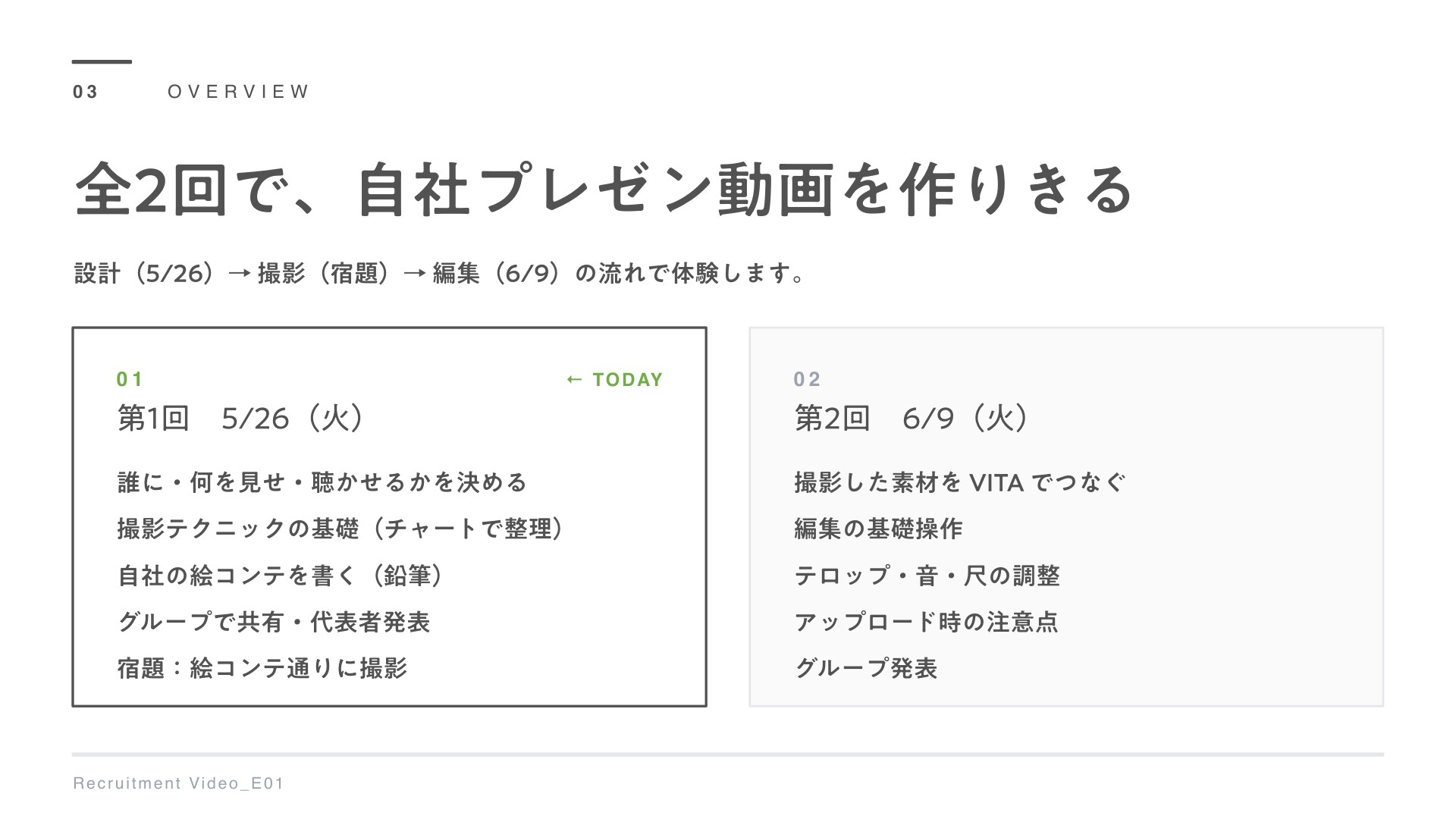
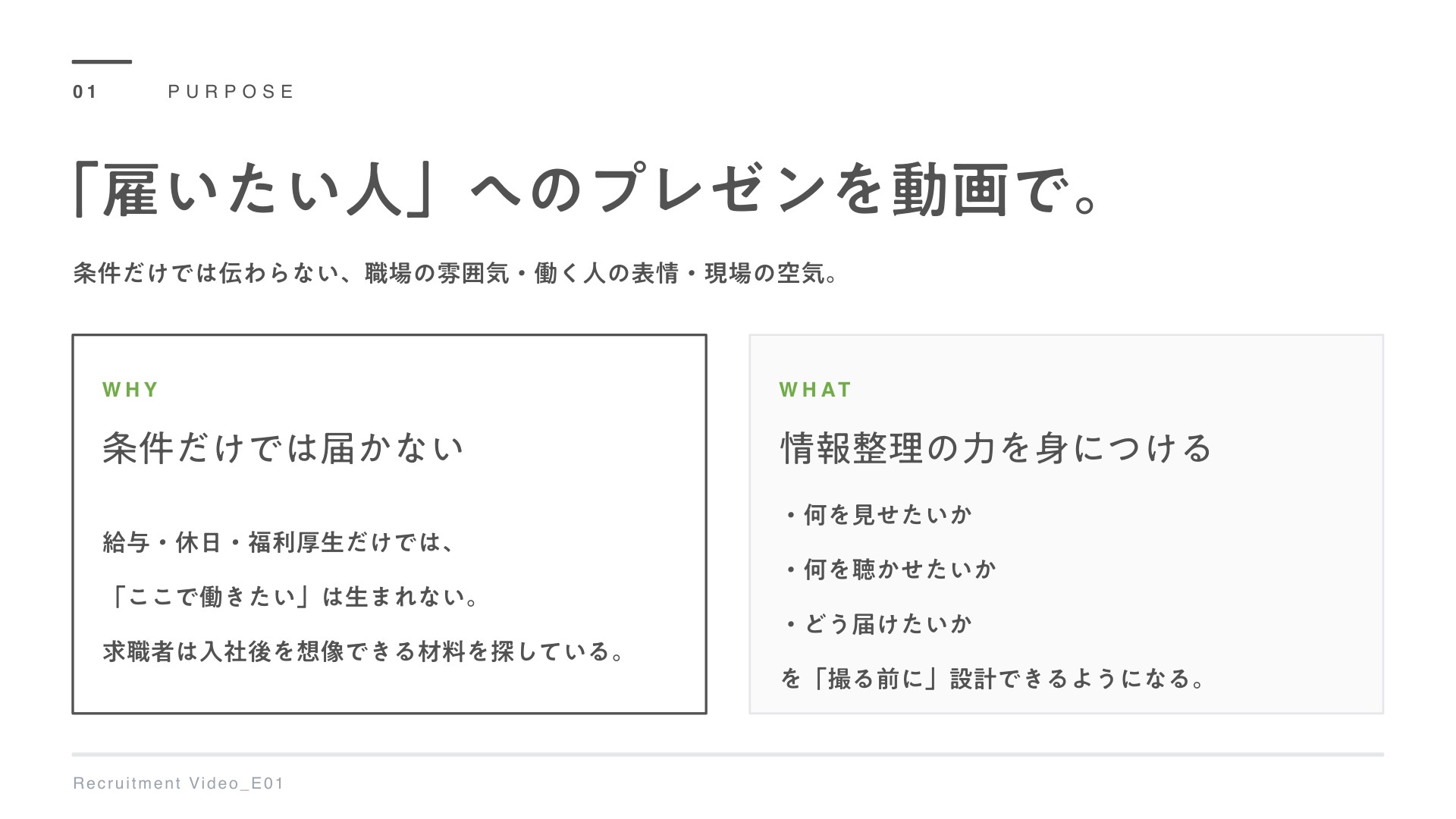
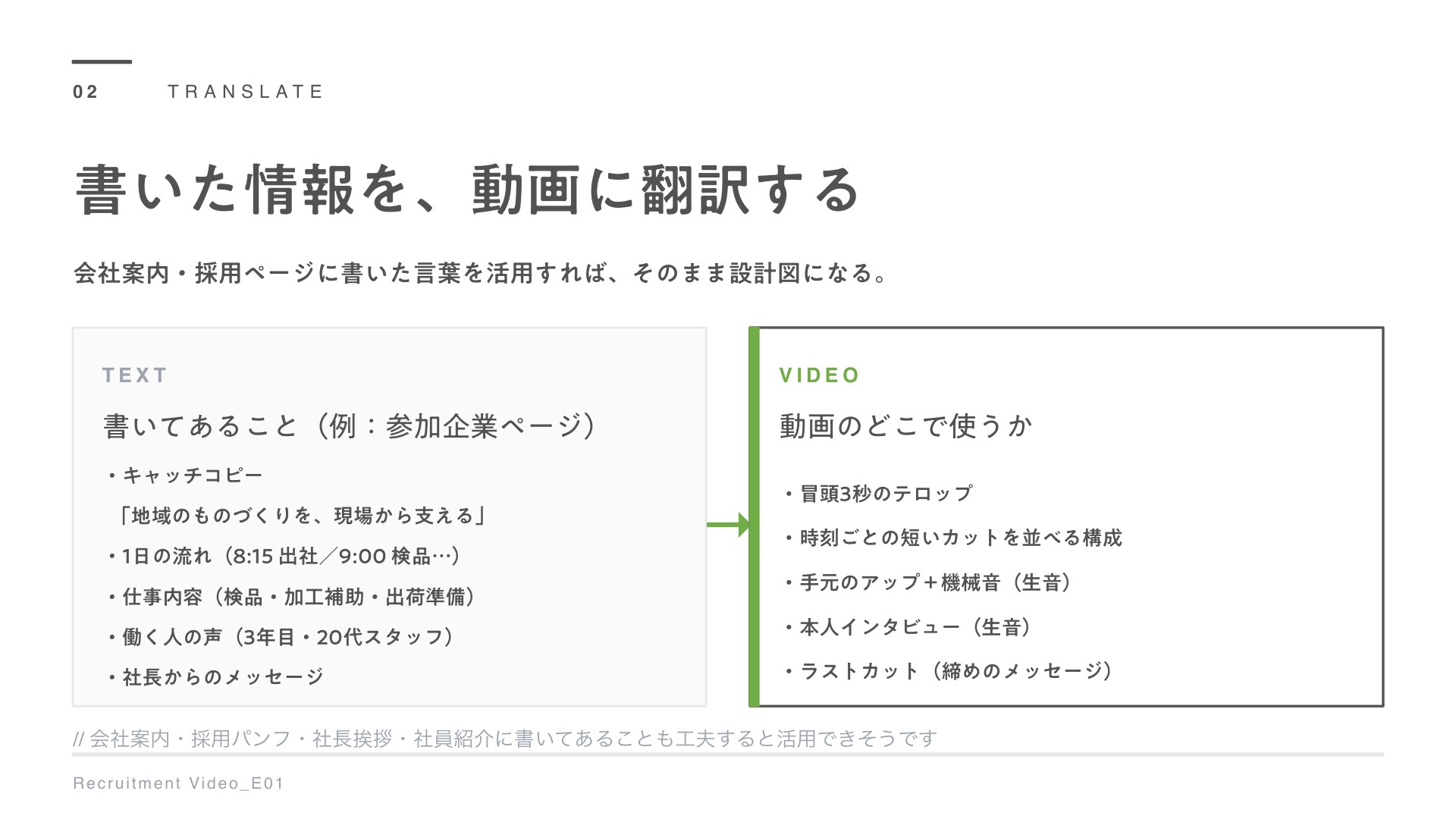
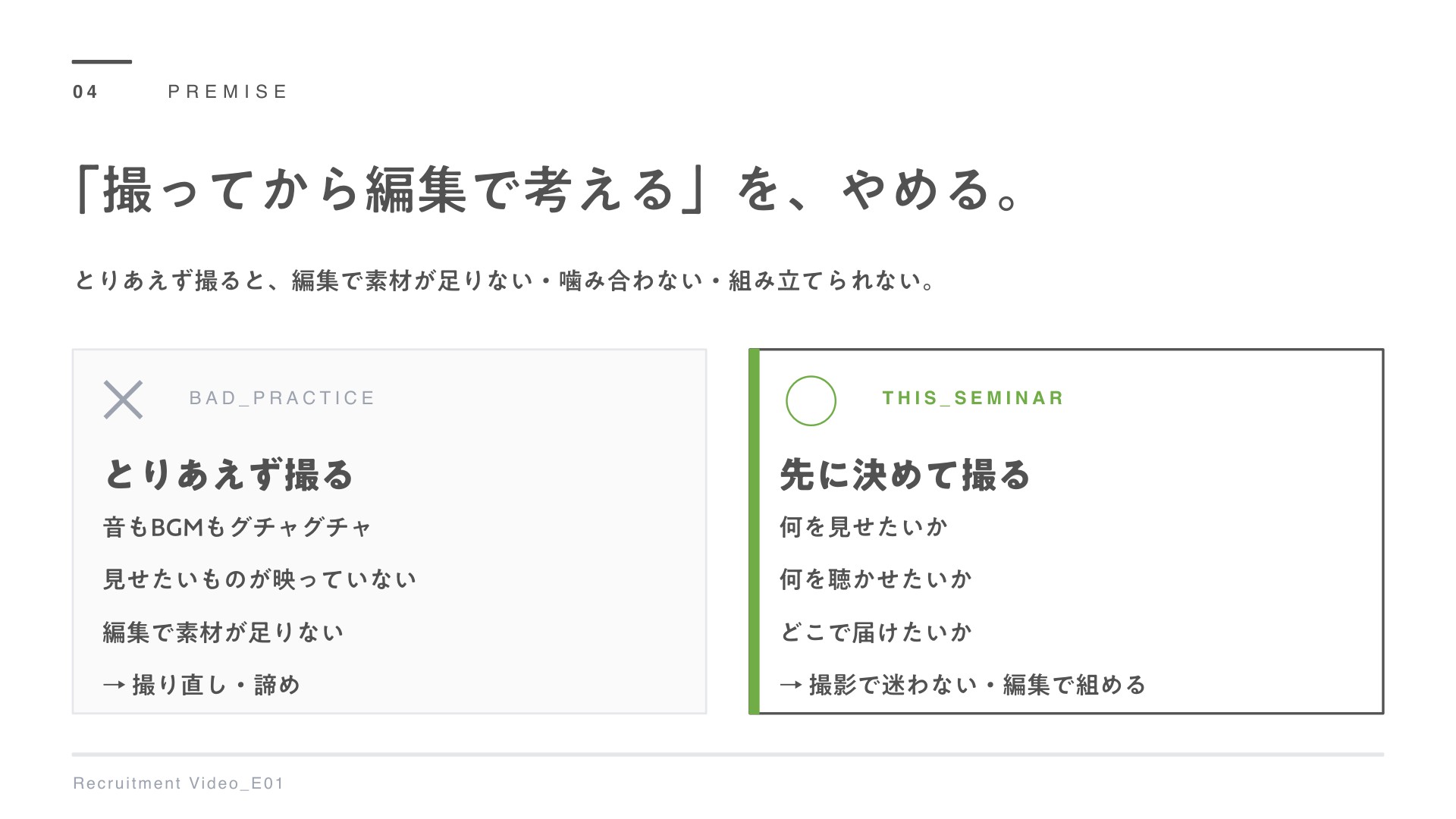
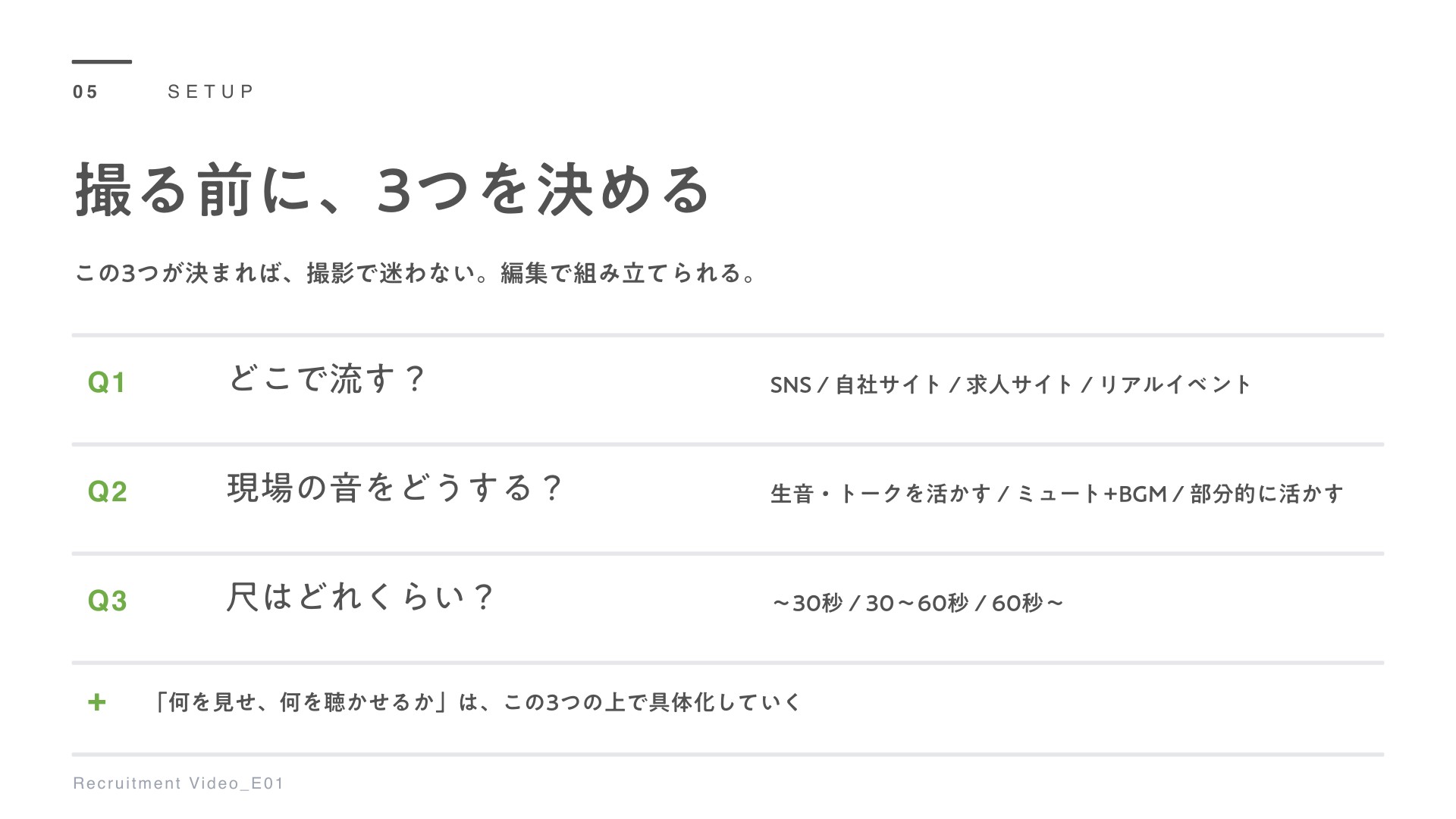
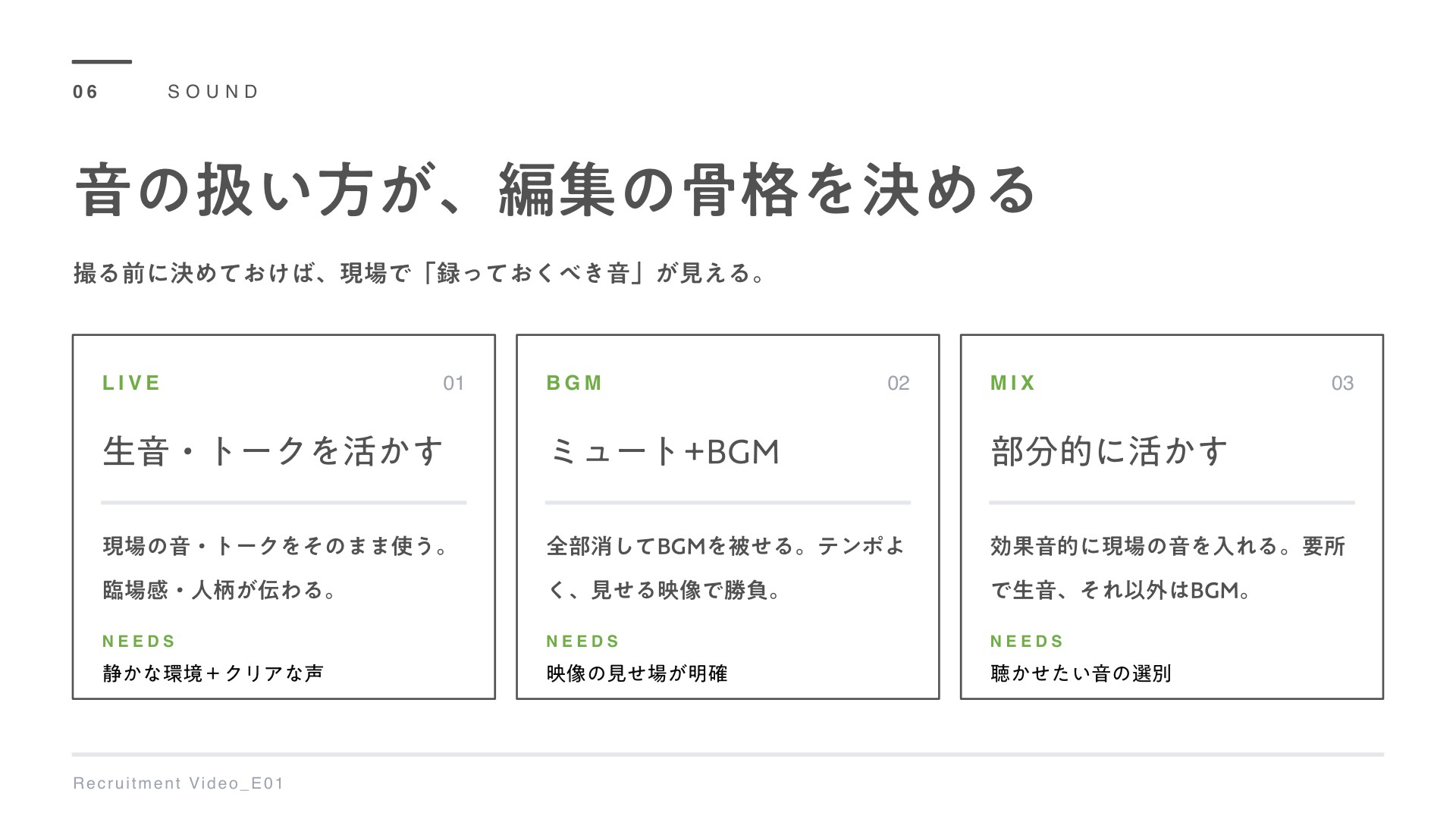
- セミナーの内容を提案
- スライドと配布資料をつくりはじめる
- 配布資料をつくる
- 13:30 Day1「撮る前に決める」、絵コンテを書く
- 13:30 Day2「VITA で組み立てる」、グループ鑑賞と全体上映
- Proposed the seminar content
- Started making the slides and handouts
- Made the handouts
- 13:30 Day 1: “Decide before you shoot,” drawing storyboards
- 13:30 Day 2: “Assemble it in VITA,” group viewing and full screening
- 三木商工会議所 会報2026年 夏・5面「会議所セミナー」Movie Class|求人アピール動画活用セミナー「求人アピール動画活用セミナー」
 三木商工会議所 | 講座「リール動画で広がる:集客の新しいカタチ」
 三木商工会議所 | 講座「動画と広告」
 三木商工会議所 | 創業塾で登壇
 三木商工会議所 | 講演
 だれでも MOVIE CLASS S1
 三木商工会議所 | 創業塾で講演
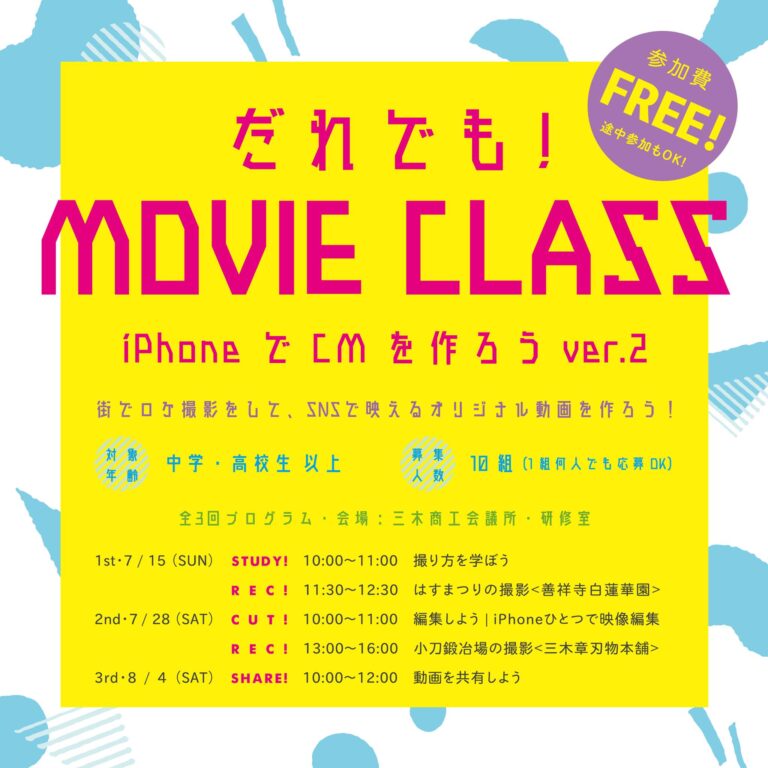 だれでも MOVIE CLASS S2
 だれでも MOVIE CLASS 事業所向け(2019)
 だれでも MOVIE CLASS S3
 Movie Class 2020 | インスタグラムで手作り動画広告を出してみよう
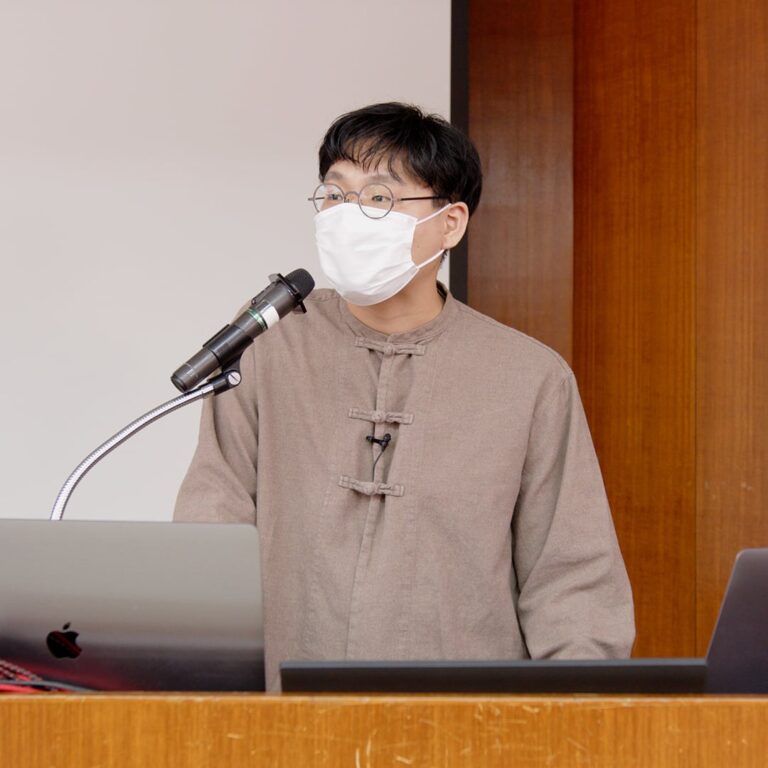 三木商工会議所 | 講演「ウィズコロナ時代のウェブ広告活用」
 三木商工会議所 | 講座「DXの扉」
 三木商工会議所 | 創業塾の交流会「創業者の集い」で講演
- 三木商工会議所 | 創業講座で「街クロッシング」を紹介
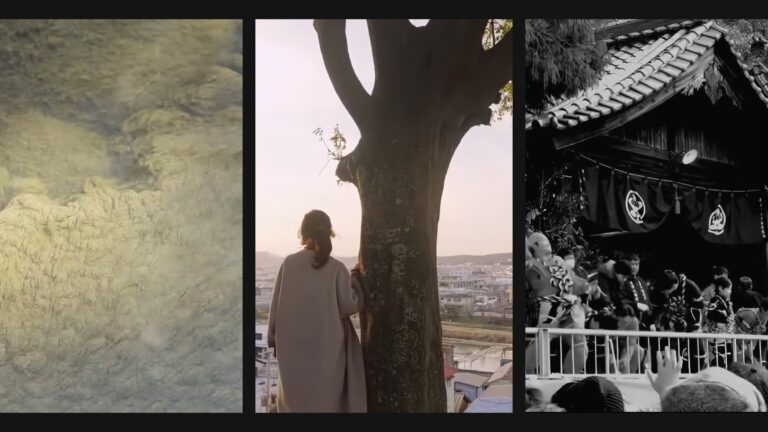 三木フィルムコミッション | リール動画
 三木商工会議所 | 三木フィルムコミッション サイト
 三木商工会議所 | ジョブトーク 公式サイト
 三木商工会議所 | ジョブトーク フライヤー・ポスター
 三木商工会議所 | ジョブトーク 告知動画
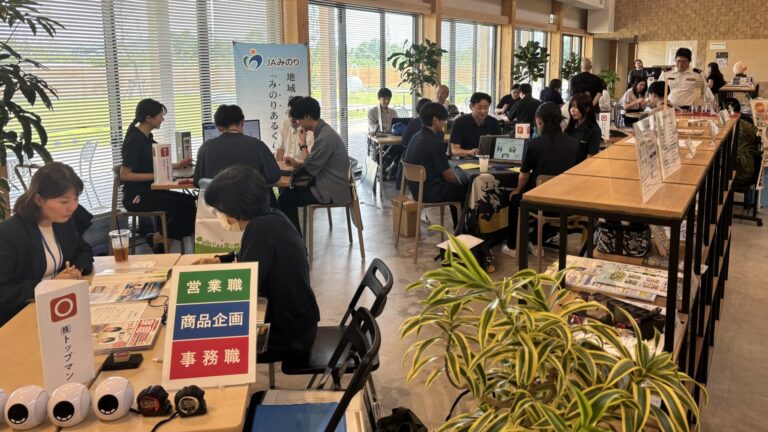 三木商工会議所 | ジョブトーク 第1回
 三木商工会議所 創業塾 | つくるひとが、まちに1人いると
 三木商工会議所 | AI作曲講座「三木商工会議所のうたを作ろう」
 三木商工会議所 | 公式サイト